New to Telerik UI for WinForms? Start a free 30-day trial
Property Builder
Updated on Aug 27, 2026
In order to populate RadDiagram with RadDiagramItems you can add RadDiagramShapes and RadDiagramConnections by using the Property Builder.
Figure 1: Smart Tag >> Open Property Builder
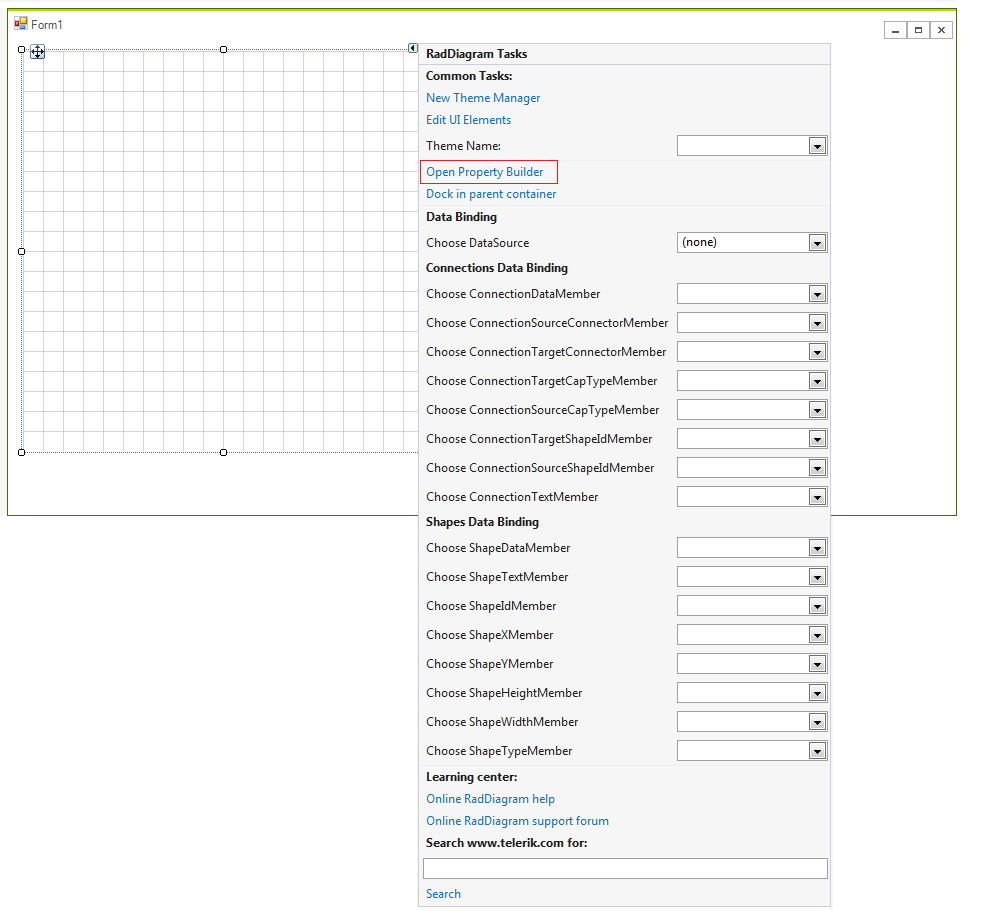
Figure 2: Property Builder
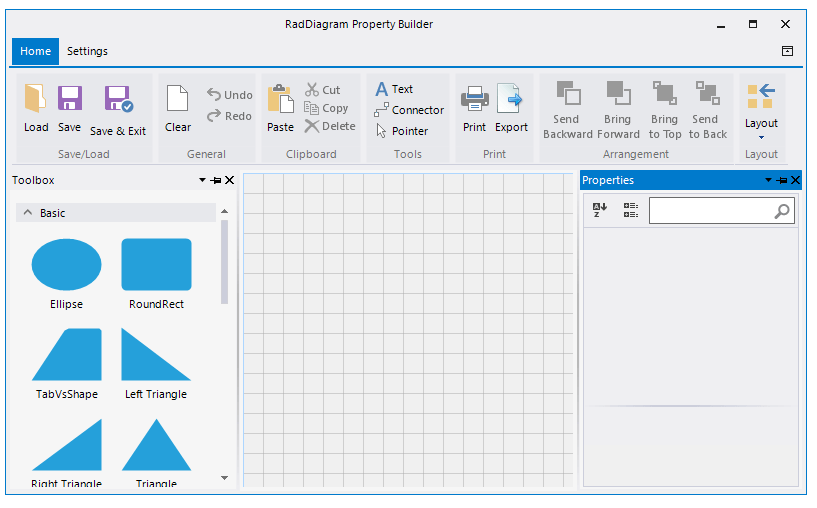
The Property Builder allows you to drag a shapes from the RadDiagramToolbox and drop it onto the RadDiagram surface. Afterwards, you can connect several shapes by using the connectors. The RadDiagramRibbonBar gives you a set of options to customize the diagram and save the changes as well.