New to Telerik UI for WinForms? Start a free 30-day trial
Toolbox
Updated on Aug 27, 2026
RadDiagramToolbox introduces a set of shapes that can be dragged to a RadDiagram. Internally, this control is a derivative of RadListView in ListViewType.IconsView which is grouped by shape types.
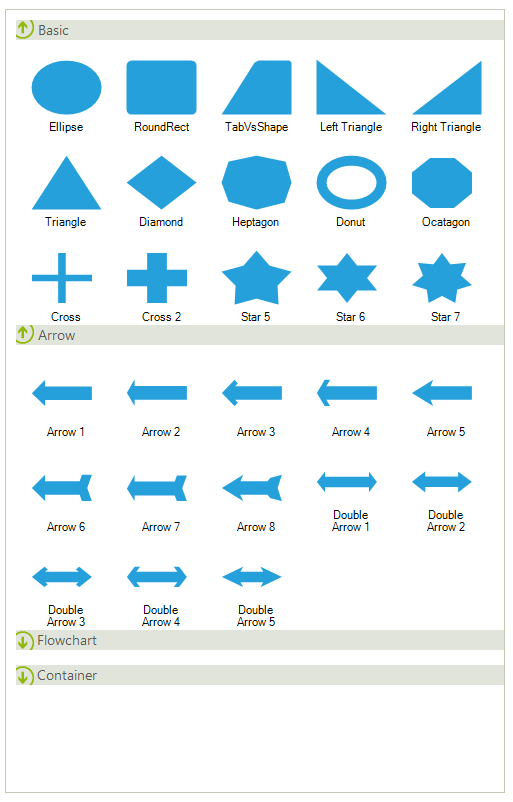
Using the RadDiagramToolbox at design time
Since RadDiagramToolbox is a separate control it is available in the toolbox. Here is how to put it in action:
-
Drag and drop RadDiagramToolbox on the form.
-
Drag and drop RadDiagram on the form.
-
Run the application. Now, you are allowed to drag any shape from the RadDiagramToolbox and drop it onto the RadDiagram.