Printing Support
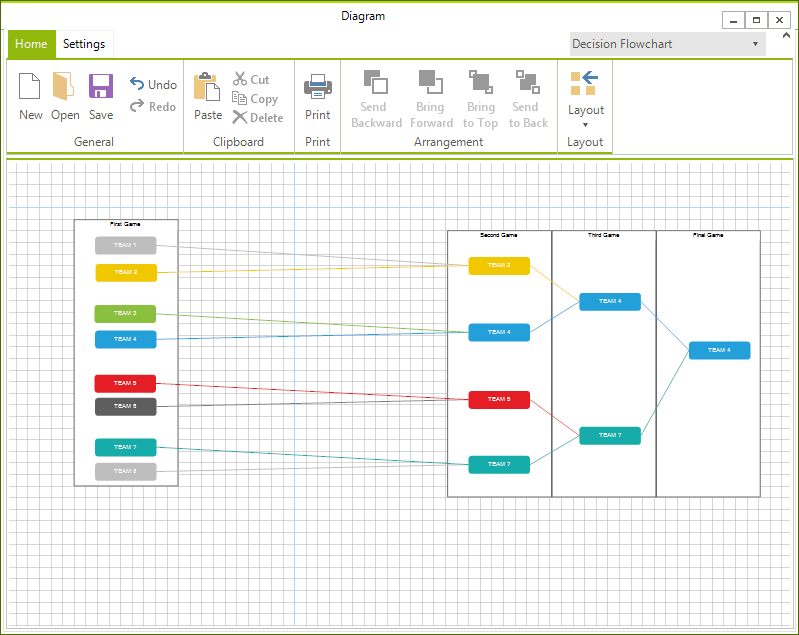
RadDiagram provides options to print its content by using a RadPrintDocument.
RadDiagram Print Support
RadDiagram has two public methods available for printing - Print() and PrintPreview(). The first method will directly send a print job to the default printer with the settings currently saved in the PrintStyle property. This method has one overload available which can show a system PrintDialog with the available printers and their options.
this.radDiagram1.Print();
this.radDiagram1.Print(true);
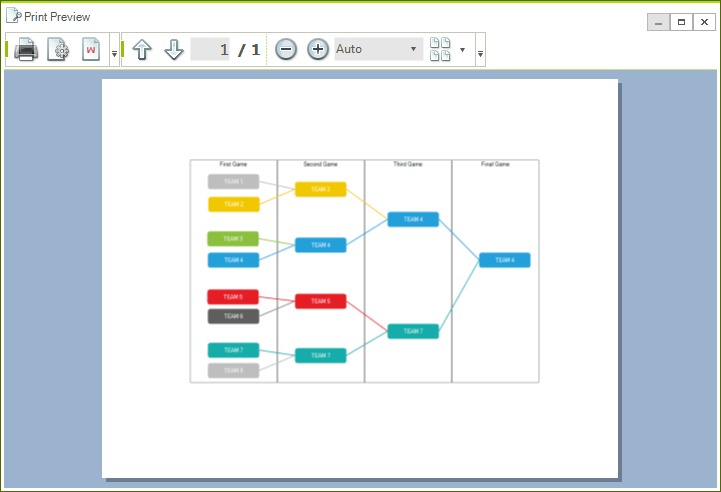
The other available method is PrintPreview(), which opens RadPrintPreviewDialog.
this.radDiagram1.PrintPreview();
Figure 1: RadDiagram PrintPreview
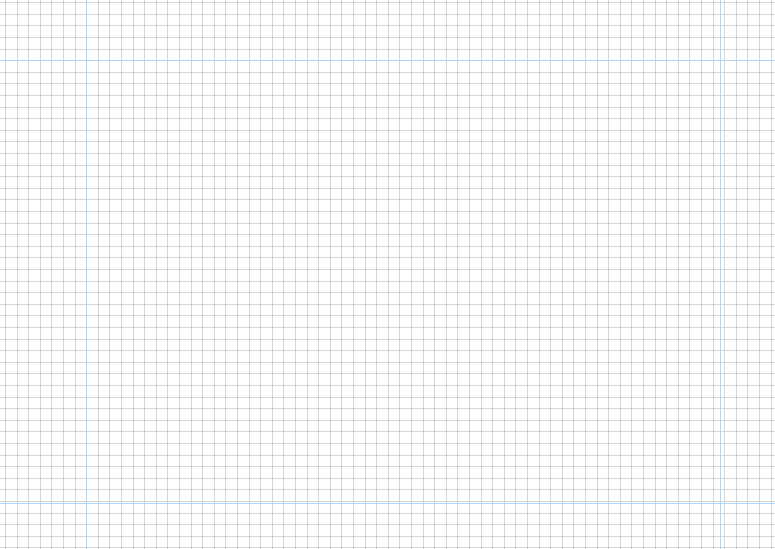
RadDiagram supports pages preview canvas. The default look and size of the page preview canvas is demonstrated in the next snapshot:
Figure 2: The PagesPreview canvas in a zoomed RadDiagram
In order to modify it, you can change some or all of the following properties:
-
LineStroke - this property is of type Brush and it specifies how the PagesPreview canvas outline is painted.
-
LineStrokeDashArray - this property gets or sets a collection of Double values that indicate the pattern of dashes and gaps that is used to outline the DiagramElement.BackgroundPageGrid.
-
LineStrokeThickness - this property is of type double and it gets or sets the thickness of the DiagramElement.BackgroundPageGrid.
-
PageSize - controls the size of the DiagramElement.BackgroundPageGrid.
By default, the PageSize property is set to Size(1092, 763) . Note that the default printer may have different page size applied.
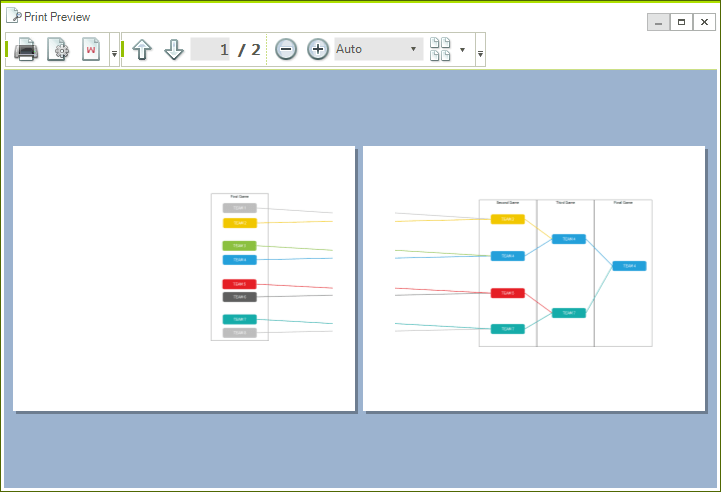
If you place shapes on different pages, these pages will be printed as well: