Creating and Using Report Templates in Web Report Designer
| Minimum Version: | Q4 2025 |
|---|
A report template is a reusable design that defines the layout, styling, and data structure of a report. It allows report designers to create consistent and professional-looking reports without starting from scratch each time.
Key Benefits
Whether you are building dashboards, invoices, or summaries, report templates help you start with a solid foundation—saving time and ensuring visual and structural consistency across your reporting projects. Using templates offers:
-
Increased Productivity—Templates offer a ready-made layout and structure, so you can focus on your data instead of design.
-
Ensure Consistency—Maintain a uniform look and feel across multiple reports - especially useful for teams or organizations.
-
Simplify Design for Non-Designers—Even if you're not familiar with styling or layout best practices, templates give you a polished starting point.
-
Customize and Reuse—Easily adapt templates to fit different projects or departments, and reuse them to stay efficient.
-
Support Branding—Include your company’s logo, colors, and fonts to ensure every report aligns with your brand identity.
Working with Report Templates
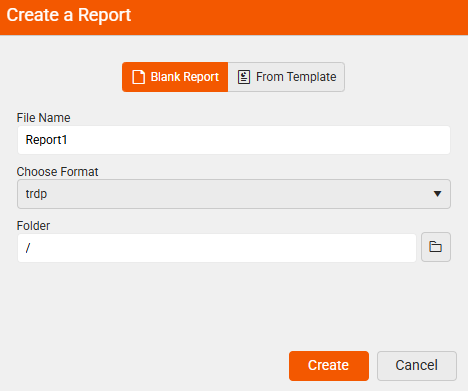
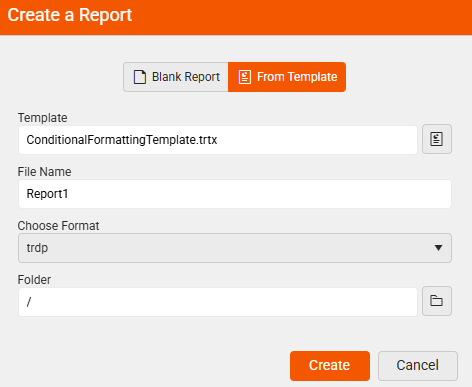
When creating a new report by clicking the New Report option in the main menu, you are with presented two options:
- Beginning from scratch with a Blank Report—Gives you an empty report.
- Starting From Template (.trtx file)—Gives you a ready-made layout and structure to build on, making the report creation faster and more consistent.
| Create a Blank Report | Create From a Template |
|---|---|
 |  |
Creating Report Templates
-
Create a blank report by selecting the Blank Report option.
-
Design the report in the Web Report Designer according to your needs.
-
Save the report as a template—This allows you or your team to reuse it for future reports.
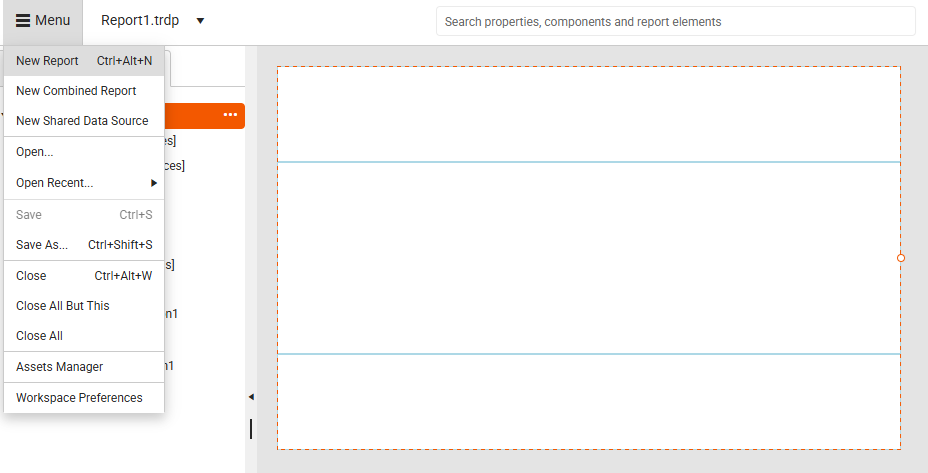
When you wish to save the currently opened report, select the
Save As...option from the Menu: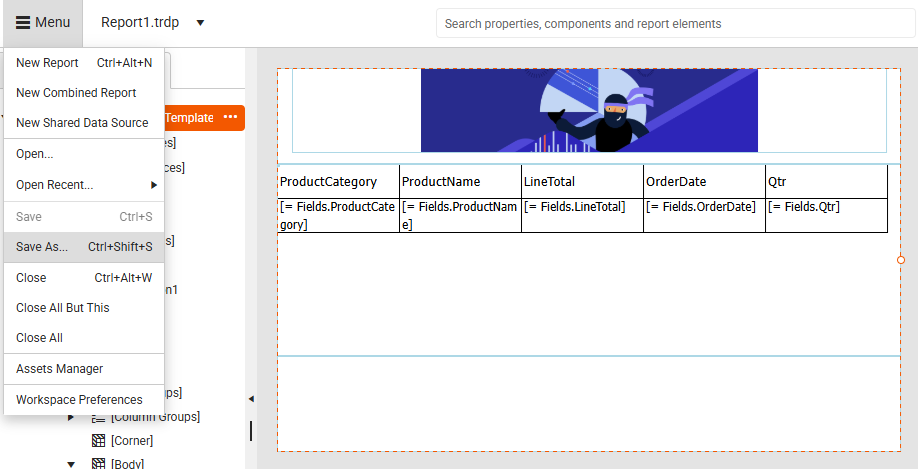
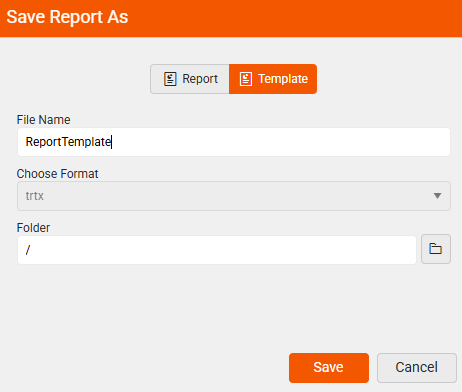
The end-user is presented with the option to save the report either as a
Report(.trdp or .trdx file format), or as aTemplate(.trtx file format).Select the Template option:
Save As Report Save As Template 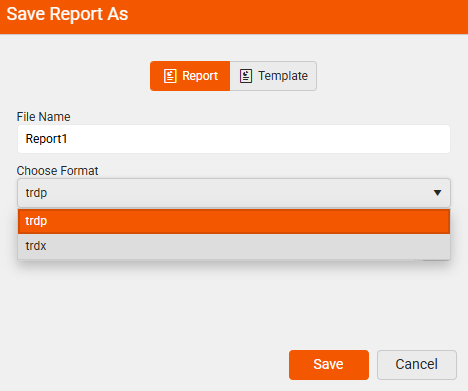
Using Report Templates
To start creating your report by using a predefined report template with a ready-to-use design, use the report template option.
-
Select the New Report option from the Menu:
-
Create a report from an existing template by selecting the From Template option.
-
Navigate to the existing template (
.trtx) file—When creating a new report, you can choose a template from the available list. The designer loads the layout and styles, and you can then customize the content and data bindings.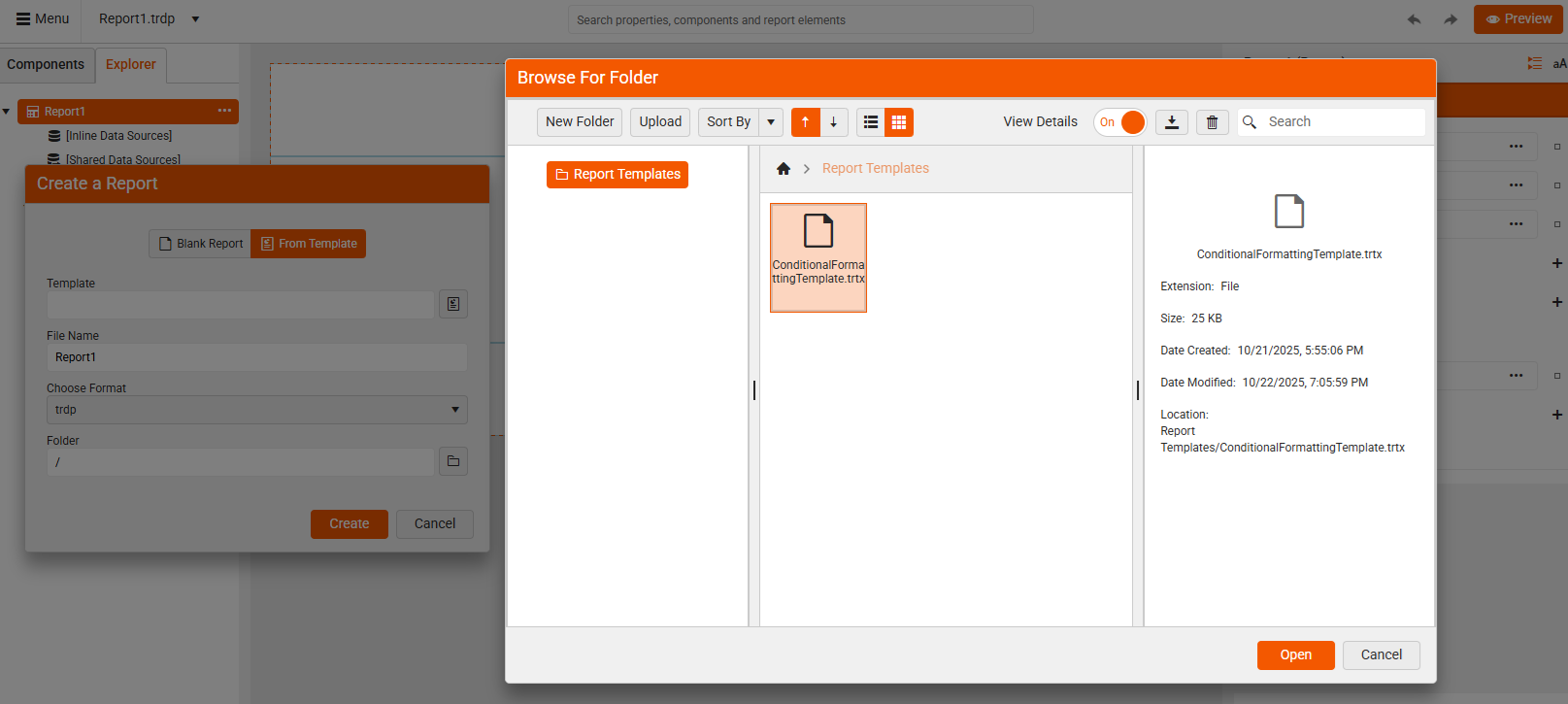
-
Enter a file name and select the format for your new report:
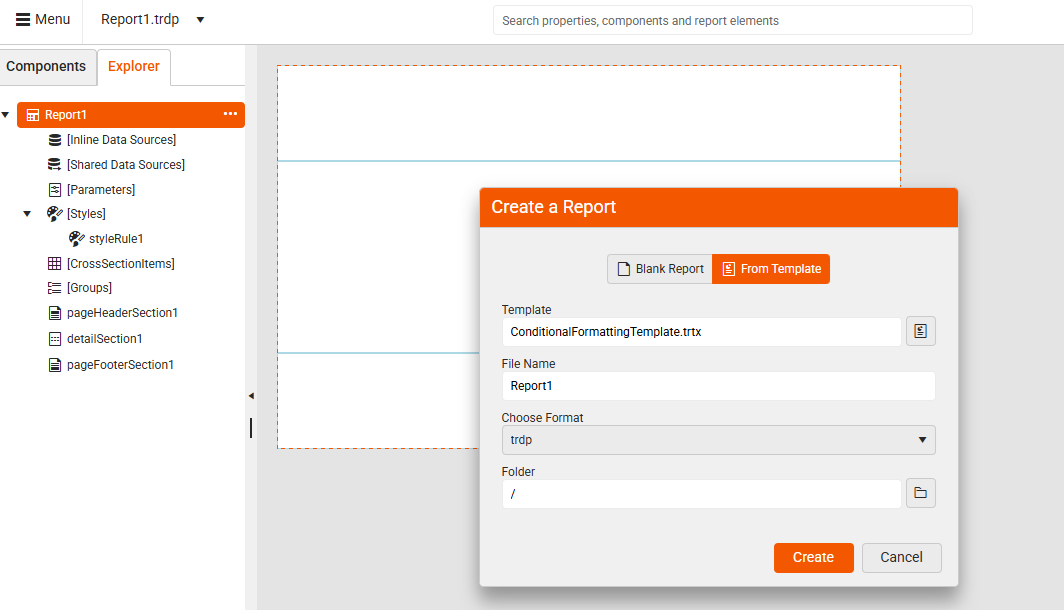
Now, you are ready to continue crafting your report loaded from a template.
Some users might not see the Report Templates options if they don't have such permissions (configured by the app developer).