New to Telerik Reporting? Start a free 30-day trial
How to Edit a Report Template
Updated on Mar 23, 2026
| Minimum Version: | Q4 2025 |
|---|
To edit an existing Report Template (.trtx file), follow the steps:
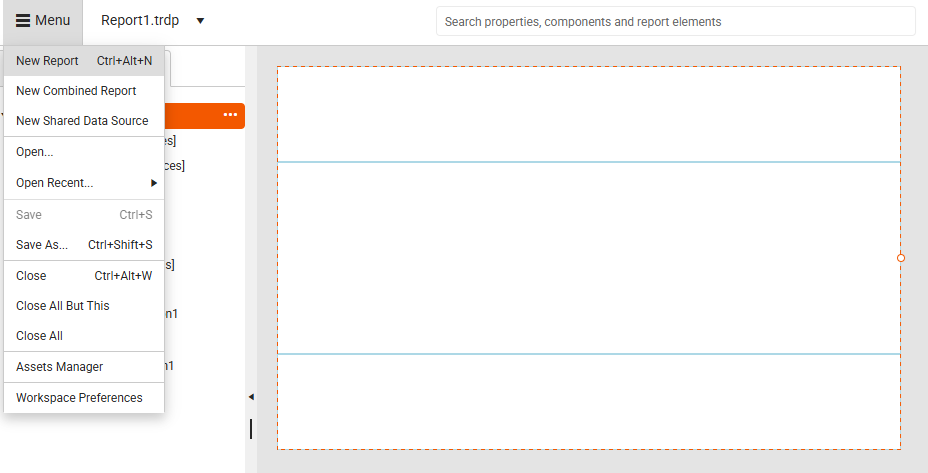
- Select the
New Reportoption from the Menu:
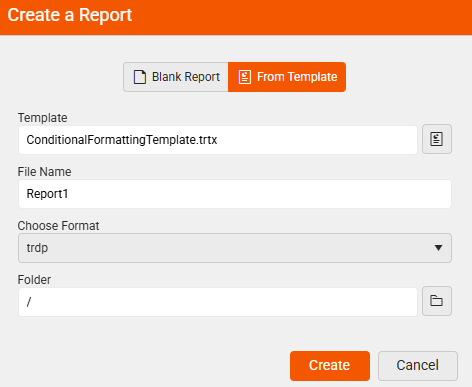
- Create a Report From Template:
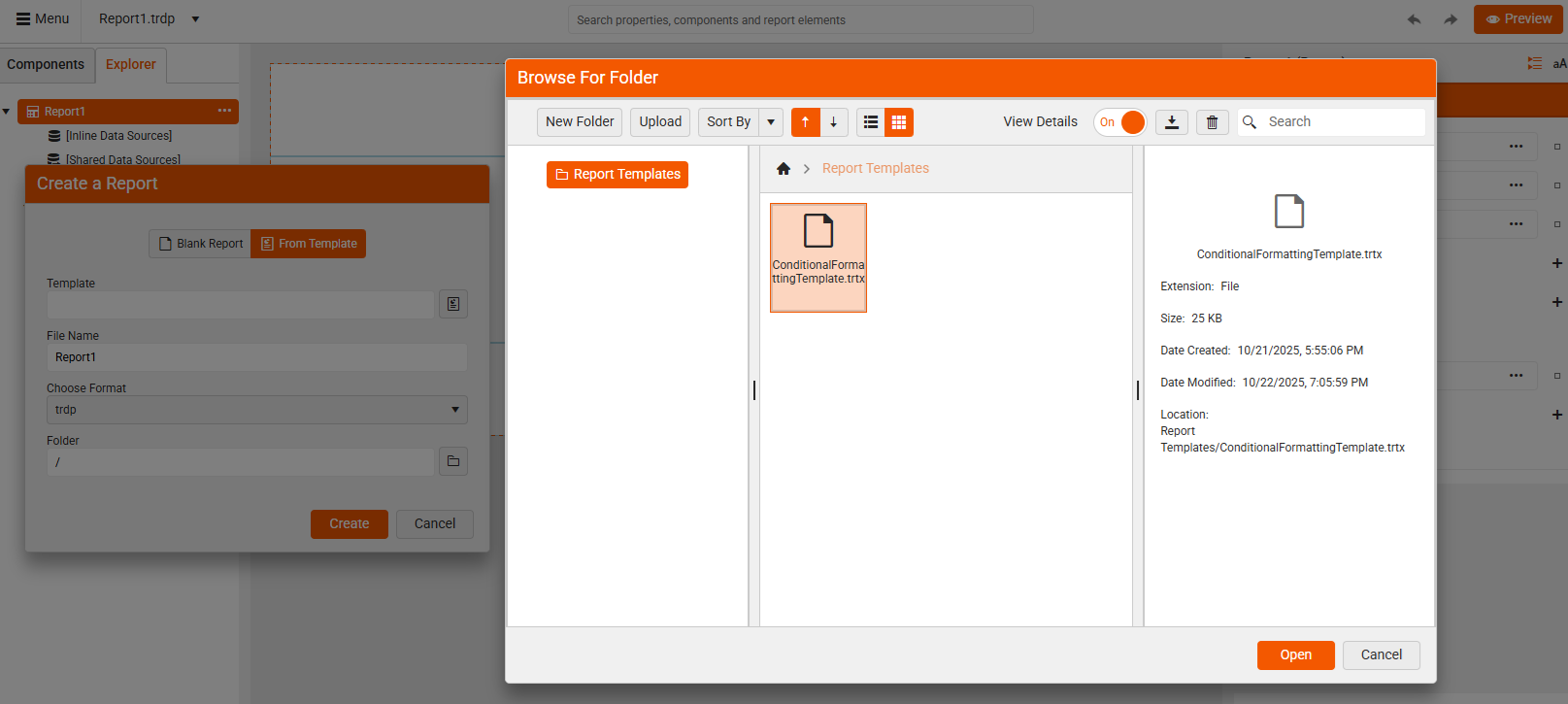
- Select the Report Template (.trtx file) you want to edit:
-
Make the desired changes to the loaded predefined report
-
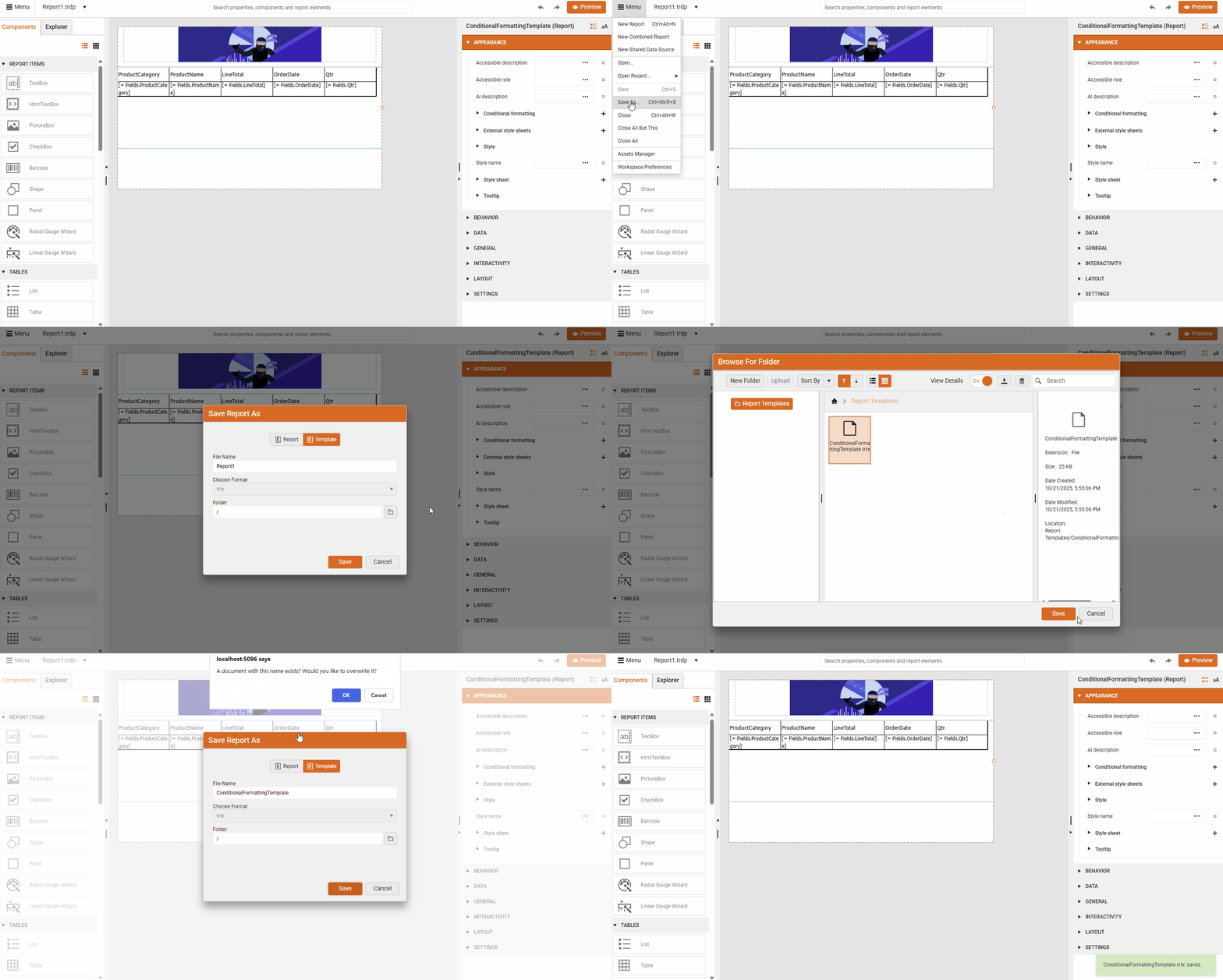
Save as a Template overwriting the previously selected .trtx file: