New to Telerik UI for .NET MAUI? Start a free 30-day trial

Installation Methods
Updated on Sep 28, 2026
Telerik UI for .NET MAUI offers several installation methods, and the choice depends on your personal preferences and development environment.
Trial
Free 30-Day Trial
Start a free trial using the MAUI installer. Includes free technical support for the duration of your trial.
NuGet
Recommended
The most common installation approach. Simplifies dependency management and allows for easy updates via the online NuGet and Telerik NuGet feeds or a local repository with local packages.
Automated Installers
MSI & PKG
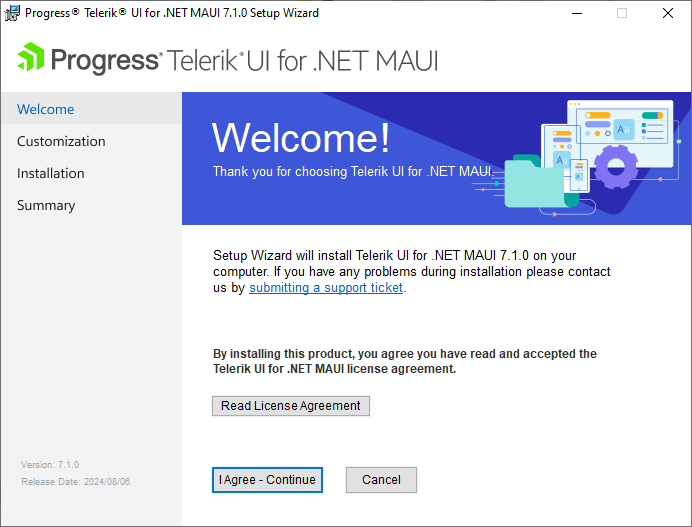
MSI and PKG installers for Windows and Mac that simplify setup and include complete examples and Visual Studio extensions.
Control Panel
Windows
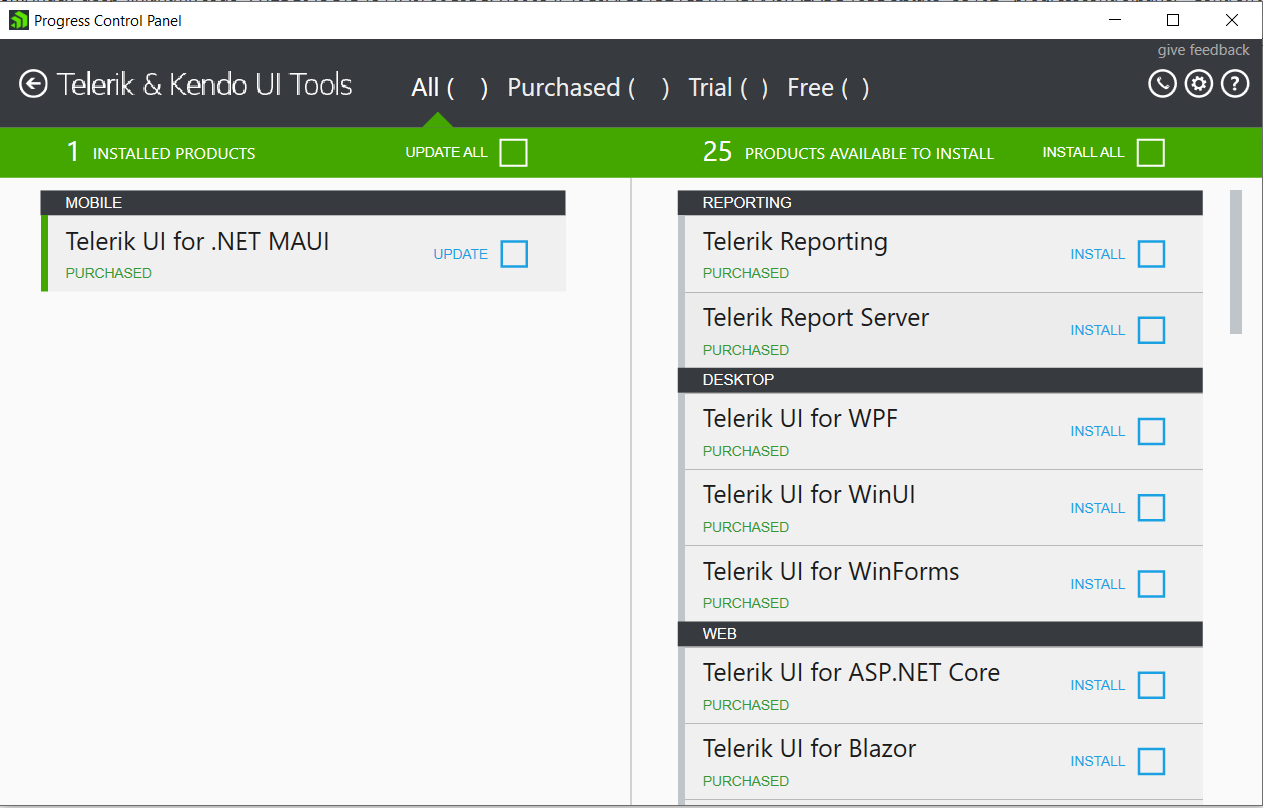
A standalone Windows application for installing and upgrading multiple Telerik products through a single tool.
ZIP Archive
Manual Setup
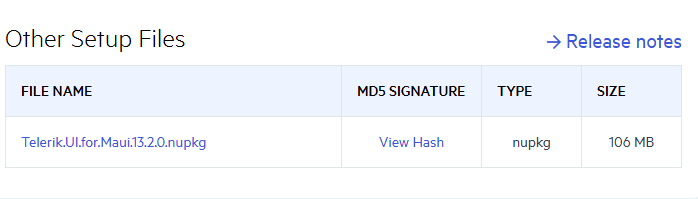
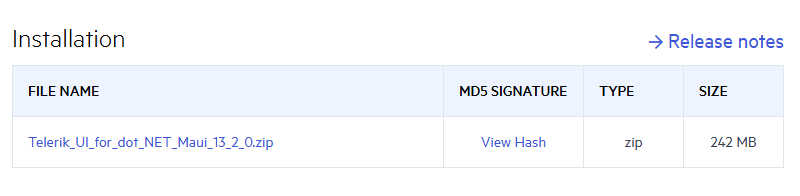
Convenient if you want to maintain your own repository of Telerik UI for .NET MAUI versions. Contains everything available in the automated installers.
Assembly References
Manual Setup
Reference the Telerik UI for .NET MAUI assemblies manually in your solution. Not recommended due to complexity but available as an alternative.