Kendo UI for jQuery TreeView Overview
Updated on Sep 8, 2026
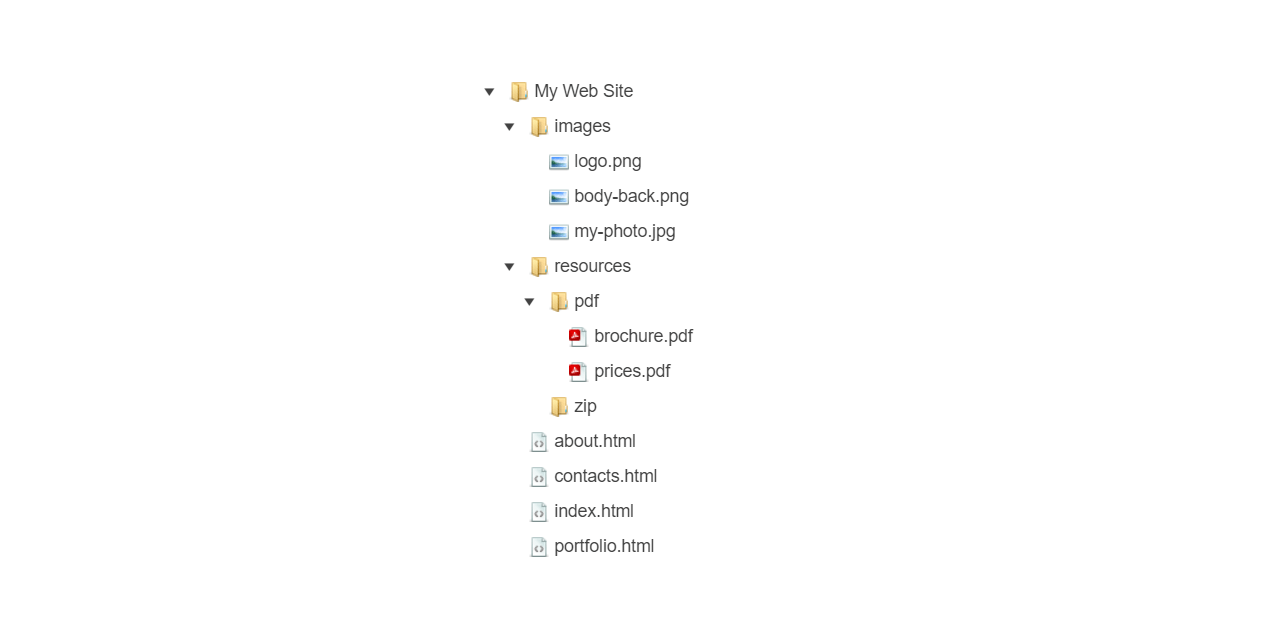
The Kendo UI TreeView displays hierarchical data in a traditional tree structure.
 Start Free Trial
You can initialize the TreeView from HTML or bind it to local or remote data. It also supports interaction through mouse, touch, and keyboard input.
Functionality and Features
- Data binding–The TreeView enables you to bind its HierarchicalDataSource either to local data arrays or to remote data.
- Dragging and dropping–The TreeView enables users to move nodes within one instance or between multiple TreeView components by using drag and drop.
- Items–The TreeView supports a set of configuration options for setting the specific fields of its items and their usage.
- Appearance–The TreeView provides styling options for adjusting its size and rendering.
- Accessibility–The TreeView supports keyboard navigation and follows WAI-ARIA, Section 508, and WCAG accessibility guidelines.
Next Steps
- Getting Started with the Kendo UI TreeView for jQuery
- Basic Usage of the TreeView (Demo)
- JavaScript API Reference of the TreeView