Kendo UI for Vue
What's New August 2026
What's New HistoryView and Interact with PDFs with the New Kendo UI for Vue PDF Viewer
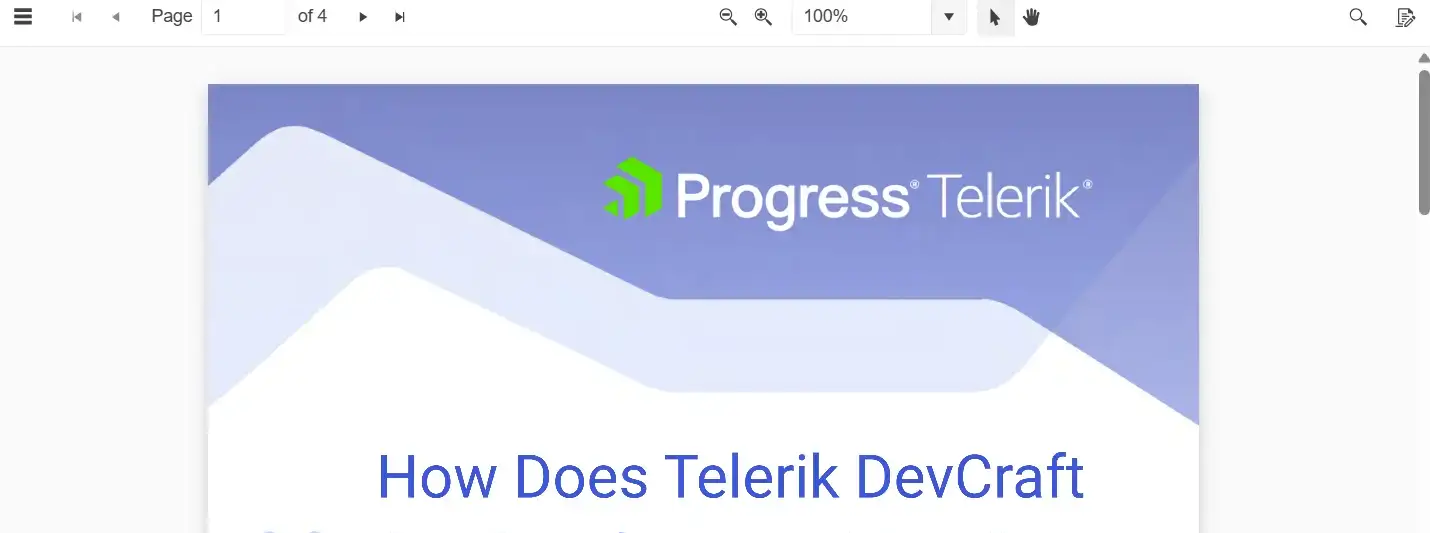
The new Kendo UI for Vue PDF Viewer enables users to open and interact with PDF files directly in the browser without third-party tools or extensions. It includes built-in paging, zooming, printing, text selection and search, along with options to upload local PDF files or download the currently open document. Developers can customize the toolbar and rendering while built-in globalization, RTL support, keyboard navigation and accessibility help deliver a flexible document viewing experience.
See the Kendo UI for Vue PDF Viewer demo
Simplify Verification Flows with the New Kendo UI for Vue OTPInput
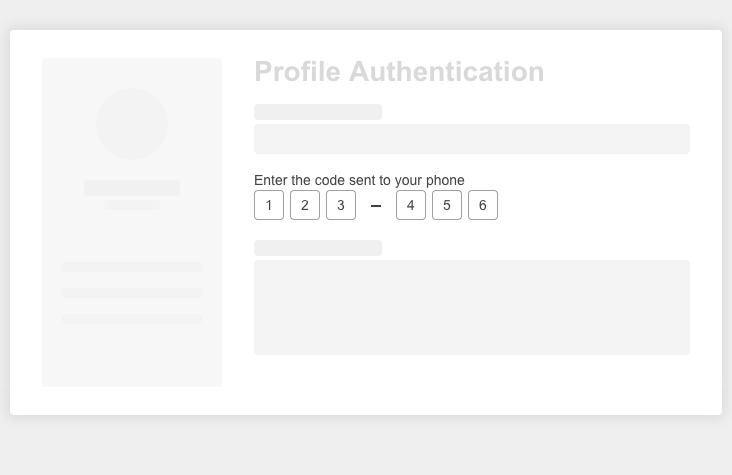
The new Kendo UI for Vue OTPInput provides a purpose-built interface for entering one-time passwords in multi-factor authentication and verification flows. It supports text, password and number input types, configurable separators and integration with Kendo UI for Vue Form for validation and error handling. Built-in keyboard navigation with paste handling, controlled mode and customizable appearance help developers create consistent OTP entry experiences across Vue applications.
See the Kendo UI for Vue OTPInput demo
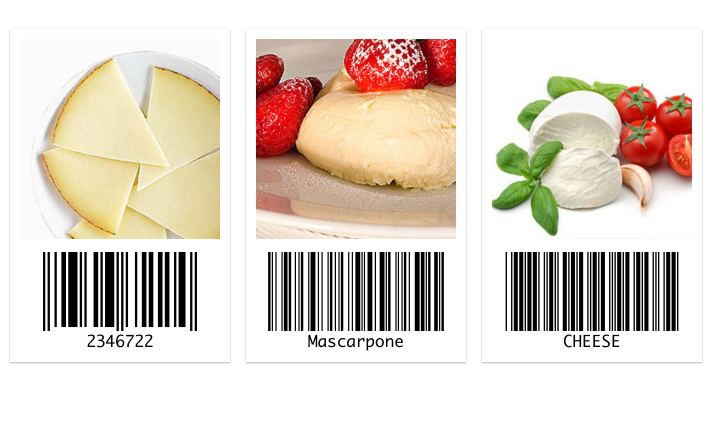
New Kendo UI for Vue Barcode Components
Kendo UI for Vue expands its native component suite with Barcode and QR Code components for generating scannable codes directly in Vue applications. Developers can use them to represent data in standard barcode and QR Code formats, with configuration options for adapting their appearance to different application requirements. The new native components make it easier to add barcode-based workflows without relying on the legacy Vue Wrapper components.
See the Kendo UI for Vue Barcode components demo