
Kendo UI for Vue
What's New 2026 Q2
What's New HistoryArchived release. This page is no longer updated. Check the Latest Release
What's New 2026 Q2
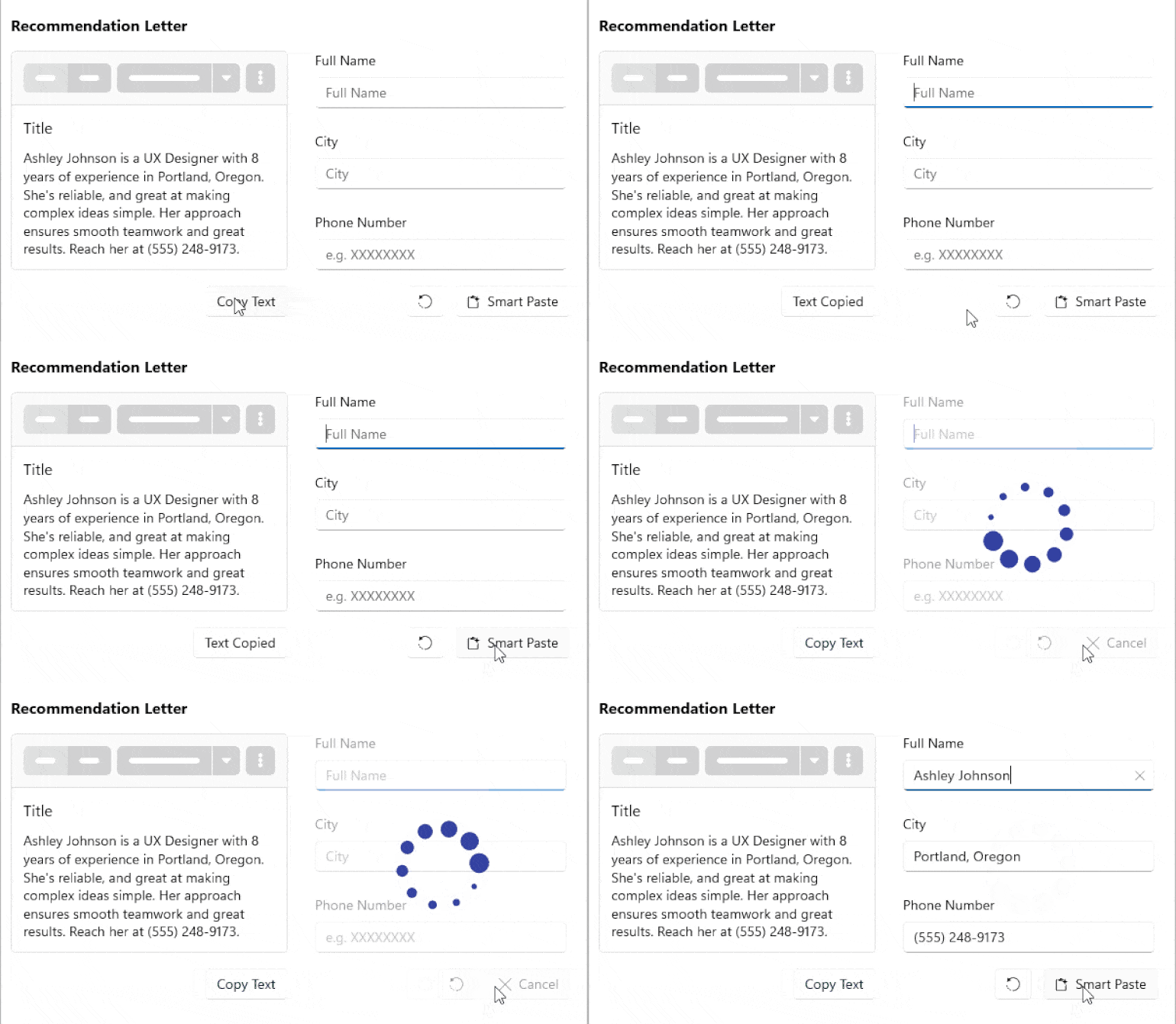
Streamline Data Entry with the Kendo UI for Vue Smart Paste Button
The Kendo UI for Vue introduces a SmartPasteButton – an AI-powered component that automatically fills input fields using content from the clipboard. Instead of manually copying and pasting values into multiple inputs, users can paste unstructured text such as emails, documents, or notes, and let the component extract and map the relevant data to the correct fields.
See the Kendo UI for Vue Smart PasteButton demo
Kendo UI for Vue Segmented Control: Simplify Options Switching
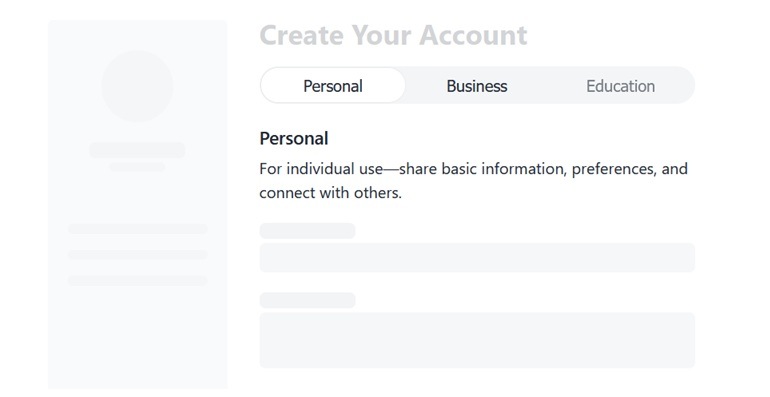
The new SegmentedControl in Kendo UI for Vue provides a clean way to present a small set of mutually exclusive options. It displays a horizontal group of buttons where only one can be selected at a time, making it easy for users to switch between views, modes, or filter states. This UI component makes it a good alternative to radio buttons or dropdowns when space is limited and quick switching is important.
See the Kendo UI for Vue SegmentedControl demo
Build AI-Ready Input Experiences with the Kendo UI for Vue PromptBox
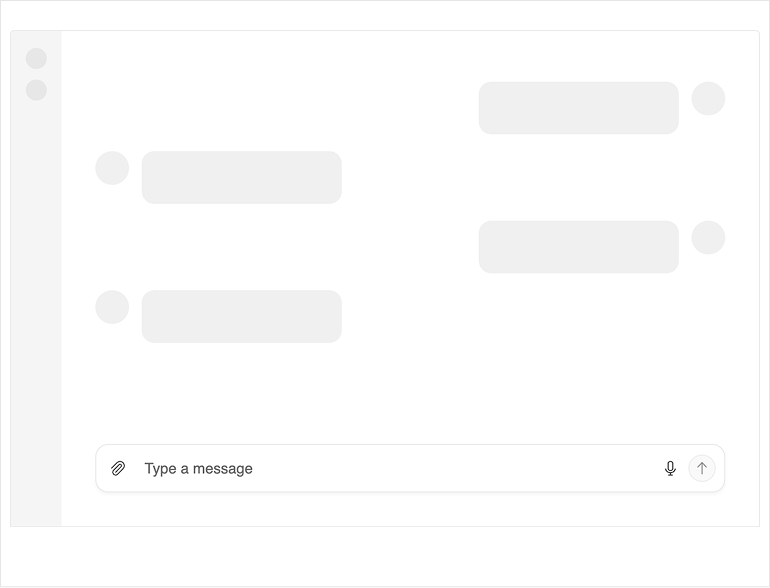
The Kendo UI for Vue PromptBox provides a dedicated input interface for working with AI and conversational scenarios. It enables users to compose and send prompts through a rich text input, making it easy to integrate AI interactions directly into your applications.
Designed for flexibility, the PromptBox supports features like variable input sizing, file attachments, and customizable UI elements, helping you tailor the experience to different use cases and workflows.
See the Kendo UI for Vue PromptBox demo
Kendo UI for Vue: Export Grid Data Easily Now with CSV Support
The Kendo UI for Vue Grid now includes built-in CSV export, allowing you to quickly download and share data in a widely supported format. You can export either the full dataset or only the current view, while customizing details such as file name, included columns, and formatting options to match your needs.
Flexible Selection in the Kendo UI for Vue Grid
The Kendo UI for Vue Grid introduces a comprehensive selection feature set, giving you full control over how users interact with data, whether selecting individual items or working with complex ranges.
- Single selection (row or cell): Select one row or one cell at a time for focused interactions.
- Multiple selection: Enable users to select multiple rows or cells, supporting bulk actions and comparisons.
- Range selection (drag selection): Select a continuous range of cells or rows by dragging, making it easier to work with large datasets.
- Checkbox selection: Use checkboxes for intuitive row selection, with support for both single and multiple selection modes.
- Row click selection: Allow users to select rows directly by clicking, without the need for additional UI elements.
- Selection aggregates: Perform calculations or derive insights based on the currently selected data.
Enhanced Kendo UI for Vue Grid Interactivity with Clipboard and Context Menu
The Kendo UI for Vue Grid introduces new interactivity features that make working with data faster and more intuitive:
- Clipboard Support: Users can now perform full clipboard operations directly within the Grid, including copy, cut, and paste using standard keyboard shortcuts.
- Built-In Context Menu: The Grid also supports a right-click context menu, providing quick access to common actions directly from the data view.
More Flexible Row Rendering with Row Spanning and Pinning in the Vue Grid
The Kendo UI for Vue Grid introduces new row-level capabilities that improve how data is presented and accessed:
- Row Spanning: You can now visually merge cells across multiple rows, allowing repeated values to be displayed as a single, combined cell. This is enabled with the built-in row spanning functionality, which automatically spans cells where appropriate.
- Row Pinning: You can also pin rows to the top or bottom of the Grid, ensuring they remain visible regardless of scrolling, filtering, or pagination.
Kendo UI for Vue Grid: Improved Grouping Experience with Sticky and Locked Headers
The Vue Grid introduces enhanced grouping capabilities with support for sticky group headers and locked group headers, giving you better visibility and control when working with grouped data.
Sticky Group Headers and Footers: Group headers and footers can now stay visible at the top of the Grid while scrolling, ensuring users always know which group they are currently viewing.
Locked Group Headers: You can now lock group headers together with frozen columns, keeping them aligned in the fixed area of the Grid. This allows group context to remain visible even during horizontal scrolling when columns are locked.
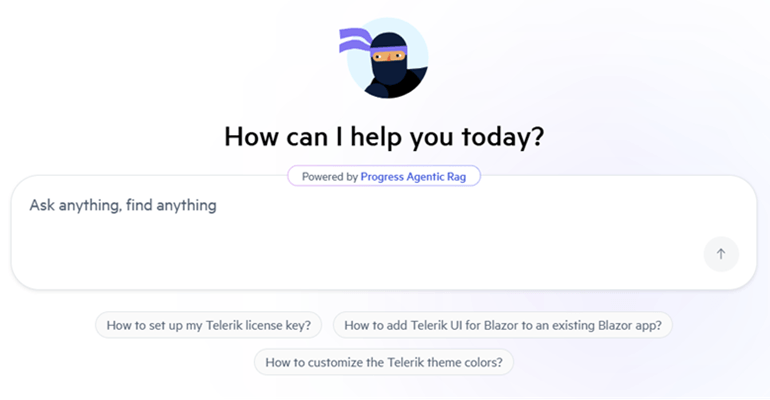
Integrated AI Chat in Telerik and Kendo UI Documentation
Telerik and Kendo UI documentation pages now support an integrated AI Chat, allowing you to easily ask questions and receive instant, context-aware answers directly within the page. The assistant helps you quickly locate relevant information, understand features, and explore related topics without interrupting your workflow. By combining search and conversational guidance, it streamlines navigation and improves productivity when working with components and APIs.
Kendo UI for Vue Meridian Theme & New Icons Set
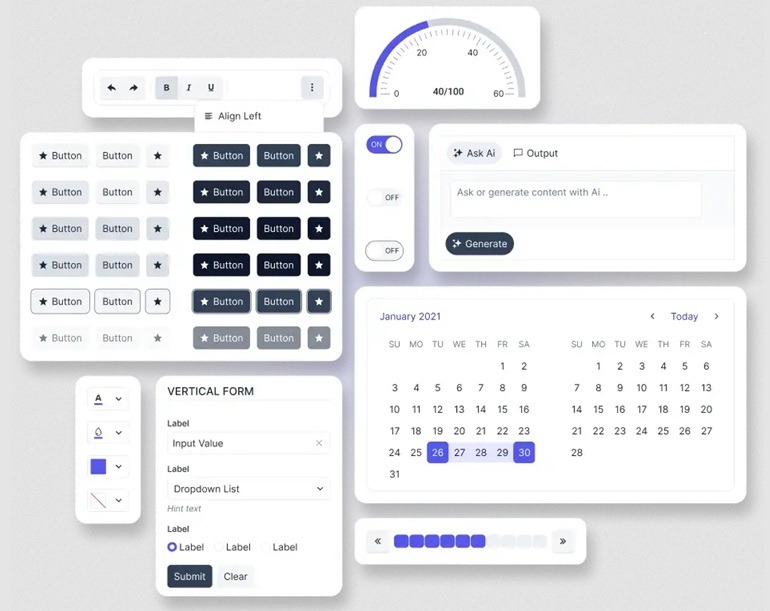
This release brings a refreshed visual foundation by combining the new Meridian theme with an updated and streamlined Kendo UI icons set, helping you create cleaner, more consistent, and modern user interfaces. The Meridian theme introduces a refined design language with improved colors, spacing, and visual hierarchy, while the updated icons complement it with a more cohesive and flexible set of visuals.
What's New 2026 Q1
Grid Virtualization and Performance Improvements
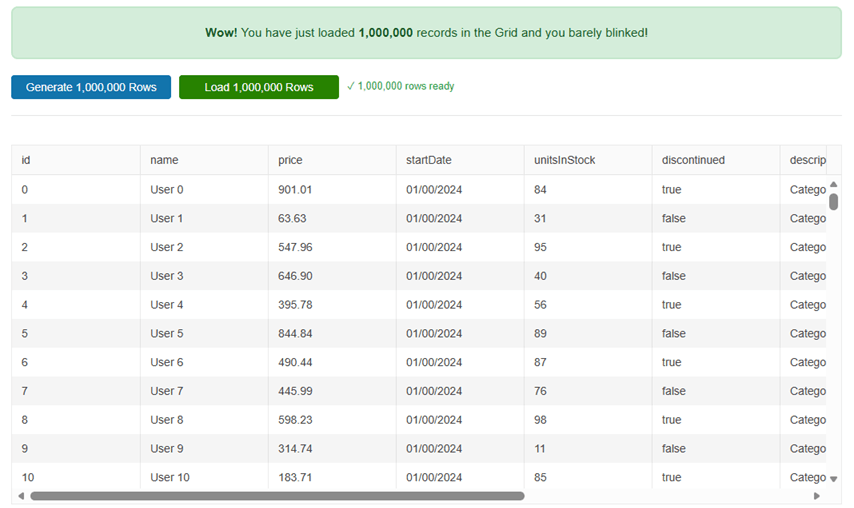
The Grid receives a major virtualization update with simplified configuration and faster rendering for large datasets. Reduced setup complexity and improved memory handling provide more predictable performance in data-intensive scenarios.
See the Kendo UI for Vue Grid performance demo
Automatic Data Processing and State Management
A new autoProcessData prop enables the Kendo UI for Vue Grid to internally manage sorting, filtering, grouping and paging, reducing boilerplate code. Expanded state control for row expansion and column configuration allows more consistent and persistent Grid behavior.
Built-In Global Search and TypeScript Refinements
The Grid now includes native global search support through the GridSearchBox component, enabling cross-column search without custom logic. Refined TypeScript event interfaces further improve typing accuracy and overall developer experience.