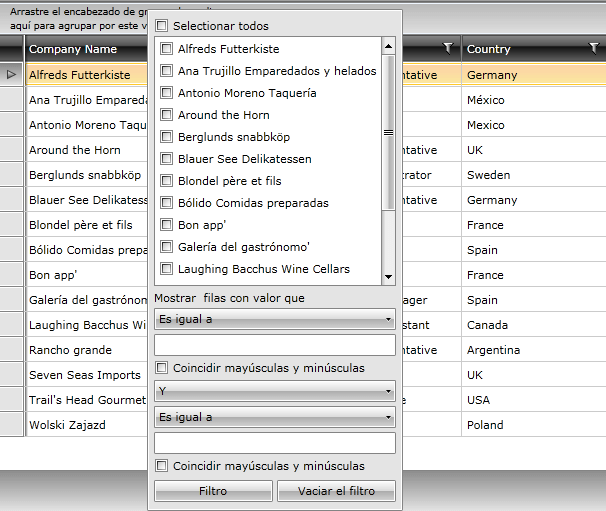
Setting Default Startup Language
The built-in localization mechanism in WPF provides the possibility to set your controls in whichever language you need. Up to now the supported languages are English, German, Spanish, French, Dutch, Italian and Turkish.
If you want to translate your control in another language, you should use the CustomLocalization Manager, as it is described in the common Localization.
You can also learn more on RadGridView Localization.
The thing that you must do for defining the language settings of the application, is to change the current culture of the application. Locate the application initialization logic and add some code in the method for Startup in App.xaml.cs:
	Thread.CurrentThread.CurrentCulture = new CultureInfo("es");
Thread.CurrentThread.CurrentUICulture = new CultureInfo("es");Note that, the resource folders are supposed to be placed along with the binaries you have referenced.
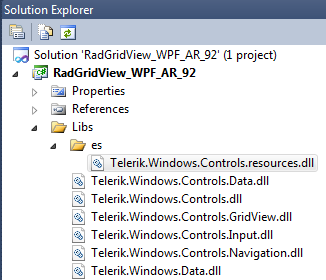
Thus, after setting the startup language, all controls will be translated automatically and the application will initialize in the specified language.