New to Telerik UI for WPF? Start a free 30-day trial
Image Card
Updated on Sep 29, 2026
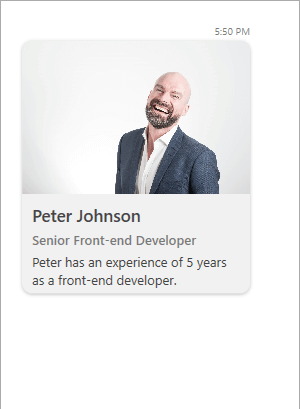
ImageCard extends the CardMessage by adding the option an Image to be displayed.
Defining an ImageCard
C#
ImageCardMessage imageCardMessage = new ImageCardMessage(this.currentAuthor);
imageCardMessage.ImageSource = new BitmapImage(new Uri("/Images/PeterJohnson.jpg", UriKind.RelativeOrAbsolute));
imageCardMessage.Title = "Peter Johnson";
imageCardMessage.SubTitle = "Senior Front-end Developer";
imageCardMessage.Text = "Peter has an experience of 5 years as a front-end developer.";

this.chat.AddMessage(imageCardMessage);
Defining ImageCard
Card Orientation
RadChat exposes the CardOrientation property for controlling its orientation. It is an enumeration that has the following two values:
- Portrait
- Landscape
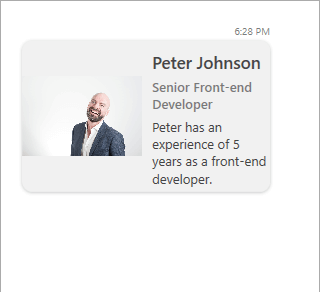
The default value is Portrait. When set to Landscape the previously defined ImageCard will be visualized as shown below.
Defining ImageCard with Landscape CardOrientation
Display Mode
The display mode of the Image of ImageCard can be manipulated through the ImageDisplayMode enumeration. It has two value which are listed below.
- Stretch
- Thumbnail
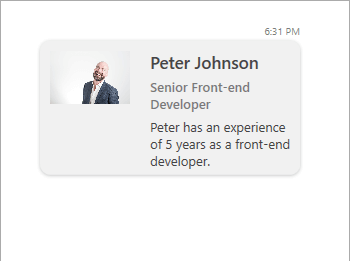
By default, the property will be set to Stretch. Setting it to Thumbnail will have the following output.
Defining ImageCard with Thumbnail ImageDisplayMode