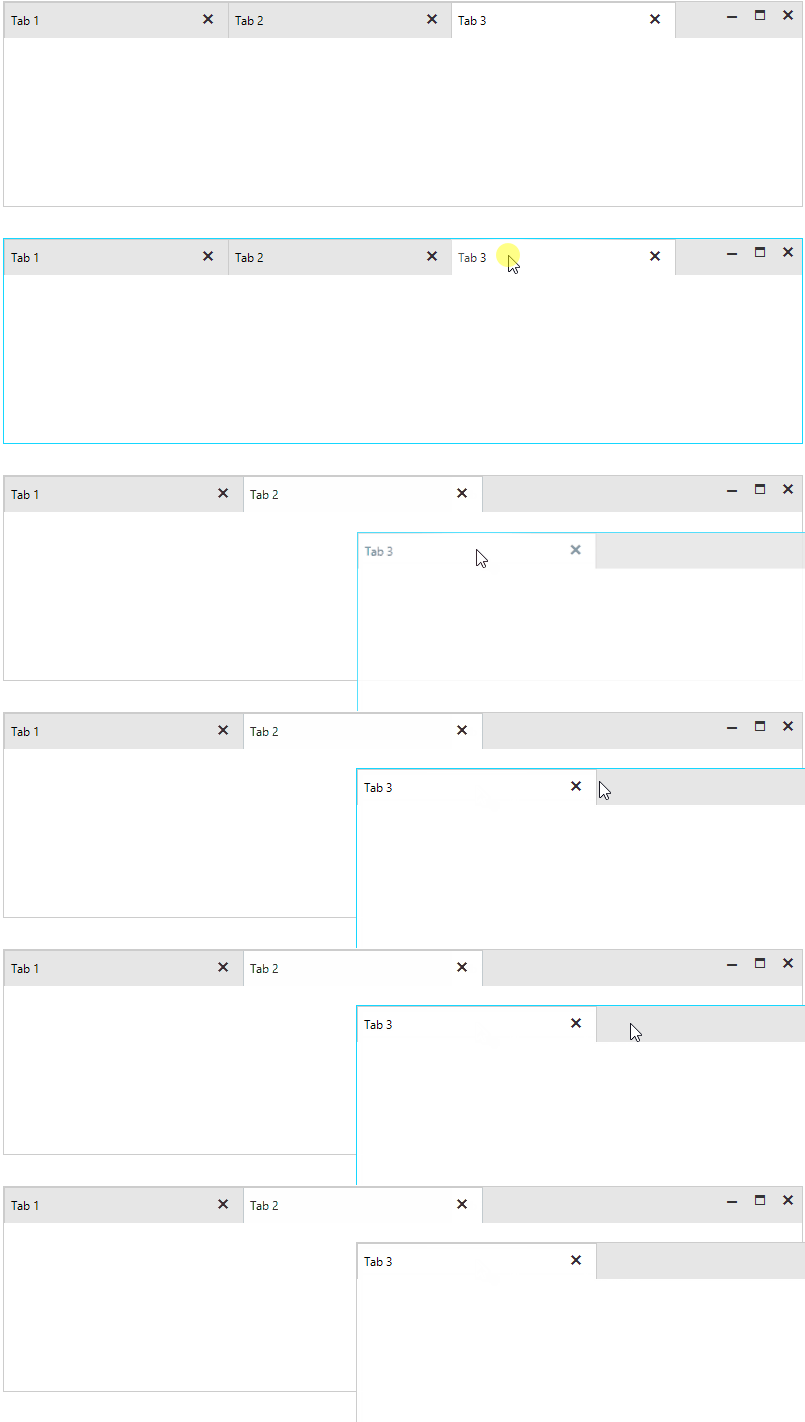
How to Hide the New Tab Button for the Popped out Forms
Environment
| Product Version | 2022.1.118 |
| Product | RadTabbedForm for WinForms |
Description
RadTabbedFormControl offers the ShowNewTabButton property which controls whether the new tab button will be visible.
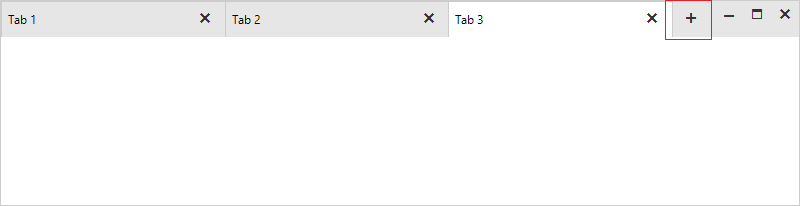
If you disable the ShowNewTabButton property to hide the button, note that when you pop out a window, the button will be visible for the window:
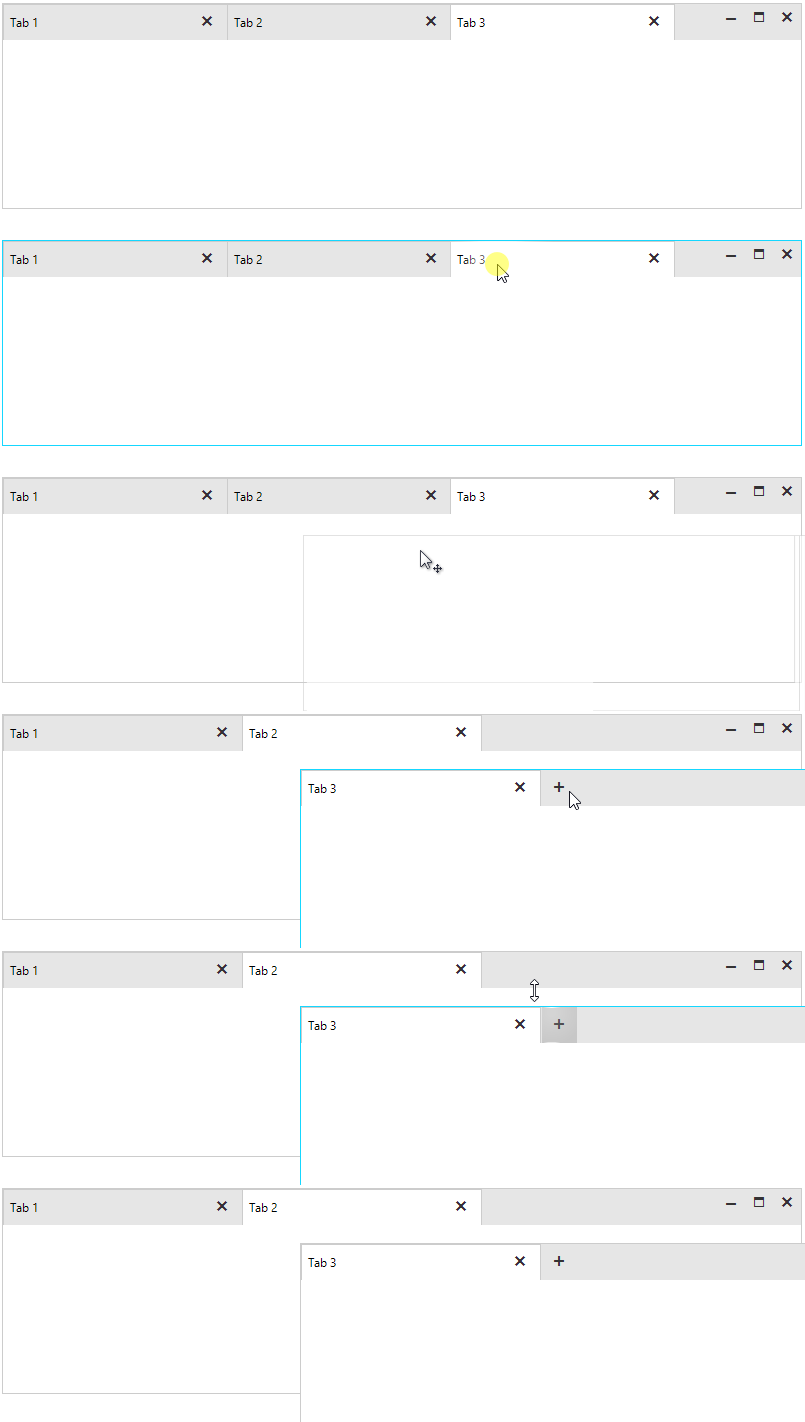
This article demonstrates how to handle this case.
Solution
When you pop out a window, a new RadTabbedFormControl is created. Hence, its ShowNewTabButton property is set true by default. It is necessary to subscribe to the TadTabbedFormControl.TabbedFormControlElement.ItemDragService.TabbedFormShown event. The TabbedFormShownEventArgs gives you access to the newly created TabbedForm. Then, handle its TabbedFormControlCreating event and disable the button for the newly create RadTabbedFormControl:
public partial class RadTabbedForm1 : Telerik.WinControls.UI.RadTabbedForm
{
    public RadTabbedForm1()
    {
        InitializeComponent();

        this.AllowAero = false;
        this.radTabbedFormControl1.ShowNewTabButton = false;
        this.radTabbedFormControl1.TabbedFormControlElement.ItemDragService.TabbedFormShown += ItemDragService_TabbedFormShown;
    }

    private void ItemDragService_TabbedFormShown(object sender, TabbedFormShownEventArgs e)
    {
        e.TabbedForm.TabbedFormControlCreating -= TabbedForm_TabbedFormControlCreating;
        e.TabbedForm.TabbedFormControlCreating += TabbedForm_TabbedFormControlCreating;
    }

    private void TabbedForm_TabbedFormControlCreating(object sender, TabbedFormControlCreatingEventArgs e)
    {
        e.TabbedFormControl.ShowNewTabButton = false;
    }
}