New to Telerik UI for WinForms? Start a free 30-day trial
Fit to Width RadPdfViewer and Scroll to the Clicked Position
Updated on Aug 27, 2026
Environment
| Product Version | Product | Author |
|---|---|---|
| 2021.1.223 | RadPdfViewer for WinForms | Desislava Yordanova |
Problem
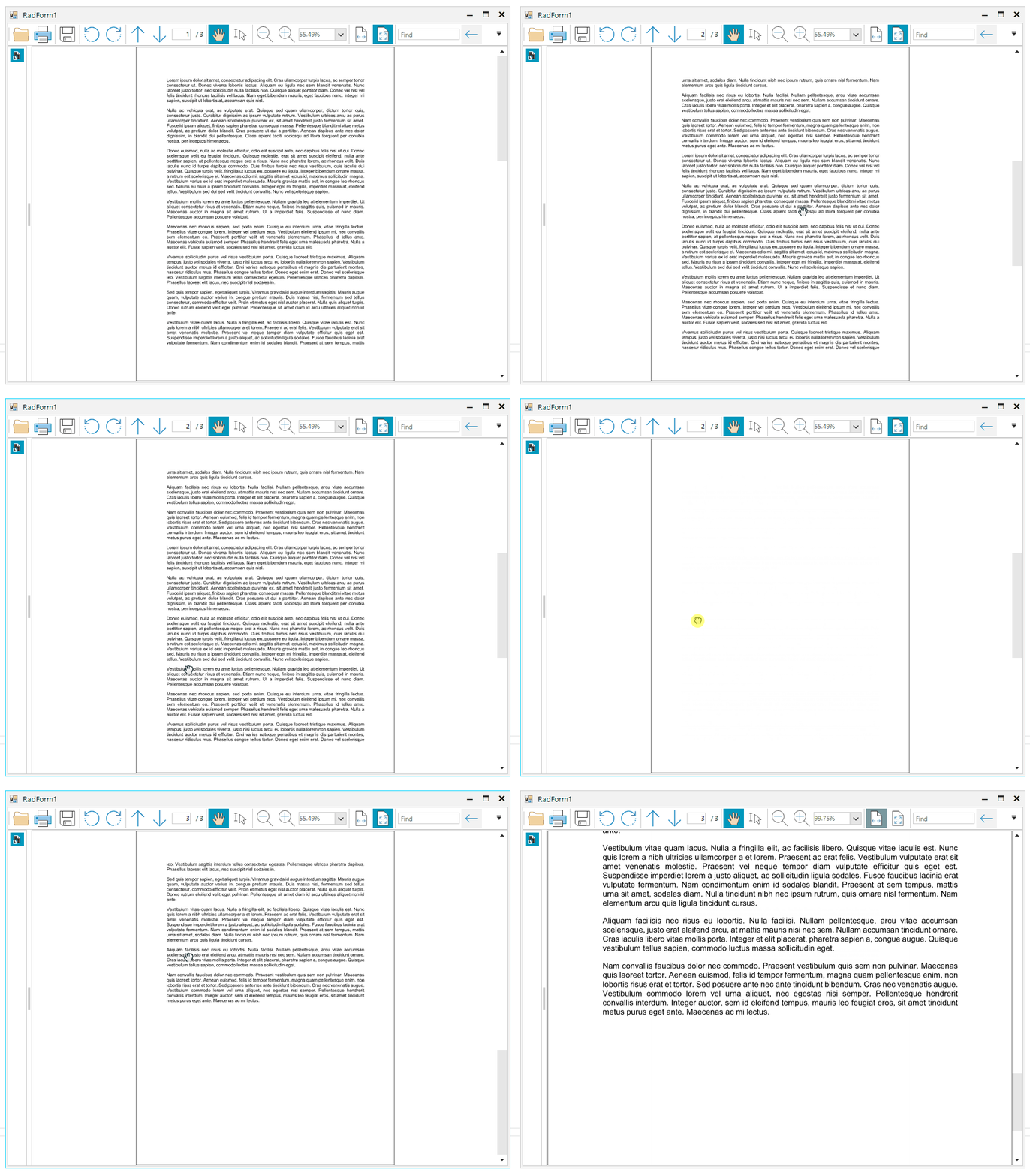
Consider the case that you have a RadPdfViewer and you want to change page mode when you click over pdf document, between FitFullPage and FitToWidth.
When FitToWidth is applied, you would like to scroll the document to the clicked mouse position.
Solution
It is appropriate to use the PdfViewerElement.GoToDestination method passing the location to which you need to scroll:
C#
public RadForm1()
{
    InitializeComponent();
    this.radPdfViewer1.MouseDown += radPdfViewer1_MouseDown;
    this.radPdfViewer1.FitFullPage = true;
}

private void radPdfViewer1_MouseDown(object sender, MouseEventArgs e)
{
    var element = radPdfViewer1.ElementTree.GetElementAtPoint(e.Location) as RadFixedPageElement;
    Telerik.Windows.Documents.Fixed.Model.Navigation.Location location = null;

    if (element != null)
    {
        location = new Telerik.Windows.Documents.Fixed.Model.Navigation.Location();
        location.Left = e.X;
        location.Top = e.Y;
        location.Page = element.Page;
    }

    if (this.radPdfViewer1.FitFullPage)
    {
        this.radPdfViewer1.FitToWidth = true;
        if (location != null)
        {
            this.radPdfViewer1.PdfViewerElement.GoToDestination(location);
        }
    }
    else
    {
        this.radPdfViewer1.FitFullPage = true;
    }
}