New to Telerik UI for WinForms? Start a free 30-day trial
Updating Assemblies in a Project
Updated on Aug 27, 2026
The following topic will show you how to use a specific version of the Telerik UI for WinForms suite in your project.
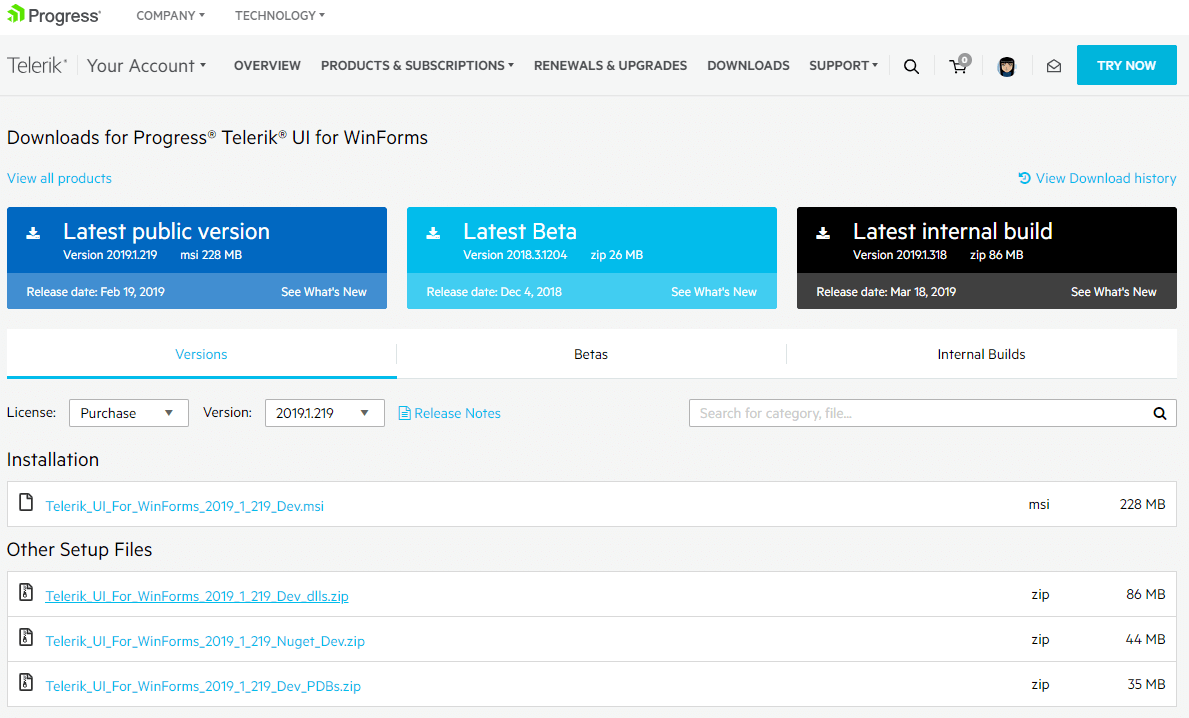
When you download a .zip containing all binaries for a specific version from your account, you need to replace the already existing assemblies in your project. Follow the steps:
-
Unzip the downloaded archive.
-
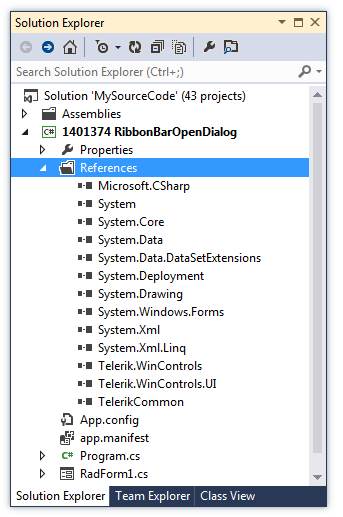
Select your project in Visual Studio >> Solution Explorer and expand the References section.
-
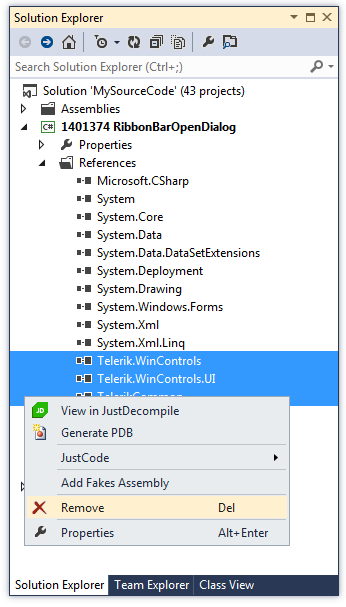
Select the already added Telerik assemblies and delete them:
-
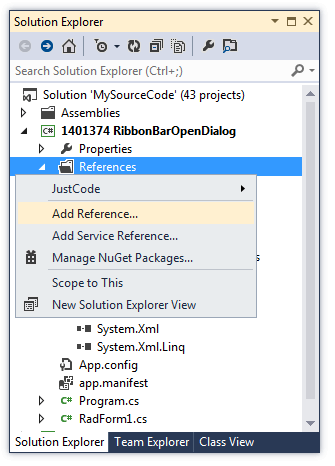
Right-click over References and select Add reference...
-
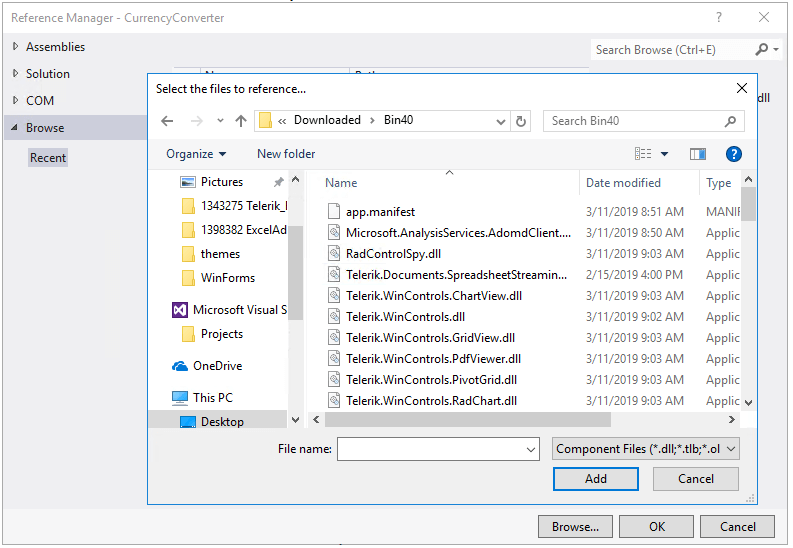
Navigate to the unzipped folder and select the necessary references:
Now, you are ready to build and run your project with the downloaded version from your account.