New to Telerik UI for WinForms? Start a free 30-day trial
Scrolling
Updated on Aug 27, 2026
RadVirtualGrid allows three types of scroll modes:
-
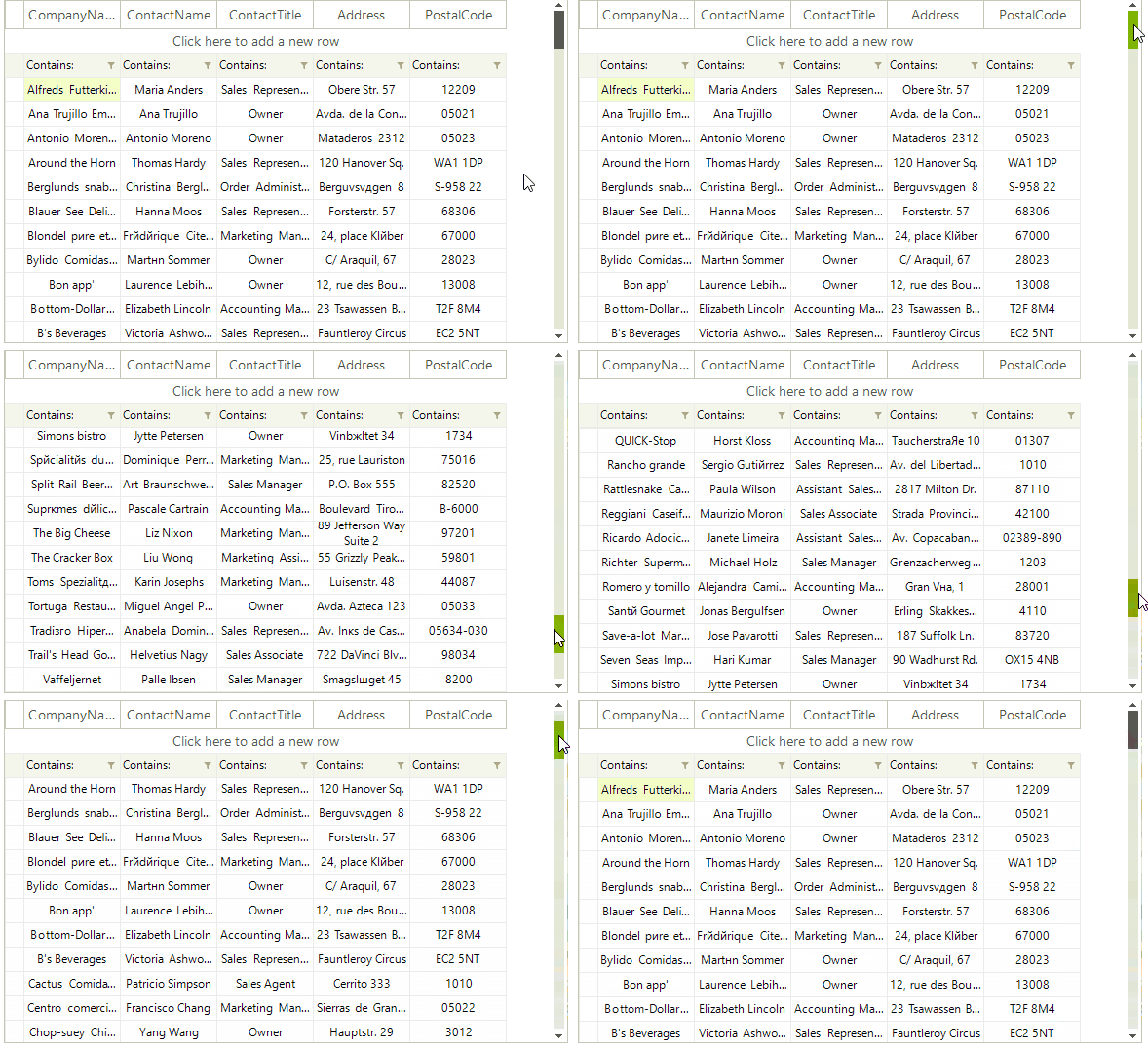
Smooth: Sets scrolling by pixel, meaning that an item can be partially visible.
-
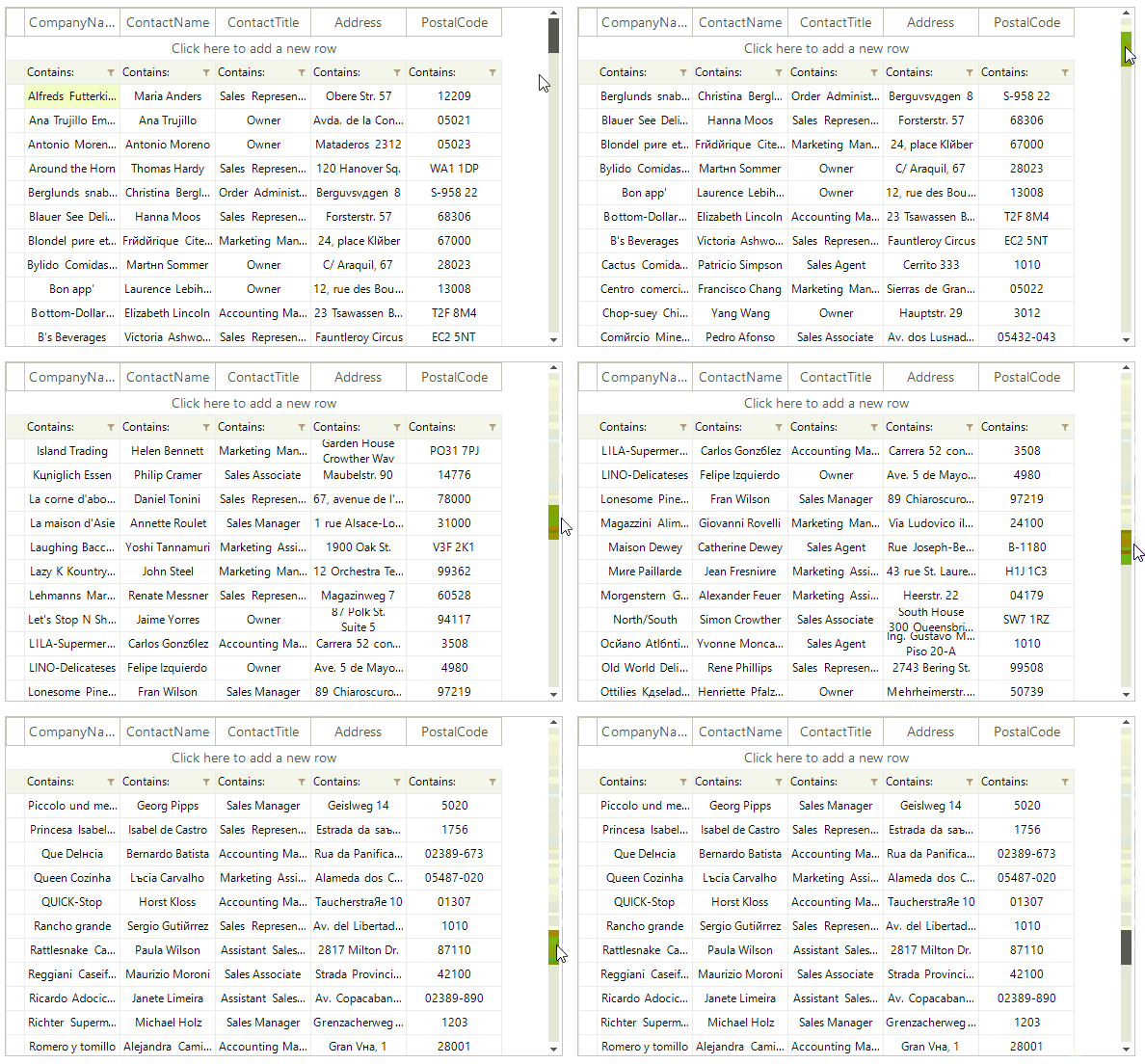
Discrete: Defines scrolling by only one item at a time.
-
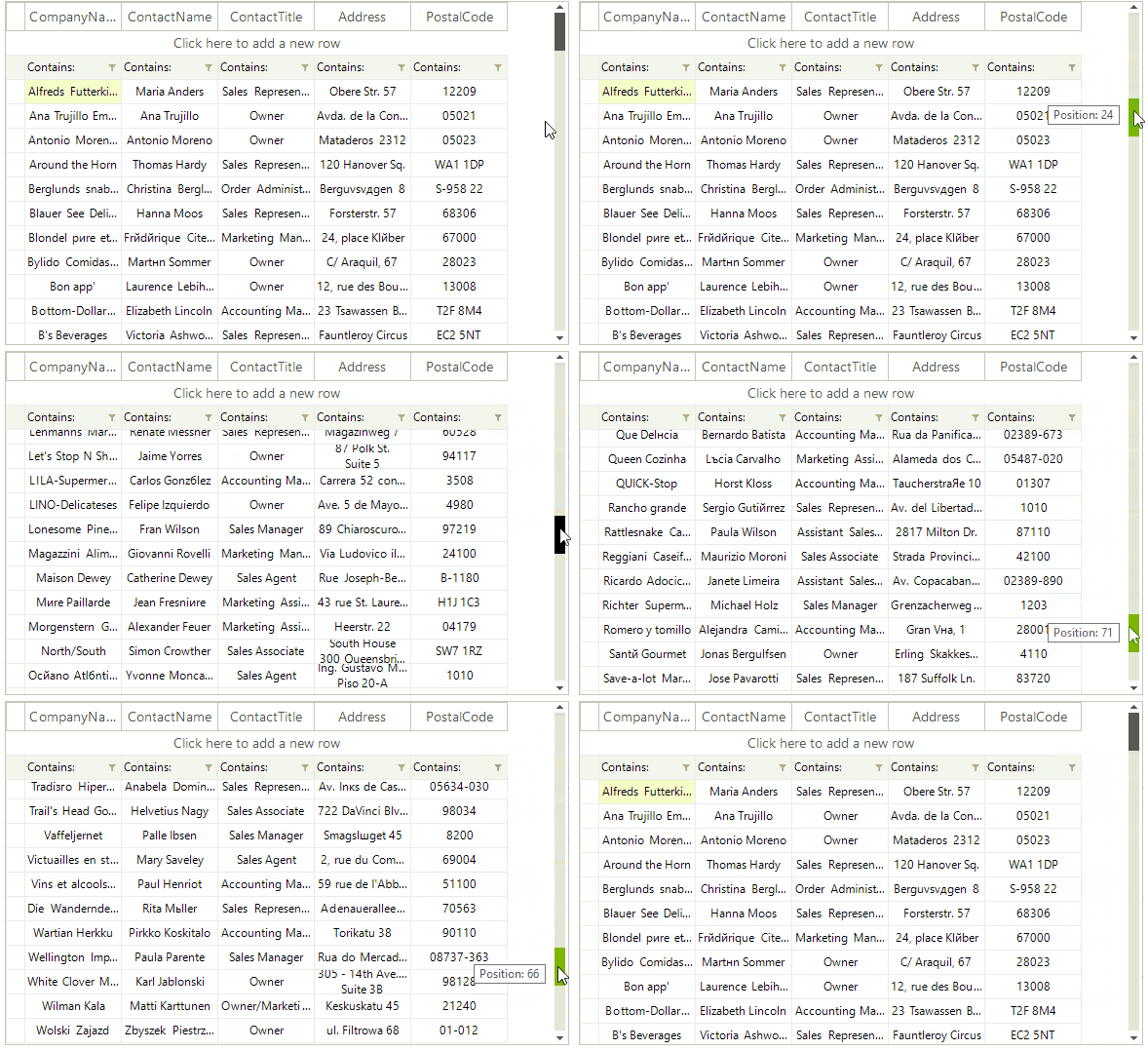
Deferred: Does not cause GUI updates until the user finishes the scrolling operation.
Figure 1: Smooth Scrolling
C#
this.radVirtualGrid1.TableElement.RowScroller.ScrollMode = ItemScrollerScrollModes.Smooth;Figure 2: Discrete Scrolling
C#
this.radVirtualGrid1.TableElement.RowScroller.ScrollMode = ItemScrollerScrollModes.Discrete;Figure 3: Deferred Scrolling
C#
this.radVirtualGrid1.TableElement.RowScroller.ScrollMode = ItemScrollerScrollModes.Deferred;The RadVirtualGrid.UseScrollBarsInHierarchy property is responsible for defining whether vertical scrollbars will appear for the inner child views. By default the property is set to false.