New to Telerik UI for WinForms? Start a free 30-day trial
Themes
Updated on Aug 27, 2026
This help article will demonstrate a step by step tutorial how to customize the Metro theme for RadSparkLine.
-
Open Visual Style Builder.
-
Export the built-in themes in a specific folder by selecting
File>>Export Built-in Themes. -
Load a desired theme from the just exported files by selecting
File>>Open Package. -
Expand RadSparkLine and select the
SparkLineSeries.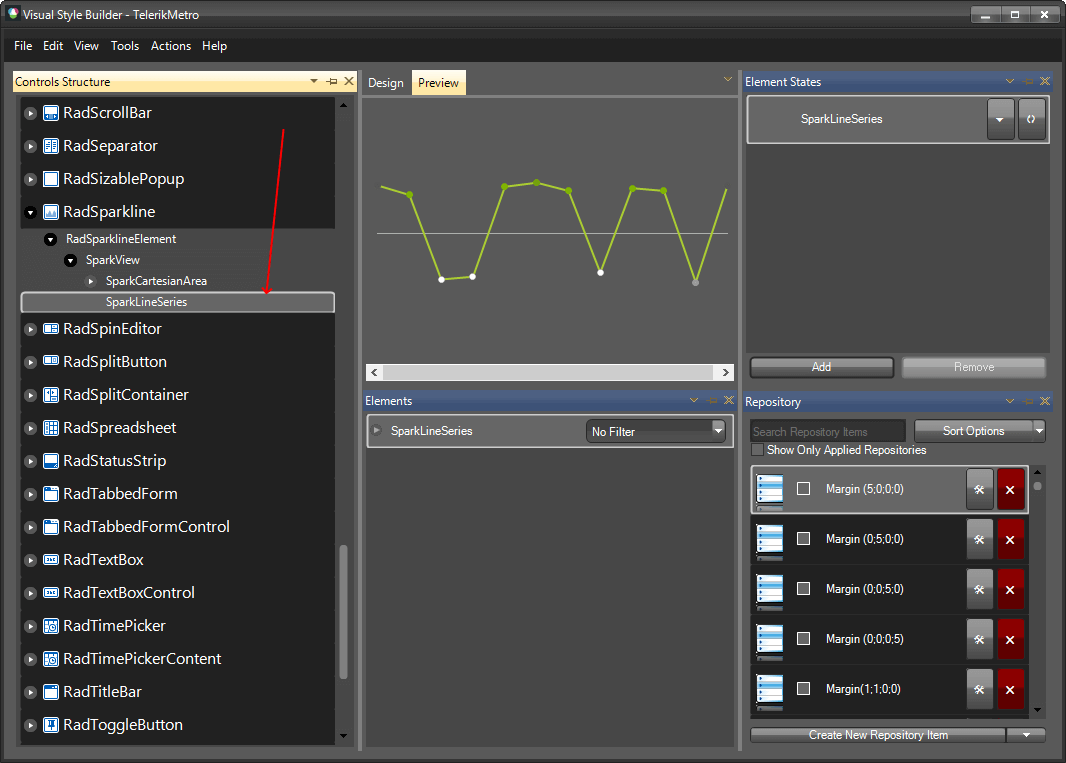
-
For the
Elementswindow, navigate to the HighPointBackColor property, and change its value.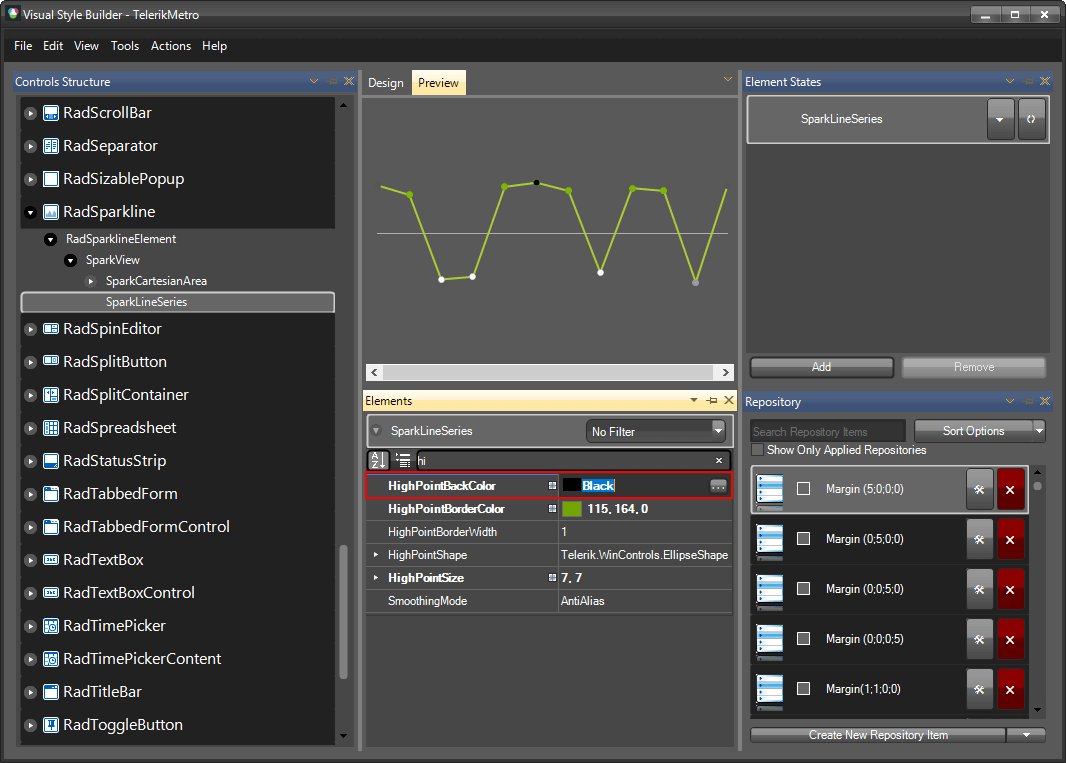
-
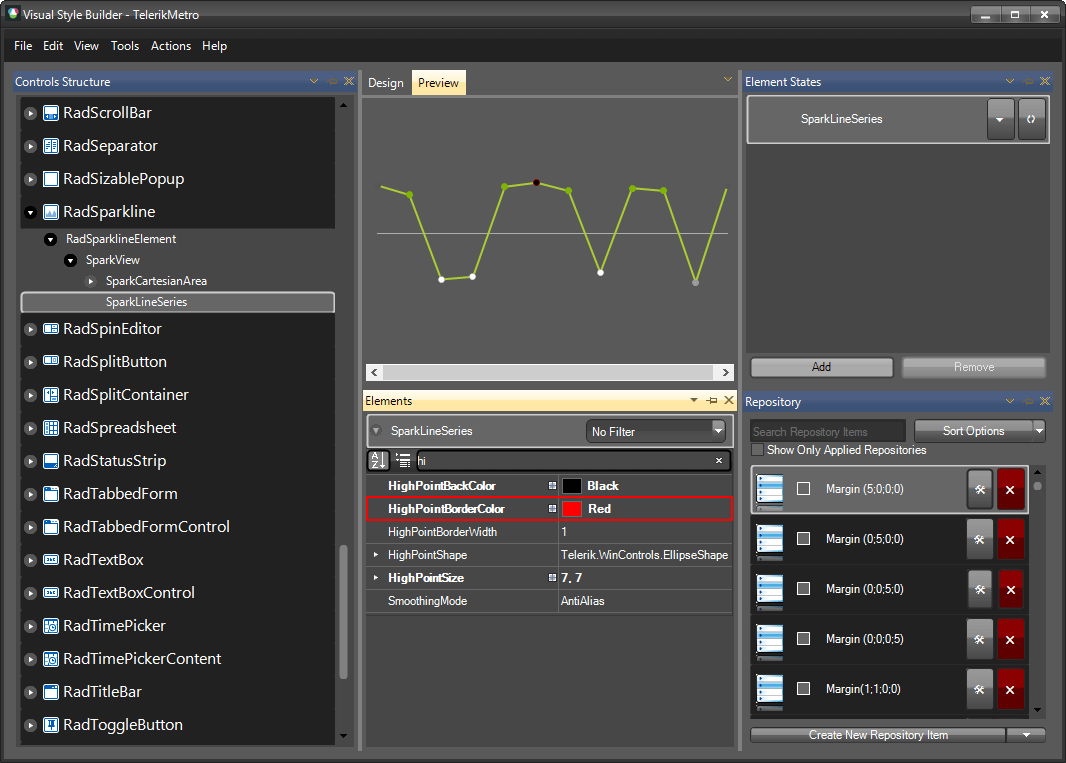
Change the HighPointBorderColor as well.
-
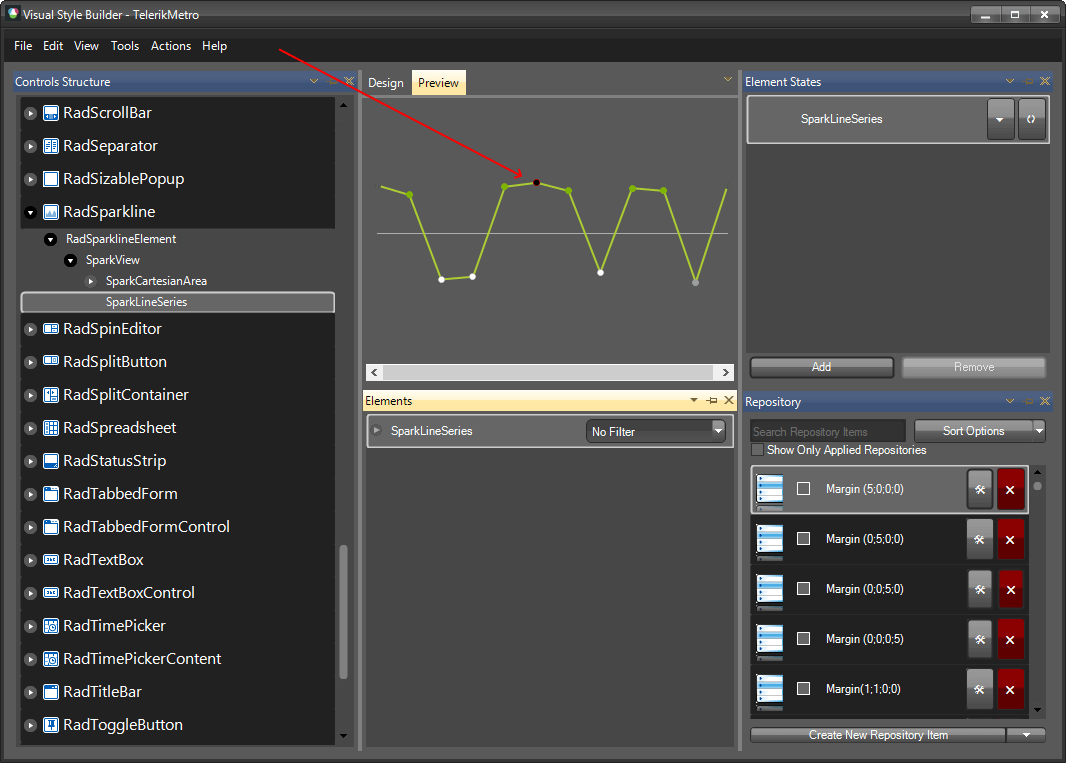
The bellow image shows the result.
The following article shows how you can use the new theme: Using Custom Themes.