Printing Support
RadPivotGrid provides printing support out of the box and this functionality can be customized through a style object, events or with inheritance. RadPivotGrid uses the same printing mechanism as RadGridView and RadScheduler and therefore shares the common features provided by RadPrintDocument. You can modify the appearance and the layout of the printed pages by using the variety of options provided by the PivotGridPrintStyle class.
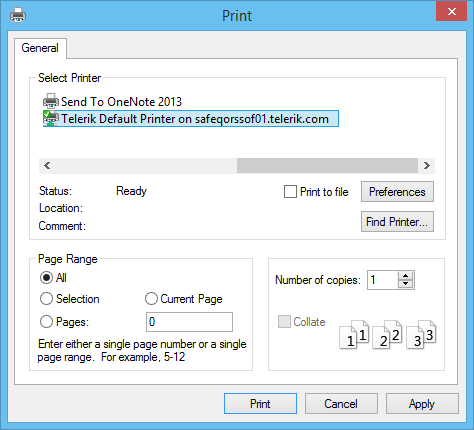
RadPivotGrid has two public methods available for printing – Print and PrintPreview methods. The first method will directly send a print job to the default printer with the settings currently saved in the PrintStyle property. This method has one overload available which can show a system PrintDialog with the available printers and their options.
Print with Dialog
this.radPivotGrid1.Print();
this.radPivotGrid1.Print(true);Figure 1: Print Dialog
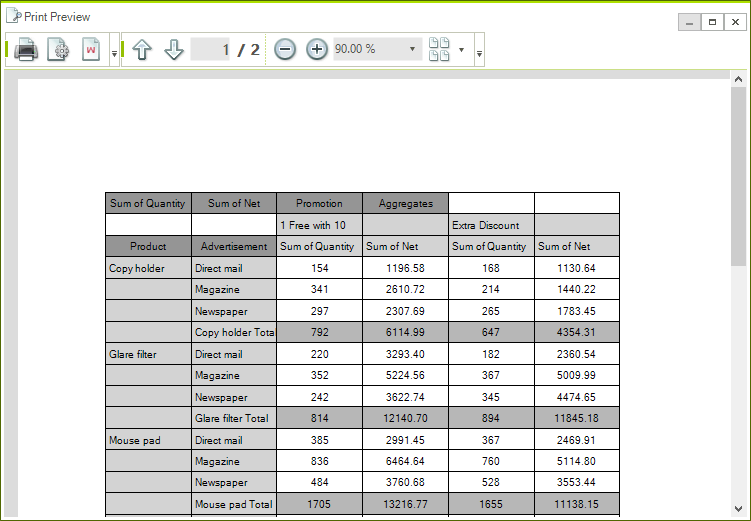
The other available method is PrintPreview. It opens a new RadPrintPreviewDialog which is discussed in details here.
Print Preview Dialog
this.radPivotGrid1.PrintPreview();Figure 2: RadPrintPreviewDialog