New to Telerik UI for WinForms? Start a free 30-day trial
Scrolling Support
Updated on Aug 27, 2026
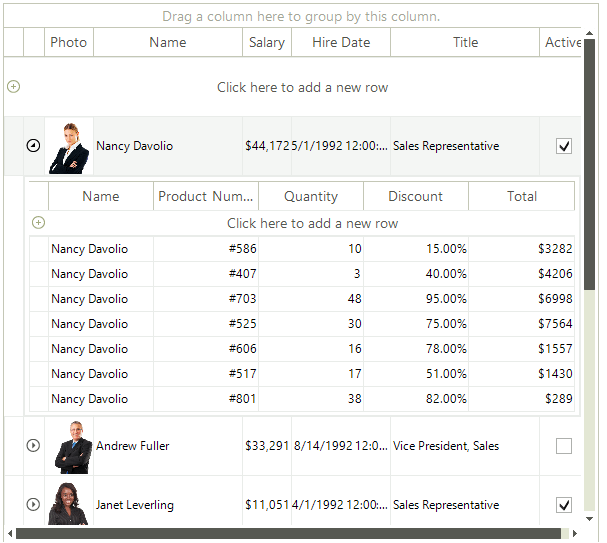
RadGridView supports scrolling out of the box. Once there is not enough space for the rows or columns scrollbars will appear and the user will be able to scroll. In addition the user can use the mouse wheel to scroll vertically and Shift + Mouse Wheel to scroll horizontally. When the grid is displaying hierarchy data additional scrollbars may appear:
Kinetic Scrolling
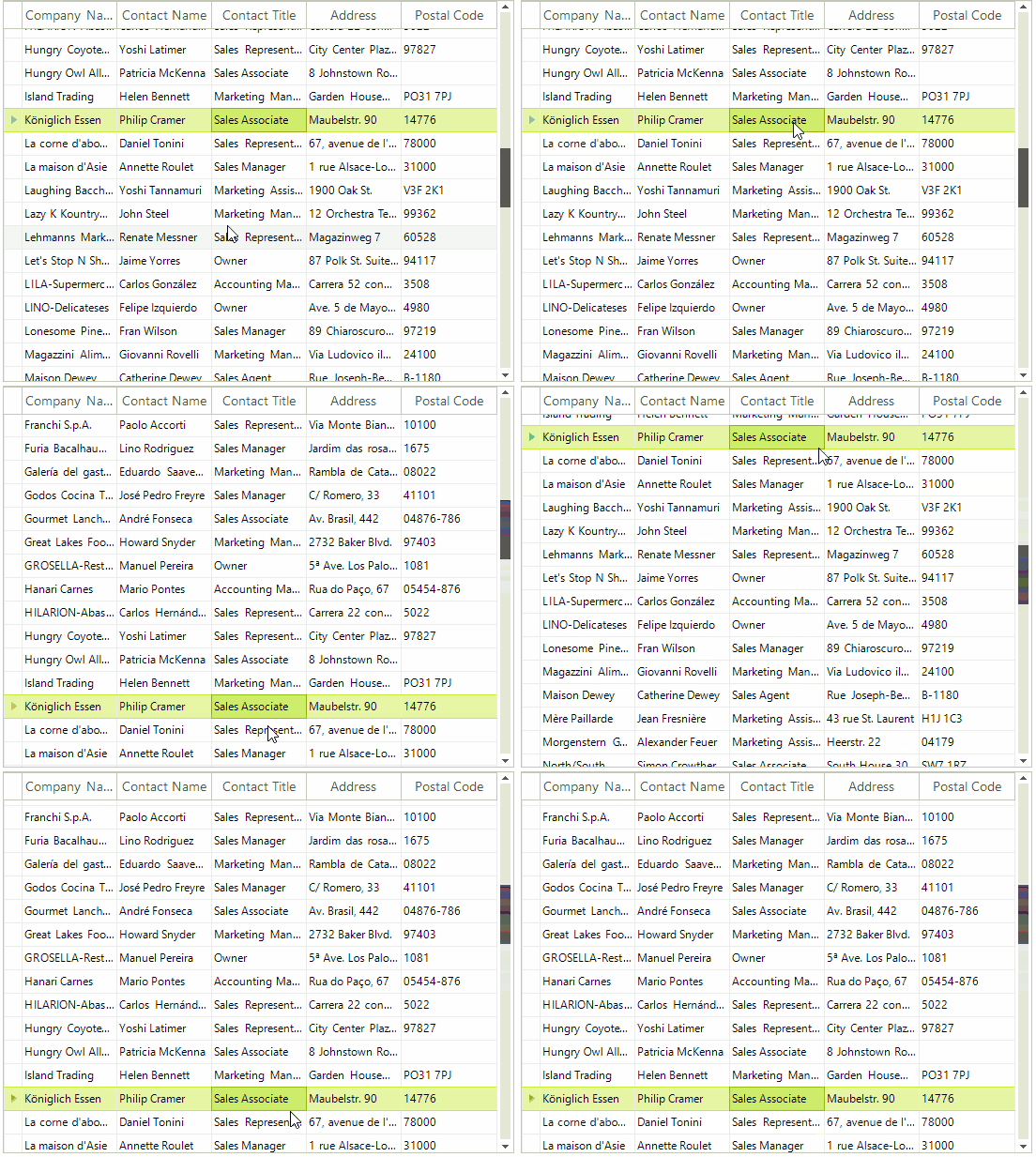
RadGridView supports kinetic scrolling as well. The below image shows how you can use it.