New to Telerik UI for WinForms? Start a free 30-day trial
Advanced Layout Designer
Updated on Aug 27, 2026
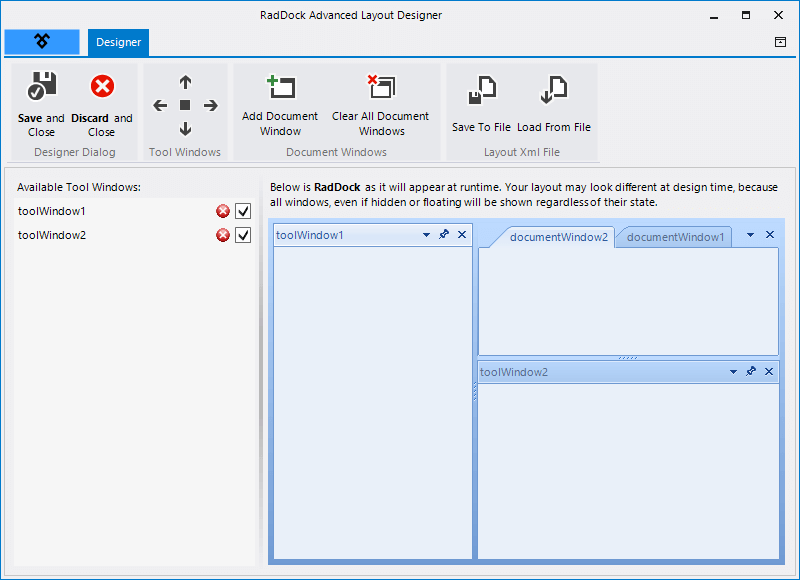
This designer allows you to build your layout at design-time. You can arrange the windows the same way as at run time.
Figure 1: Advanced Layout Designer.
The table below shows what you can do with the buttons in the title bar:
| ButtonGroup | Description |
|---|---|
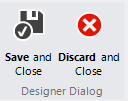 | This button allows you to close the designer. You can save or discard any changes. |
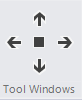 | This buttons allow you to add a ToolWindow at any desired position |
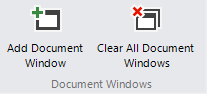 | This group allow you to add DocumentWindows. You can clear all document windows as well. |
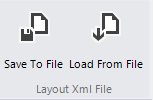 | With this group you can save the layout to a file. You can load a predefined layouts as well. |
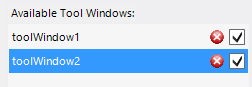 | You can remove ToolWindows by clicking the red button in the windows list. |
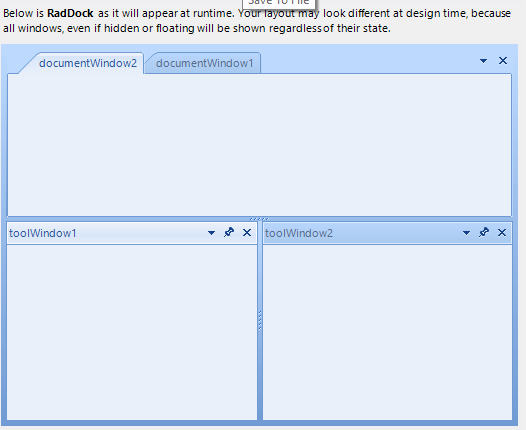 | The main area shows the current layout. Here you can arrange the windows by simply dragging them to the desired position. |