.NET MAUI CollectionView Sticky Group Headers
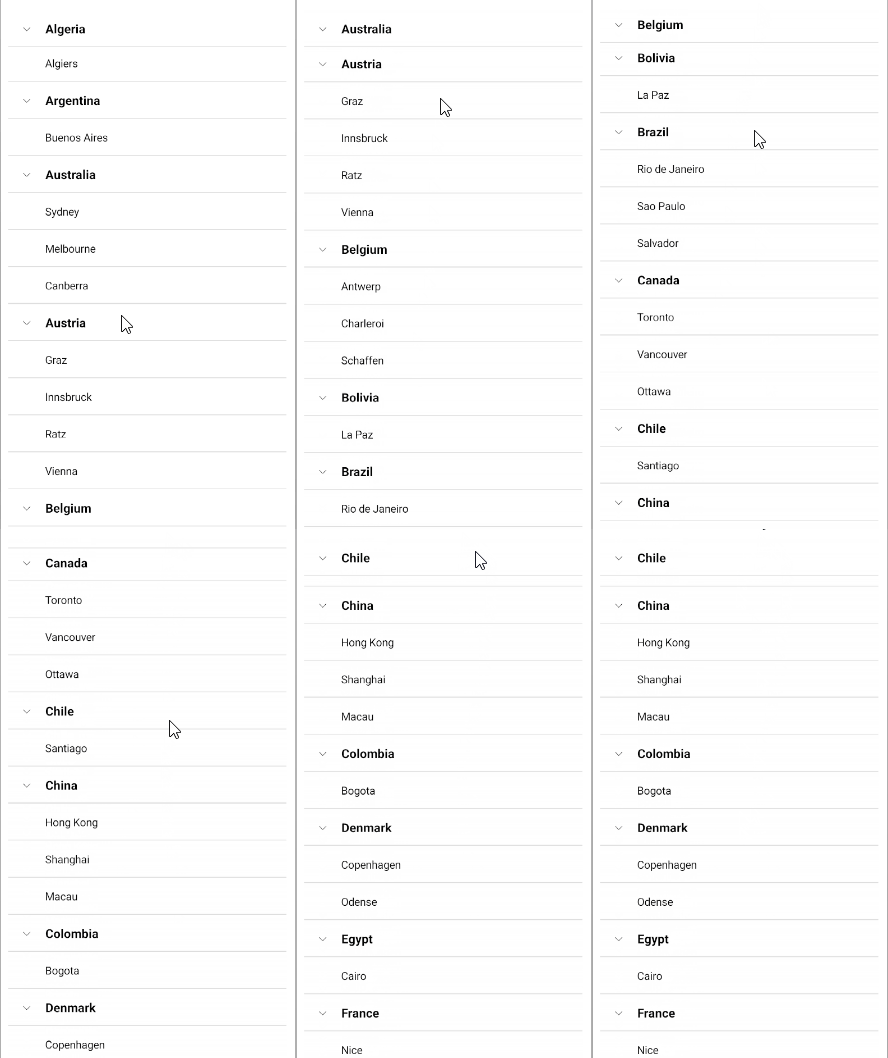
The CollectionView for .NET MAUI provides the option to set its group headers as sticky in your desktop and mobile applications. This means the GroupHeader UI element "freezes" while scrolling through the items until the whole group is scrolled away. As you scroll through the next group, the currently stuck group header will be pushed by the next group header.
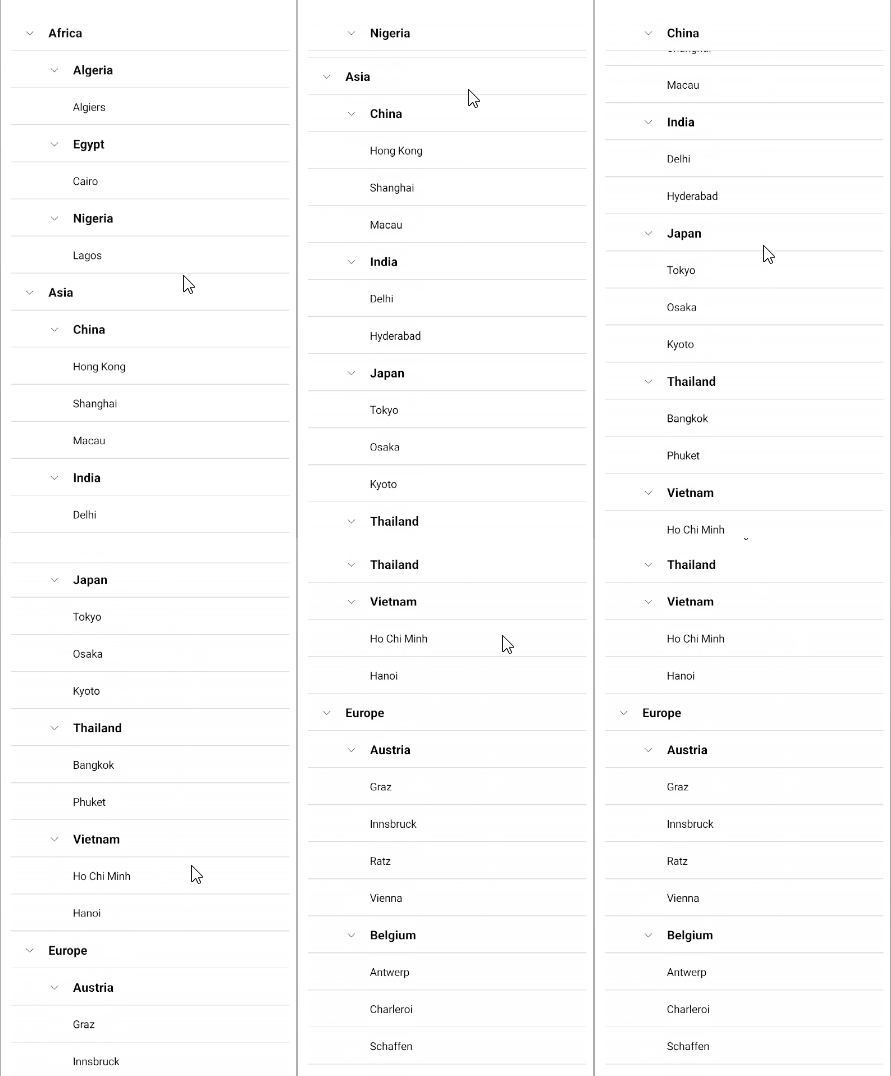
In a multi-level grouping scenario, the last inner group from the parent group will be sticky.
To enable the sticky group headers behavior, set EnableStickyGroupHeaders (bool) property of the CollectionView to True. By default, the EnableStickyGroupHeaders value is False.
<telerik:RadCollectionView EnableStickyGroupHeaders="True" />Here is how the sticky group headers look in a single-level grouping scenario:
Here is how the sticky group headers look in multi-level grouping scenario: