RadGrid for ASP.NET AJAX

RadControls for ASP.NET AJAX

What's new in Telerik RadGrid for ASP.NET AJAX Q2 2010

Since Q2 2010 all new functionalities are listed in the control's Release Notes posted here.

What's new in Telerik RadGrid for ASP.NET AJAX Q1 2010

  1. New built-in GridRating column - GridRatingColumn displays a RadRating control both in view and edit mode, giving your users the functionality to view or modify the rating of your data items.

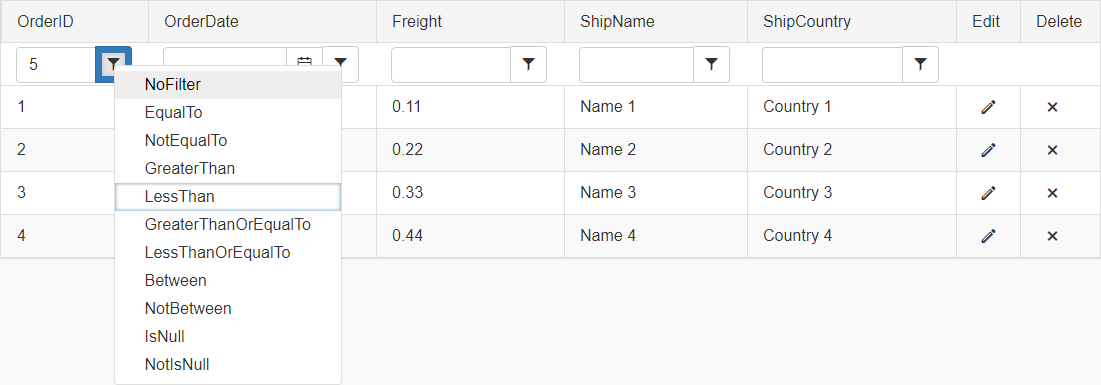
  2. Header Context Filter Menu - RadGrid's header context filter menu is a sub-part or RadGrid's header context menu. It offers the power for filtering the grid's data on two conditions related with a logical AND operator.

  3. The GridTableView.CommandSettings exposes two new properties ShowAddNewRecordButton and ShowRefreshButton which enable you to show/hide the Add new record and Refresh link buttons in the default RadGrid CommandItem.

  4. The RadGrid.ClientSettings.Selecting class has new property UseClientSelectColumnOnly which when set to true disallows items to be selected by clicking on the data items except for the GridClientSelectColumn.

  5. TextBoxMode property added for the GridTextBoxColumnEditor which allows you to apply MultiLine/SingleLine/Password mode for the column editor TextBox declaratively.

  6. DefaultInsertValue property added for the following columns of the RadGrid control: GridBoundColumn, GridCheckBoxColumn, GridHTMLEditorColumn, GridNumericColumn, GridDateTimeColumn, GridMaskedColumn, GridTemplateColumn. You can use it to set predefined insert values for different column editors.

What's new in Telerik RadGrid for ASP.NET AJAX Q3 2009

  1. Auto-generate hierarchy - RadGrid now has the ability to auto-generate hierarchy from multi-table dataset with parent/child relations set.

  2. New built-in GridAttachment column - GridAttachmentColumn provides an easy way to quickly setup download/upload functionality for files stored in binary format in your database.

  3. Built-in export buttons in the command item - Using the GridTableView.CommandItemSettings.ShowExportTo[Word/Excel/Pdf/Csv]Button properties, you can enable/disable individual export buttons in the CommandItem.

What's new in Telerik RadGrid for ASP.NET AJAX Q2 2009

  1. New built-in GridImageColumn - can be used to display images by specifying image urls with options for sorting and filtering by field in the grid source specified through the DataAlternateTextField property of the column.

    GridImageColumn
  2. New built-in GridBinaryImageColumn - can be used to display an image streamed from a binary image source field (specified through the DataField property of the column). When used this column will show a RadBinaryImage control in view mode and RadUpload in edit mode to upload an image.

    GridBinaryImageColumn
  3. Keyboard support improvements - shortcuts for gaining focus, displaying the insertion form or refreshing the grid, improved navigation when editing/inserting records, options to toggle the active row cycle/multiple selection, built-in synchronization for active and selected grid row, etc.

  4. NestedViewTemplate loading optimizations - the nested view template supports server-on-demand load mode and declarative hierarchy relations.

What's new in Telerik RadGrid for ASP.NET AJAX Q1 2009

  1. Declarative filter template - you can enable dropdown filters for GridBoundColumns (or those columns which inherit from GridBoundColumns like GridDateTimeColumn, GridNumericColumn, etc.) and GridTemplateColumns declaratively. Just set AllowFilteringByColumn = true for the entire grid and define FilterTemplate for the columns in question.

    Declarative filter template
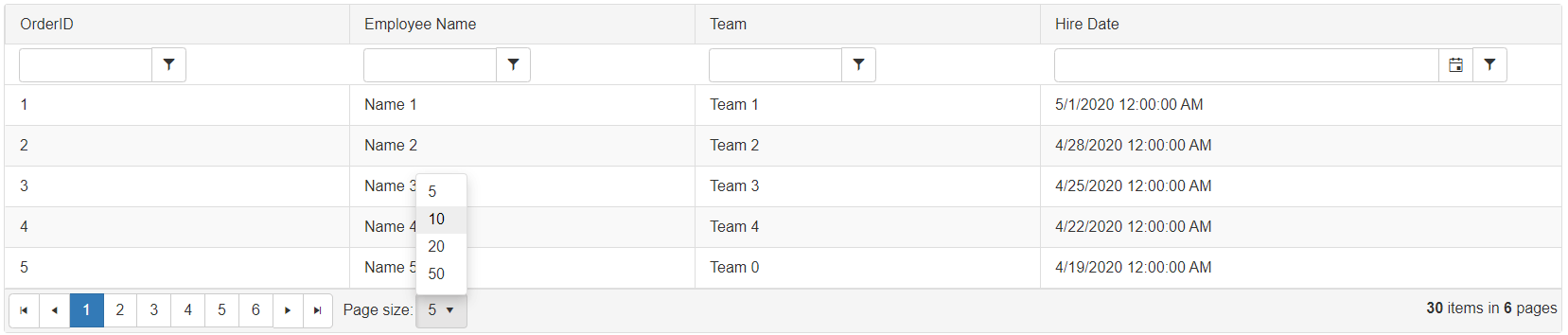
  2. New default pager and improved existing pager types - Next/Previous, NumericPages, NextPreviousAndNumeric (default), Advanced, NextPreviousNumericAndAdvanced, Slider. See the Paging section on the online demos for details.

    RadGrid Pagers
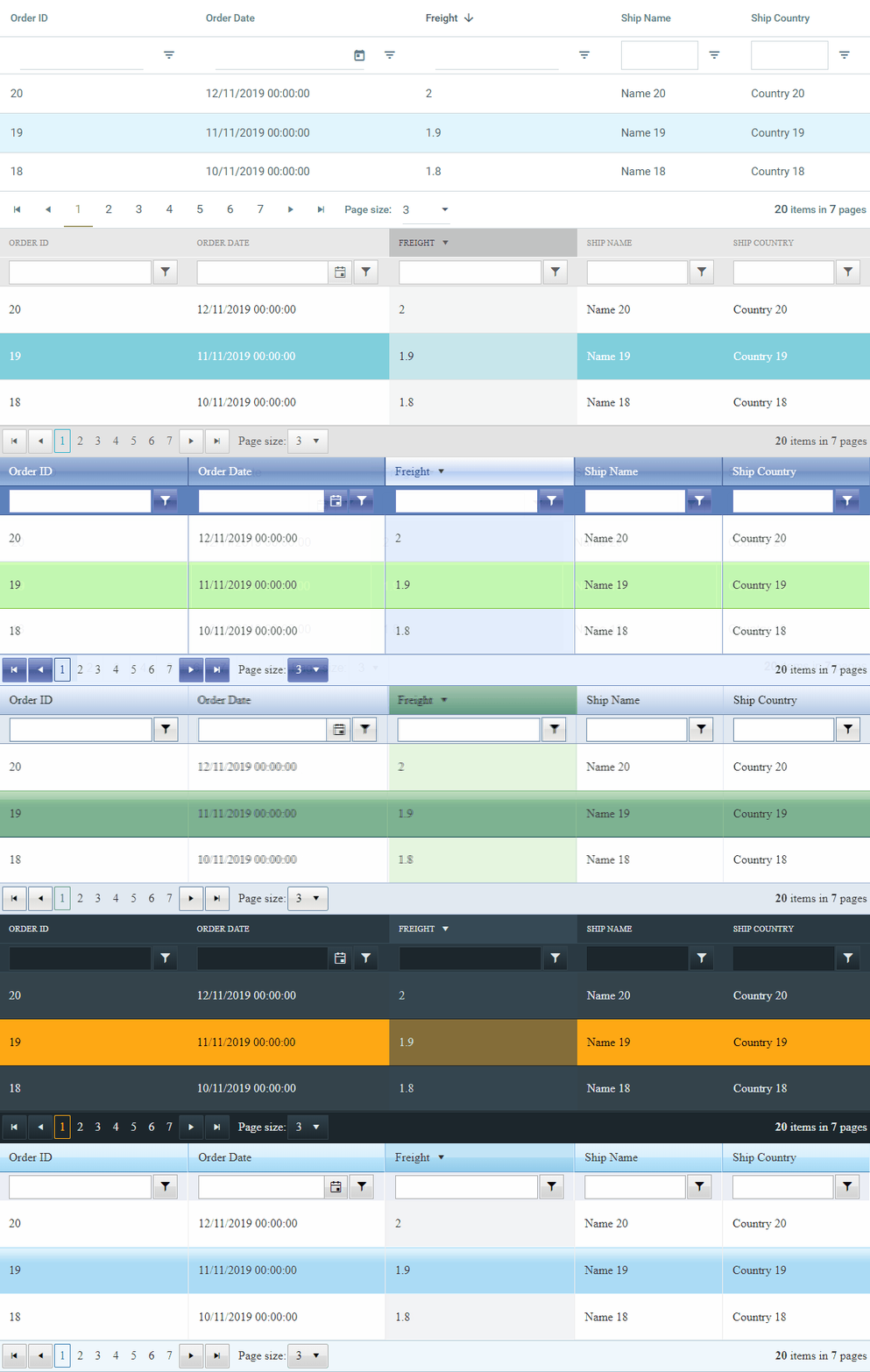
  3. Embedded skins improvements - all grid skins received major improvements/enhancements. See this topic from the documentation for more info about the changes and this forum thread explaining how to apply the old skins as external if necessary.

What's new in Telerik RadGrid for ASP.NET AJAX Q3 2008

  1. Declarative client-side binding - very similar to ObjectDataSource data-binding. You need to specify SelectMethod and SelectCountMethod (if needed) along with Location property and the grid will automatically invoke the specified method as PageMethod or WebService method.

  2. Client-side caching - this feature allows data caching on the client based on the current grid state. With client-side caching enabled RadGrid will store the start row index, maximum rows, sorting and filtering expressions and will retrieve them from the cache automatically on subsequent client-side refresh.

  3. Header context menu - quite useful if you would like to process operations like sorting or grouping on a per-column basis or show/hide some of the grid columns based on the end user preferences.

    RadGrid header context menu
  4. ListView/DataList-like grid - useful technique when you would like to display the data in the control in a custom layout format (simulating ListView/DataList functionality) and still keep the sorting/paging/filtering features over the source records.

    ListView/DataList-like grid
  5. Client-side hierarchy binding, ASP.NET MVC support, client-side binding to WCF, etc. - review Vladimir Enchev's blog posts for more details.

What's new in Telerik RadGrid for ASP.NET AJAX Q2 2008

  1. Client-side binding - RadGrid for ASP.NET AJAX supports client-side binding to web services or page methods, in combination with custom paging:

    RadGrid client-side binding
  2. Client-side edit/update/insert/delete via web services - RadGrid for ASP.NET AJAX now supports client data editing operations using external form.

    RadGrid client-side edit/update/insert/delete via web services
  3. Extended client-side API - new OnCommand/ OnRowDataBound client-side events, sortExpressions/ filterExpressions collections for GridTableView client object, several new properties/methods for the GridTableView client object (see the Client-Side Programming chapter from the documentation).

  4. "Smart" vertical auto-scroll functionality - when dragging grid items and the scrolling feature of the control is enabled, the grid will scroll down automatically when you would like to drop the record beyond the visible area.

  5. FileExtension property for Excel export added to the GridExportSettings for setting file extension when exporting to Excel (i.e. xsl or xslx).

What's new in Telerik RadGrid for ASP.NET AJAX Q1 2008

  1. Card View feature - allows you to specify item template for each record in the grid and define custom layout to visualize the data in the control.

    Card View feature
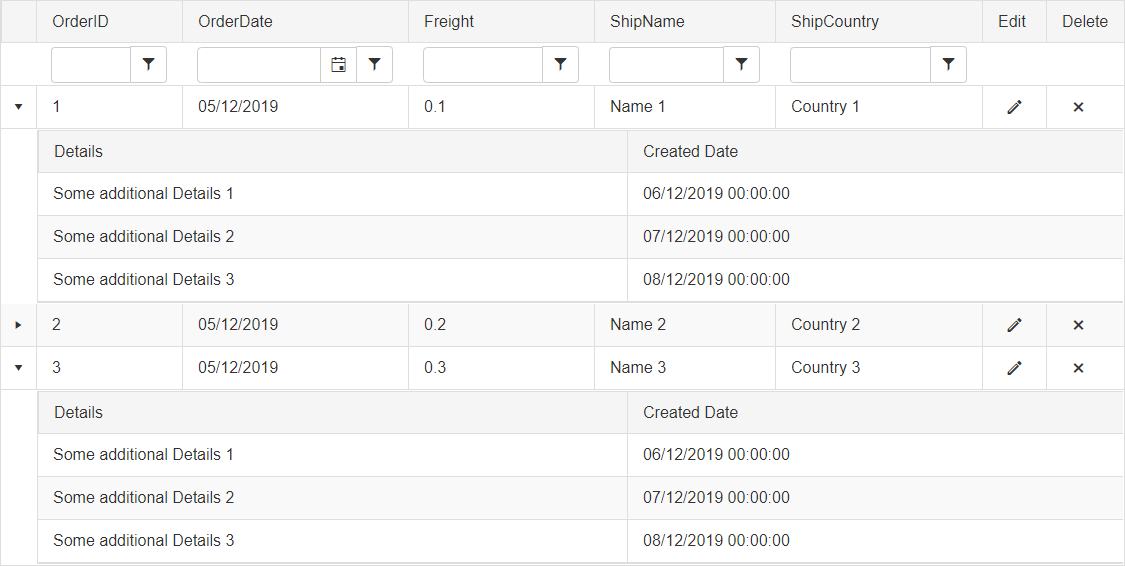
  2. NestedView template - allows you to specify template for the detail records of a given parent item, thus customizing the appearance of the related data according to your design preferences.

    RadGrid NestedView template
  3. Group footers with aggregates - RadGrid exposes group footers feature which provides the option to render footer under each group in the grid and visualize summaries within the current group.

    Group footers with aggregates
  4. Native Export to Excel - with option to customize the exported document appearance prior to the export action. See the RadGrid export chapter from the documentation for more info.

    Native Export to Excel
  5. Six new built-in column types - columns with RadDateInput/RadDatePicker, RadNumericTextBox, RadMaskedTextBox, RadComboBox and RadEditor controls for editing and GridCalculatedColumn for your calculating needs.

    New built-in column types
  6. RadMenu as filtering menu - RadContextMenu is now used as default filtering menu for RadGrid. We've tried to be as backwards compatible as possible and the only breaking change is that you would no longer be able to set the images for styling the filtering item declaratively. You would be able to do that directly from the RadMenu stylesheet.

    RadMenu as filtering menu
  7. Footer aggregates - to display results from aggregate functions performed over the columns in the grid in their footer.

    Footer aggregates
  8. Data type sensitive auto-generated columns - similar to the MS GridView control RadGrid can recognize internally the data type of the auto-generated columns and create columns of the corresponding type automatically.

  9. RadSlider as RadGrid slider - RadSlider is now integrated in RadGrid for enhanced paging and scrolling experience:

    RadSlider as RadGrid slider
  10. Popup Edit Form - now RadGrid can display the edit form in a popup on top of the grid:

    Popup Edit Form
  11. Drag and drop of grid items - flexible event-driven mechanism to drag and drop grid records to reorder them within the same grid, move them to different grid instance or drop them over other html element on the page.

    Drag and drop of grid items
  12. Significant data-binding performance optimizations - the version of RadGrid is several times faster and operates with thousands of records almost instantly.

  13. Extended client-side API - with various new client methods and features and code signature following the ASP.NET AJAX framework conventions. See the Client-side API Reference chapter from the documentation for further details.

  14. Support for LinqDataSource and ObjectContainerDataSource - In addition to all ASP.NET 2.0 declarative data sources you can bind RadGrid for ASP.NET AJAX (flat or hierarchical) codelessly to LinqDataSource and ObjectContainerDataSource.

  15. Option to specify delimiters for the CSV export - Csv section added to ExportSettings where you can specify Column/Row delimiter.

  16. Default hover style for grid data items in all embedded skins - to enable/disable this feature set the ClientSettings -> EnableRowHoverStyle boolean property.

  17. Option to show/hide the filtering item - using the showFilterItem()/hideFilterItem() client methods of GridTableView object.

  18. Easy customization of the insert form position with paging enabled - using the InsertItemDisplay and InsertItemPageIndexAction properties of the GridTableView instance.

  19. RadWindow confirmation dialogs for GridButtonColumn and GridClientDeleteColumn.

  20. CSS sprites - ability for all push/link/image buttons (part of native grid elements) to share single background image (called CSS sprite) which contains all the unique background images for all buttons.