WinUI SideDrawer Overview
Updated over 1 year ago
Thank you for choosing Telerik RadSideDrawer for WinUI control!
 Start Free Trial
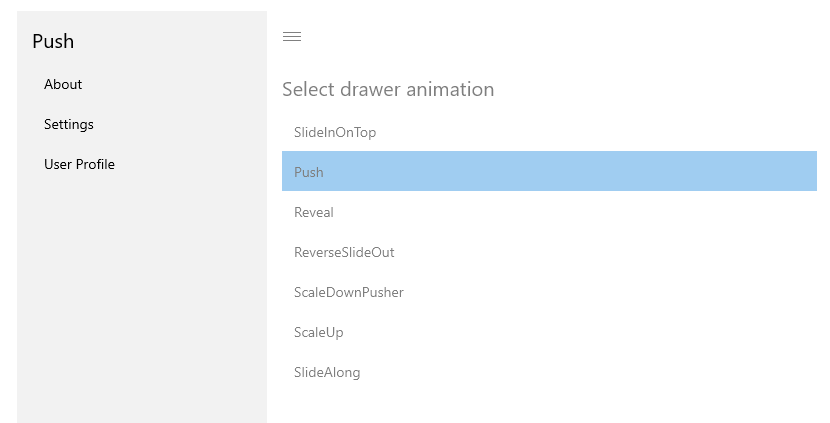
The SideDrawer is a control enabling quick and easy navigation across all levels of your app. It can be accessed from anywhere within your app as it has 4 built-in opening directions and an array of predefined open/close animations.
Figure 1: RadSideDrawer Overview
Key Features
- Drawer Transions: The RadSideDrawer supports several predefined transitions used to open/close its drawer. Read more in the Key Properties article.
Get started with the control with its Getting Started help article that shows how to use it in a basic scenario.
You can check out our demos application, which showcases the controls from the Telerik UI for WinUI suite. You can take a look at the Examples Application article, which describes how you can navigate to the download page.
Telerik UI for WinUI Support and Learning Resources
- Telerik UI for WinUI SideDrawer Homepage
- Get Started with the Telerik UI for WinUI SideDrawer
- Telerik UI for WinUI API Reference
- Getting Started with Telerik UI for WinUI Components
- Telerik UI for WinUI SideDrawer Forums