New to Telerik UI for WinUI? Start a free 30-day trial
Getting Started with WinUI GridSplitter
Updated on Mar 26, 2026
This article will guide you through the steps needed to add a basic RadGridSplitter control in your application.
Assembly References
In order to use the RadGridSplitter control, you will need to add references to the following assembly:
Telerik.WinUI.ControlsTelerik.Licensing.Runtime.dll
Adding RadGridSplitter to the Project
You can add a RadGridSplitter manually in XAML as demonstrated in Example 1.
You can access the RadGridSplitter control through an alias pointing to the Telerik.UI.Xaml.Controls.Primitives namespace:
xmlns:primitives="using:Telerik.UI.Xaml.Controls.Primitives"
Example 1: Adding a GridSplitter control to a Grid
XAML
<Grid>
	<Grid.ColumnDefinitions>
		<ColumnDefinition/>
		<ColumnDefinition Width="Auto"/>
		<ColumnDefinition/>
		<ColumnDefinition Width="Auto"/>
		<ColumnDefinition/>
	</Grid.ColumnDefinitions>

	<Border Background="#CCD15C" />
	<primitives:RadGridSplitter Grid.Column="1" />
	<Border Background="#81BCD1" Grid.Column="2" />
	<primitives:RadGridSplitter Grid.Column="3" />
	<Border Background="#C89745" Grid.Column="4" />
</Grid>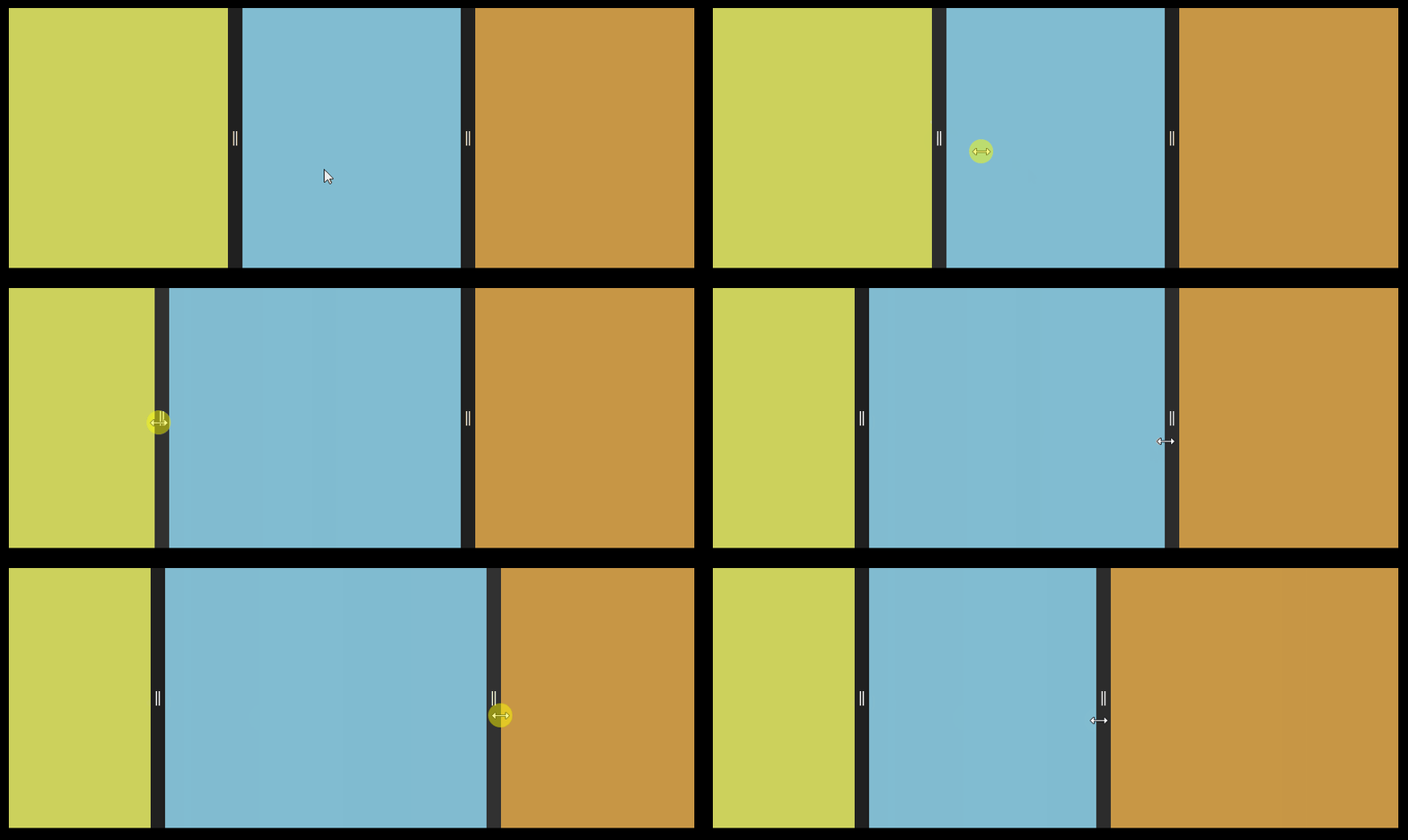
Telerik UI for WinUI Learning Resources
- Telerik UI for WinUI GridSplitter Component
- Getting Started with Telerik UI for WinUI Components
- Telerik UI for WinUI Installation
- Telerik UI for WinUI Examples
- Telerik UI for WinUI Accessibility
- Telerik UI for WinUI License Agreement