New to Telerik UI for WinUI? Start a free 30-day trial
Expand Direction
Updated on Mar 26, 2026
The ExpandDirection property gets or sets the direction in which the content would expand. This property is an enumeration which exposes four values: Down, Left, Right, Up.
Example 1: Setting the ExpandDirection property
XAML
<Grid>
	<telerik:RadExpander Width="200" Height="200"
						ExpandDirection="Down" Background="Bisque"
						Header="ExpandDirection Down">
		<StackPanel Orientation="Vertical">
			<Ellipse Width="99"
					Height="99"
					Margin="5"
					Fill="Blue" />
		</StackPanel>
	</telerik:RadExpander>
</Grid>
Figure 1: ExpandDirection set to Down
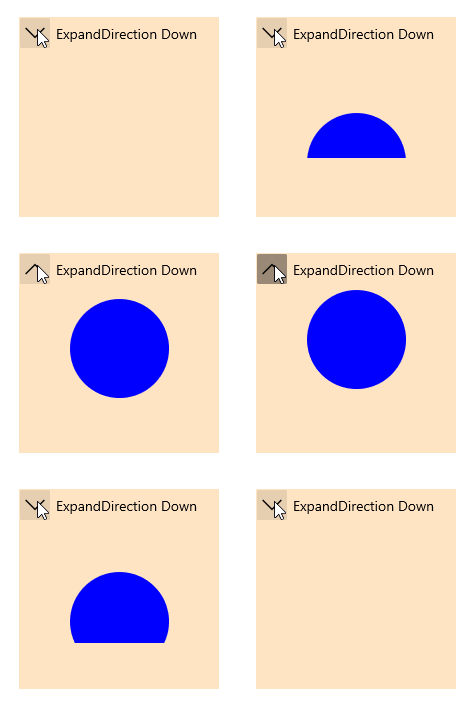
Figure 2: ExpandDirection set to Left

Figure 3: ExpandDirection set to Right
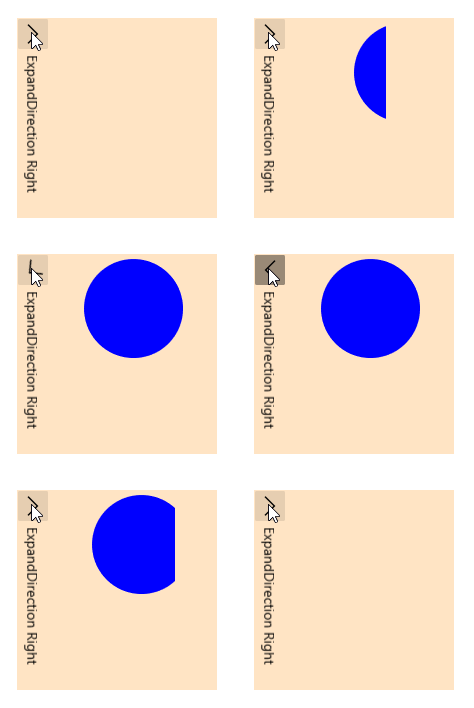
Figure 4: ExpandDirection set to Up
