Kendo UI for Angular
What's New 2026 Q1
What's New HistoryPromptBox Component
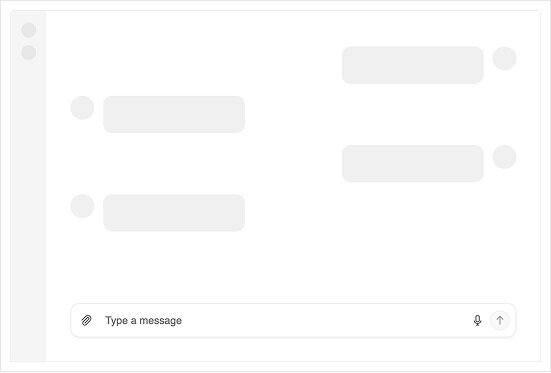
PromptBox is a dedicated Angular component for collecting prompts, attachments and actions in conversational and AI-assisted workflows. Choose from supported PromptBox modes to match compact, multiline or chat-style experiences, then add quick actions through configurable PromptBox tools for send, cancel or custom commands. Built-in support for adornments, file selection and keyboard navigation helps you ship consistent prompt entry across forms, chat screens and assistant panels. Explore all capabilities in the PromptBox documentation.
Key Features:
- Optimized for AI prompt input
- Clean, modern interface design
- Easy integration with AI services
- Customizable appearance and behavior
SmartPasteButton component turns clipboard text into form-ready data
SmartPasteButton is an AI-powered Angular Button component that extracts structured values from clipboard content and automatically fills form fields. With SmartPasteButton configuration, you can point the component to your AI service endpoint and describe the fields, mappings and allowed values you want returned. Use the SmartPasteButton events to manage the request lifecycle for loading states, cancellations and error handling, then plug results into reactive forms or template-driven forms. Get started with the SmartPasteButton documentation.
Key Features:- Intelligent clipboard data parsing
- Automatic data format detection
- Seamless form integration
- Reduces manual data entry errors
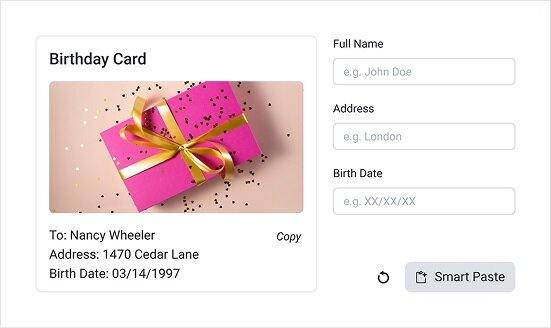
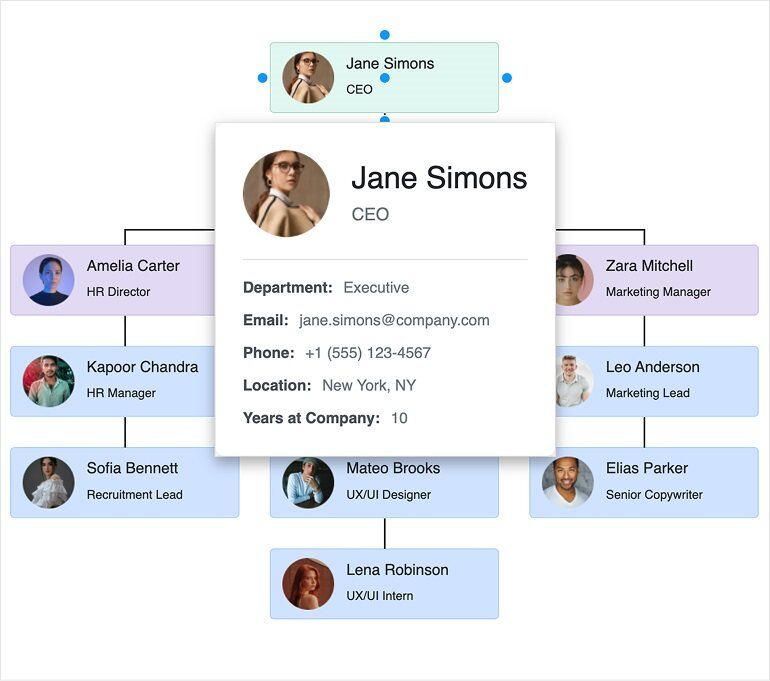
Diagram Tooltips add instant context to shapes and connections
Diagram Tooltips bring inline context to complex visualizations by showing helpful details when users hover over diagram elements. Set tooltip content with tooltipText and control visibility globally through shapeDefaults and connectionDefaults, or per item when you need targeted guidance. For richer experiences, you can render custom templates for both shapes and connections to surface data from each element’s dataItem.
Learn more in the Diagram Tooltips documentation.
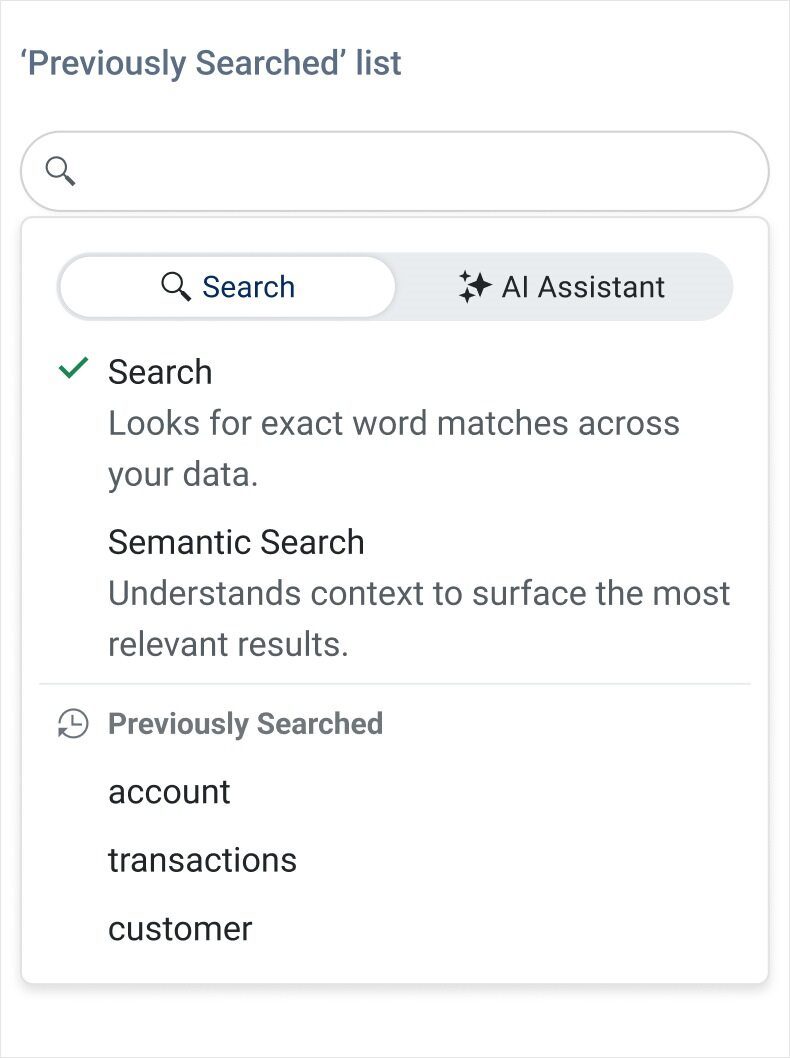
Smart Grid Semantic Search lets users filter with natural language
Smart Grid now supports Semantic Search mode in the AI Smart Box, so users can filter data with natural language instead of guessing exact column values. Add the AI Smart Box tool to your Grid toolbar and handle the semanticSearch event in your app to translate intent into filter criteria using the approach that fits your data (the demo uses a third-party service for illustration). Tune the experience with GridSmartBoxSemanticSearchSettings options like typing delay, placeholder text and query history.
See the full walkthrough in the Angular Data Grid Semantic Search documentation.
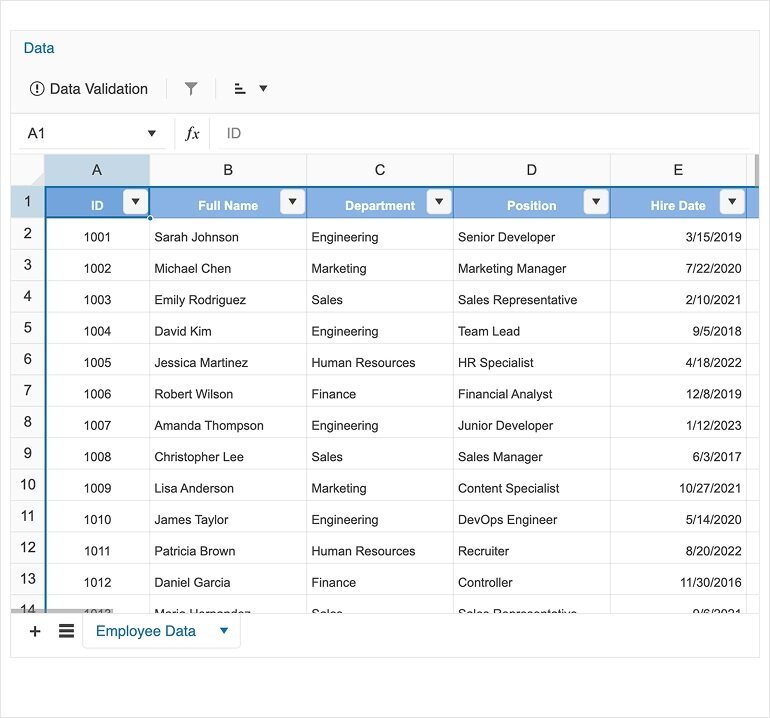
Spreadsheet Filtering and Sorting adds Excel-style data control
Spreadsheet users can now filter and sort ranges with familiar Excel-style interactions directly from the Data menu. Apply the built-in Filtering tool to add column dropdowns and narrow results by value, then use the Sorting tool to order a selected range ascending or descending. These options pair naturally with Spreadsheet Data Validation for cleaner data entry and you can extend the workflow further with Custom Cell Editors.
Dive into the details in the Spreadsheet Filtering and Sorting documentation.
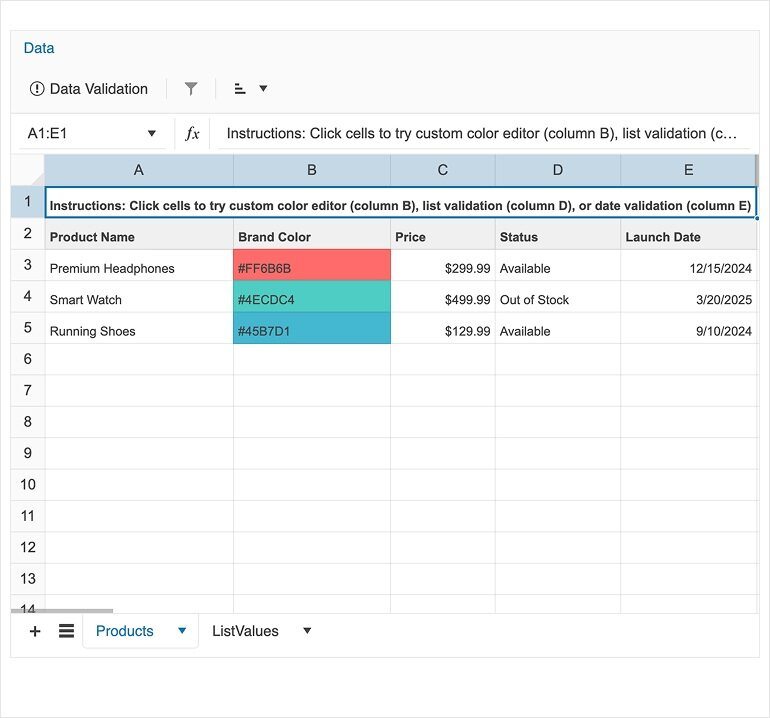
Spreadsheet Custom Cell Editors unlock specialized editing experiences
Custom Cell Editors let you plug specialized input components into Spreadsheet editing, making it easier to handle richer data types and tailored validation. Define editors with the cellEditors collection and connect user interactions back to cell ranges through action handlers, keeping editing logic clean and reusable. For deeper control over change flows and context, the SpreadsheetCellEditorHandlerArgs API and the broader Spreadsheet API surface the types you need to build robust editor integrations.
Get the full setup guide in the Spreadsheet Custom Cell Editors documentation.
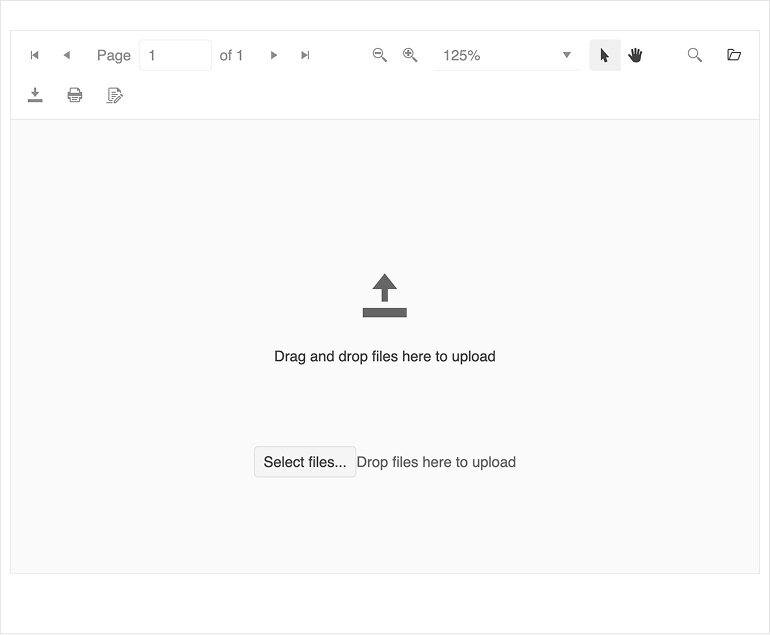
PDFViewer Blank Page improves empty-state UX and upload flows
PDFViewer now shows a purpose-built blank page when no document is loaded, complete with a drop zone for drag and drop and a file dialog upload option. Replace the default empty state with your own branding or upload flow using the BlankPageTemplateDirective and adjust default text through PDFViewerCustomMessagesComponent. If you need extra guardrails, handle the fileSelect event to validate file type, size or route the file through custom logic before loading.
Learn more in the PDFViewer Blank Page documentation.
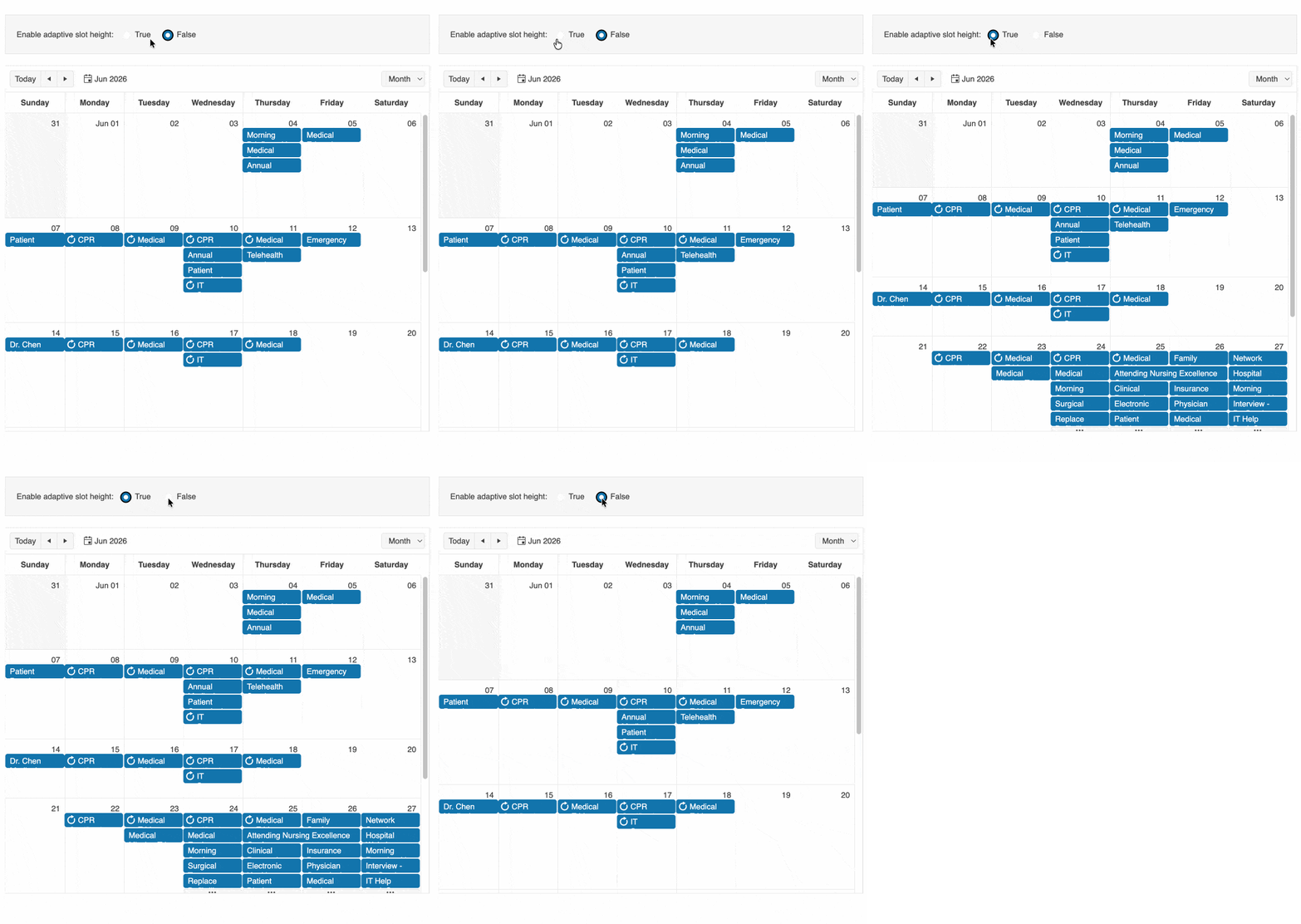
Scheduler Month View now supports adaptive slot height
Month View in the Scheduler now supports adaptive slot height, helping dense calendars stay readable without hiding events behind a fixed row height. Set adaptiveSlotHeight to true to let each week row grow to fit the maximum number of displayed events, or enable it implicitly when using eventHeight='auto' or eventsPerDay='auto'. Use the MonthViewComponent API to fine-tune eventHeight, eventsPerDay and adaptiveSlotHeight together, and review shared options under View Features.
Follow the full guidance in the Scheduler Month View documentation.