New to Telerik UI for WPF? Start a free 30-day trial
Blackout Dates
Updated on Sep 23, 2026
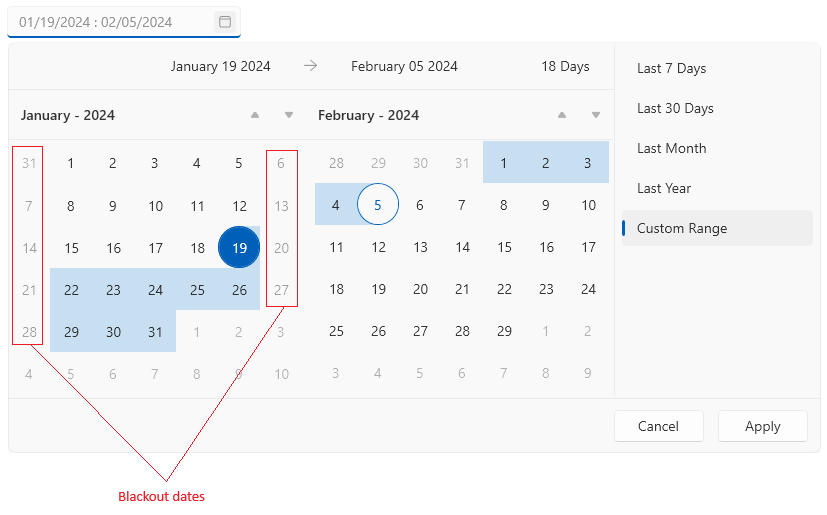
The blackout dates feature of the DateRangePicker component allows you to define a set of dates that will be disabled and the user cannot select them.
The list of disabled dates is assigned through the BlackoutDates property of RadDateRangePicker. The property expects a collection of DateTime objects.
Blackout the weekends of the current month
C#
var weekends = new ObservableCollection<DateTime>();
var daysInMonth = DateTime.DaysInMonth(DateTime.Today.Year, DateTime.Today.Month);
var startDate = new DateTime(DateTime.Today.Year, DateTime.Today.Month, 1);
for (int i = 0; i < daysInMonth; i++)
{
    var currentDate = startDate.AddDays(i);
    if (currentDate.DayOfWeek == DayOfWeek.Saturday || currentDate.DayOfWeek == DayOfWeek.Sunday)
    {
        weekends.Add(currentDate);
    }
}
this.dateRangePicker.BlackoutDates = weekends;