New to Telerik UI for WinForms? Start a free 30-day trial
Manage Extensions
Updated on Aug 4, 2026
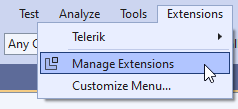
Progress Telerik UI for WinForms Extensions can be installed / enabled / disabled by the Extensions menu in Visual Studio. It is necessary to select the Manage Extensions menu item:
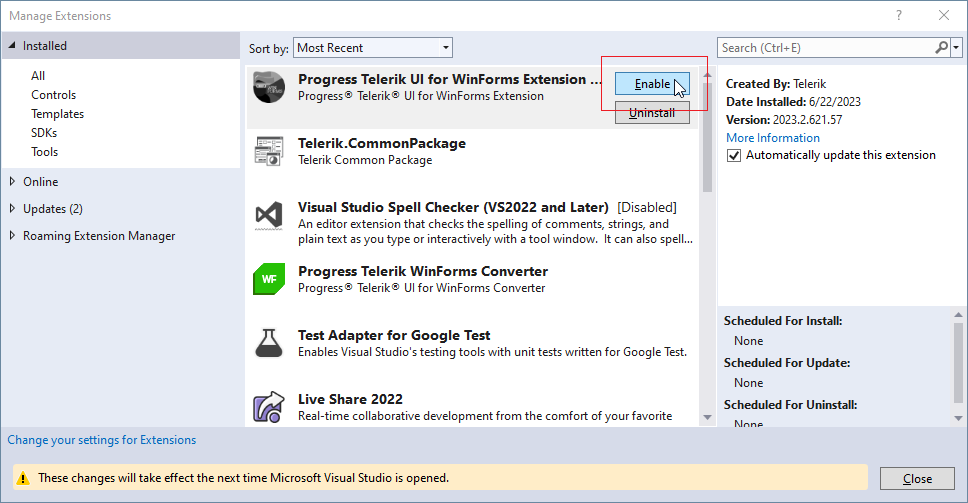
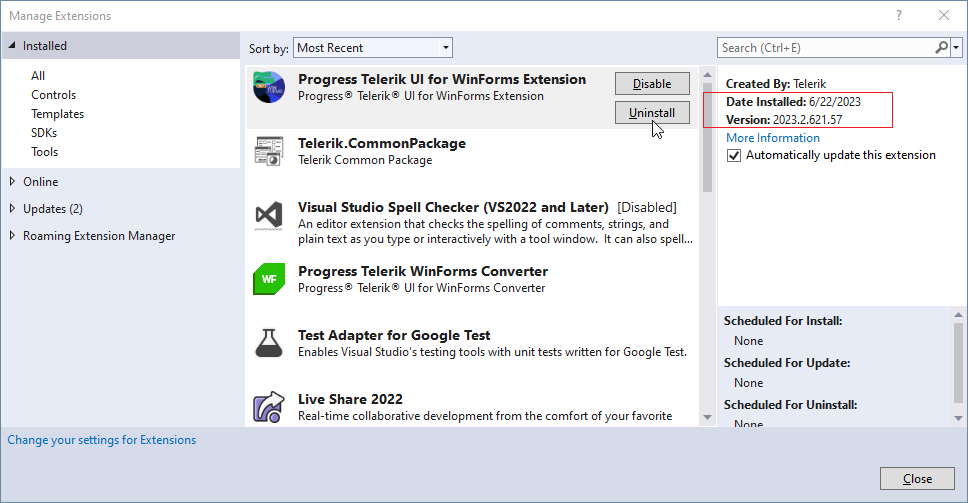
If the Extension is already installed you can enable or disable it:
Enable UI for WinForms Extension
Disable UI for WinForms Extension
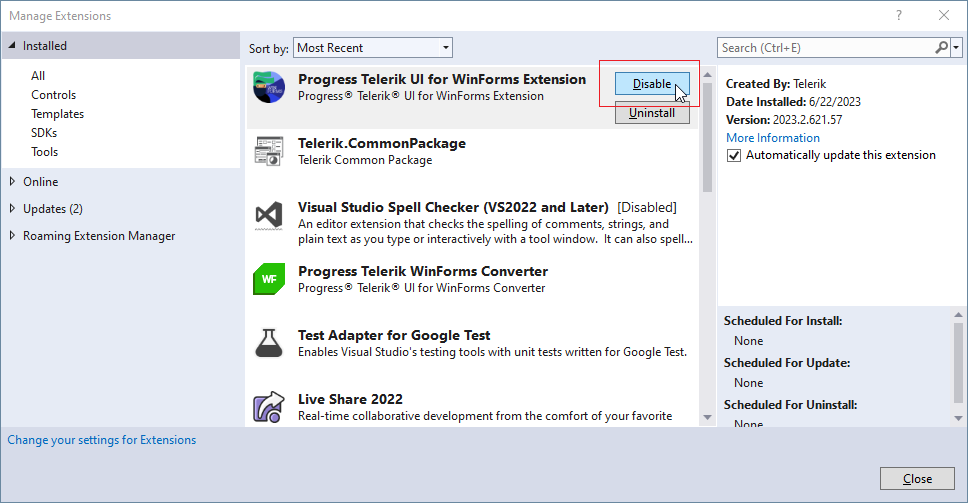
On the right side you have information about the specific Version of the Extension. If the version is not the desired one, you can uninstall the extension first by using the corresponding button:
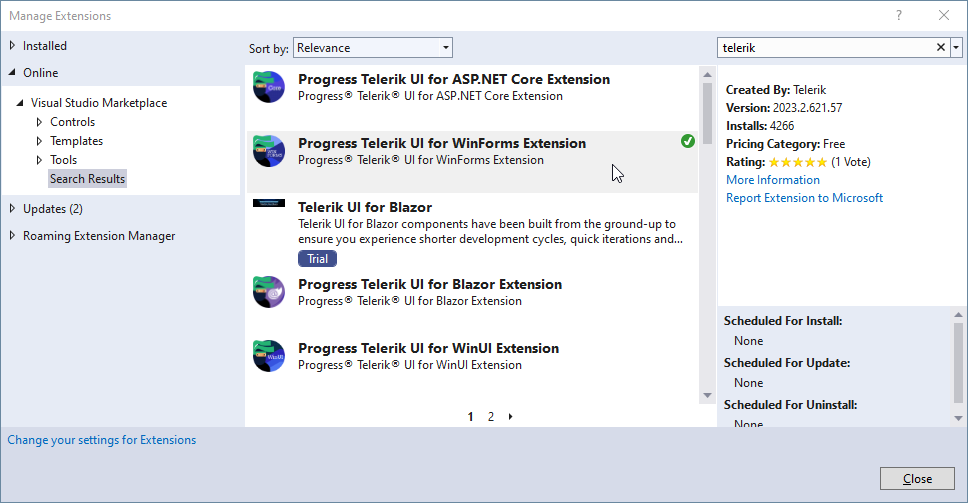
Then, you can install a newer version by searching in the Online section of the dialog: