New to Telerik UI for WinForms? Start a free 30-day trial
Adding the Control Spy to Your Application
Updated over 1 year ago
| RELATED VIDEOS | |
|---|---|
| Introduction to RadControlSpyForm | 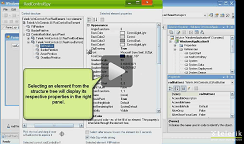 |
To add the Control Spy to your application, you must add a reference to the RadControlSpy.dll library, which is installed by default at: C:\Program Files\Telerik\UI for WinForms\Version\bin
To start the ControlSpy, create and display a new instance of the RadControlSpyForm:
Using RadControlSpy
C#
private void radButton1_Click(object sender, EventArgs e)
{
    RadControlSpyForm spyForm = new RadControlSpyForm();
    spyForm.Show();
}