How to Add Backspace Key to VirtualKeyboard in Numpad Mode
Environment
| Product Version | Product | Author |
|---|---|---|
| 2022.2.511 | RadVirtualKeyboard for WinForms | Dinko Krastev |
Description
A common requirement is to display a virtual keyboard for editing fields in your application in Numpad KeyboardLayoutType. In this keyboard layout type, the Backspace key is not present. There are cases where such key will be require to allow the user to delete wrong enter data.
Solution
To add an additional key, you can use the MainLayoutPanel property of the control. This property is represented by a VirtualKeyboardLayoutPanel that hosts VirtualKeyboardLayouts and other VirtualKeyboardLayoutPanels. In our case, we can get the VirtualKeyboardLayout from RadVirtualKeyboard.MainLayoutPanel.KeyboardLayouts collection. Then we can add an additional row and manually populate the Keys collection with the desired keys. The following code demonstrate this solution.
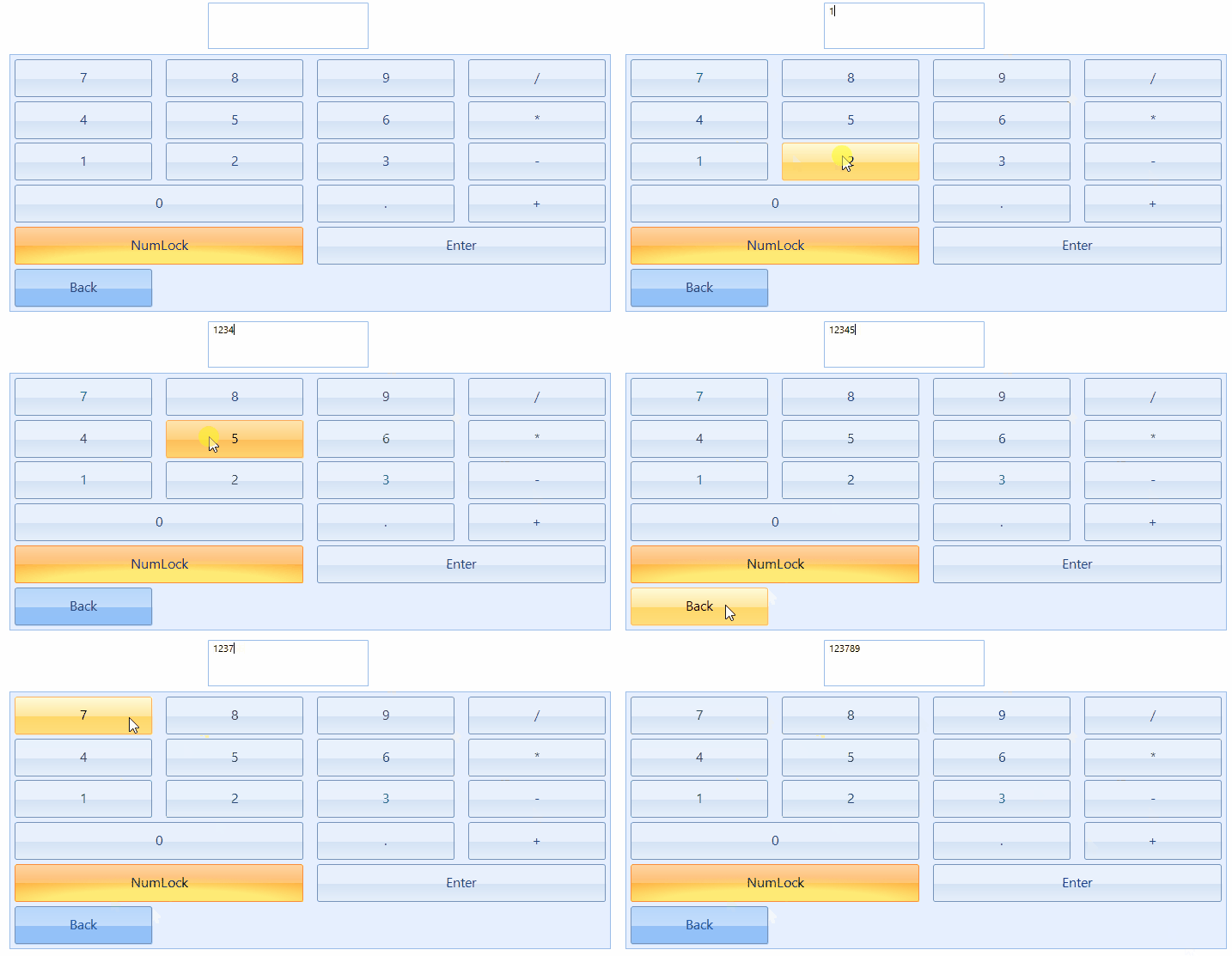
this.radVirtualKeyboard1.LayoutType = KeyboardLayoutType.Numpad;
var virtualKeyboardLayout = this.radVirtualKeyboard1.MainLayoutPanel.KeyboardLayouts[0] as VirtualKeyboardLayout;
Row specialRow = new Row();
specialRow.Keys.Add(new Key(8,"Back", KeyType.Special, 1, 1, true, false));
virtualKeyboardLayout.Rows.Add(specialRow);