How to Create a Virtual Keyboard
Environment
| Product Version | Product | Author |
|---|---|---|
| 2019.1.219 | UI for WinForms | Desislava Yordanova |
Description
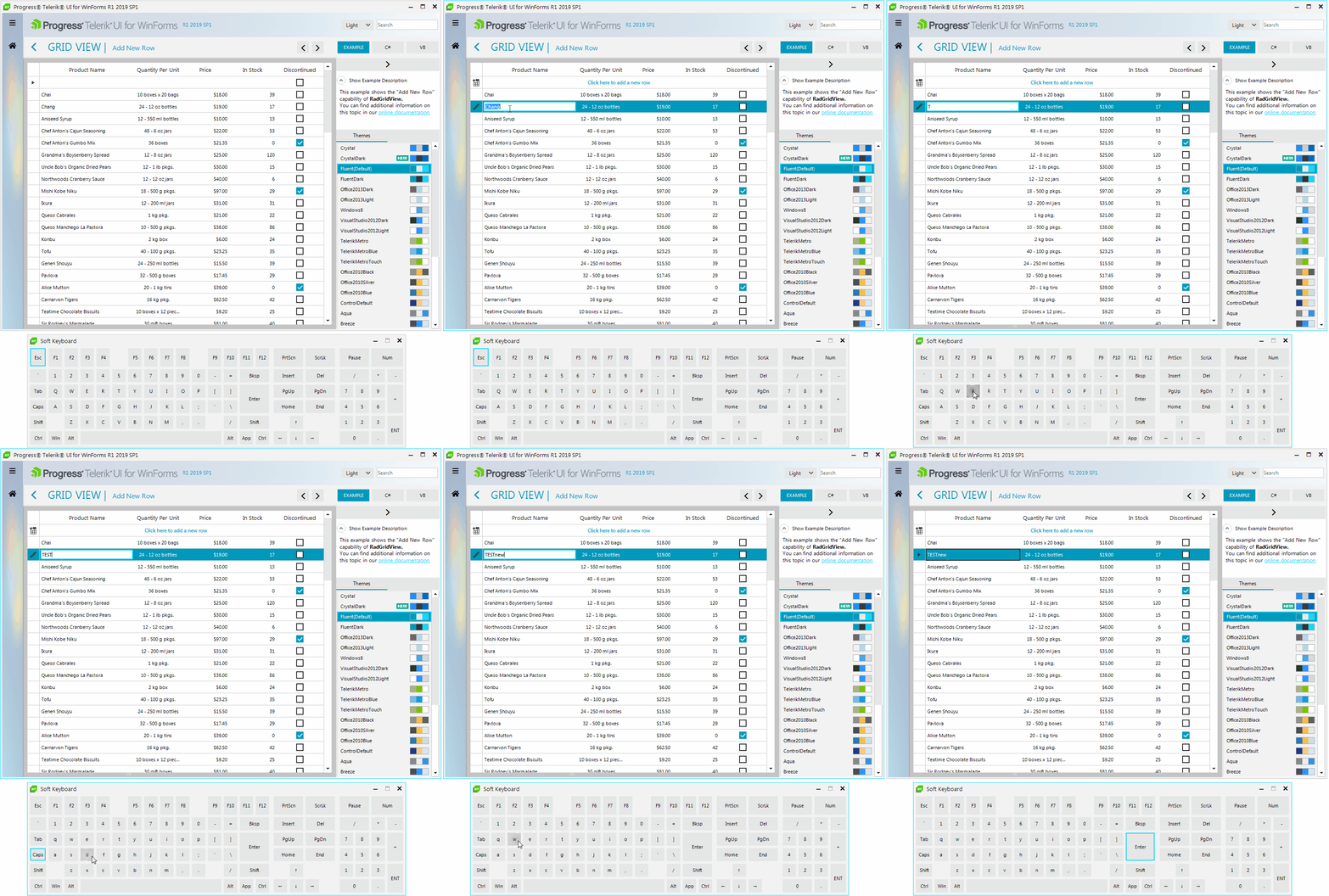
A common requirement is to display a virtual keyboard for editing fields in your application. However, it is quite important to introduce consistent look and feel to the end users. This SDK example aims to introduce a sample approach how to achieve the illustrated behavior below.
Solution
The following MSDN solution is used as a starting point. It is just extended to use the Telerik UI for WinForms suite with the Fluent theme applied: Create a soft keyboard (CSSoftKeyboard)
The sample demonstrates how to create a soft keyboard. It has the following features
-
It will not get focus when a key button is clicked.
-
If the user presses the left mouse button within its non-client area (such as the
title bar), it will be activated. When the left mouse button is released, it will activate the previous foreground Window.
- When user clicks a character on it, like
Aor1, it will send the key to
the active application.
-
It supports special keys, like "WinKey" "Delete".
-
It supports the combination of keys, like
Ctrl+C.
NOTE: Ctrl+Alt+Del is not supported as it will cause security issue.
A complete solution providing a C# and VB.NET project is available here.