New to Telerik UI for WinForms? Start a free 30-day trial
Dynamic DropDown Size for RadPopupEditor
Updated over 1 year ago
Environment
| Product Version | Product | Author |
|---|---|---|
| 2022.2.622 | RadPopupEditor for WinForms | Desislava Yordanova |
Description
The following tutorial demonstrates a sample approach how to size dynamically the drop down in RadPopupEditor. If the control is above the middle of the screen (vertically), the popup should open to the bottom and the height should be enough to reach the bottom of the screen. If the control is below the middle of the screen, the popup should open to the top and the height should reach the top of the screen.
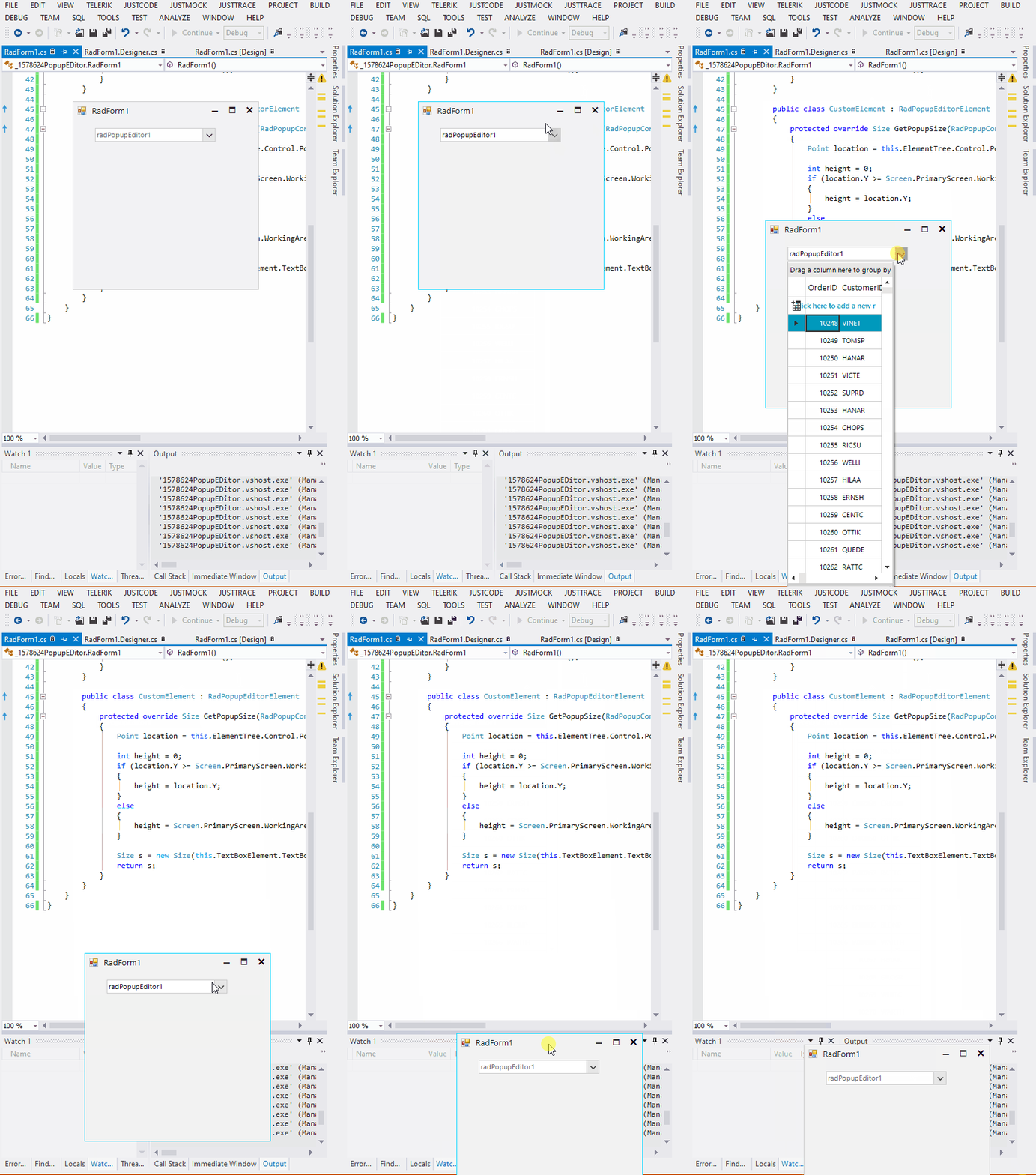
Solution
Create a derivative of RadPopupEditorElement and override its GetPopupSize method. The returned size depends on the screen position of the control.
C#
        public class CustomPopupEditor : RadPopupEditor
        {
            public override string ThemeClassName
            {
                get
                {
                    return typeof(RadPopupEditor).FullName;
                }
            }

            protected override RadPopupEditorElement CreateElement()
            {
                return new CustomElement();
            }
        }

        public class CustomElement : RadPopupEditorElement
        {
            protected override Size GetPopupSize(RadPopupControlBase popup, bool measure)
            {
                Point location = this.ElementTree.Control.PointToScreen(Point.Empty);

                int height = 0;
                if (location.Y >= Screen.PrimaryScreen.WorkingArea.Height / 2)
                {
                    height = location.Y;
                }
                else
                {
                    height = Screen.PrimaryScreen.WorkingArea.Height - location.Y - this.TextBoxElement.TextBoxItem.Size.Height * 2;
                }

                Size s = new Size(this.TextBoxElement.TextBoxItem.Size.Width, height);
                return s;
            }
        }