New to Telerik UI for WinForms? Start a free 30-day trial
How to set ScreenTip to show, currently hovered PivotGroupElement, in which RowGroupDescription is located
Updated over 1 year ago
Environment
| Product Version | Product | Author |
|---|---|---|
| 2022.2.622 | RadPivotGrid for WinForms | Dinko Krastev |
Description
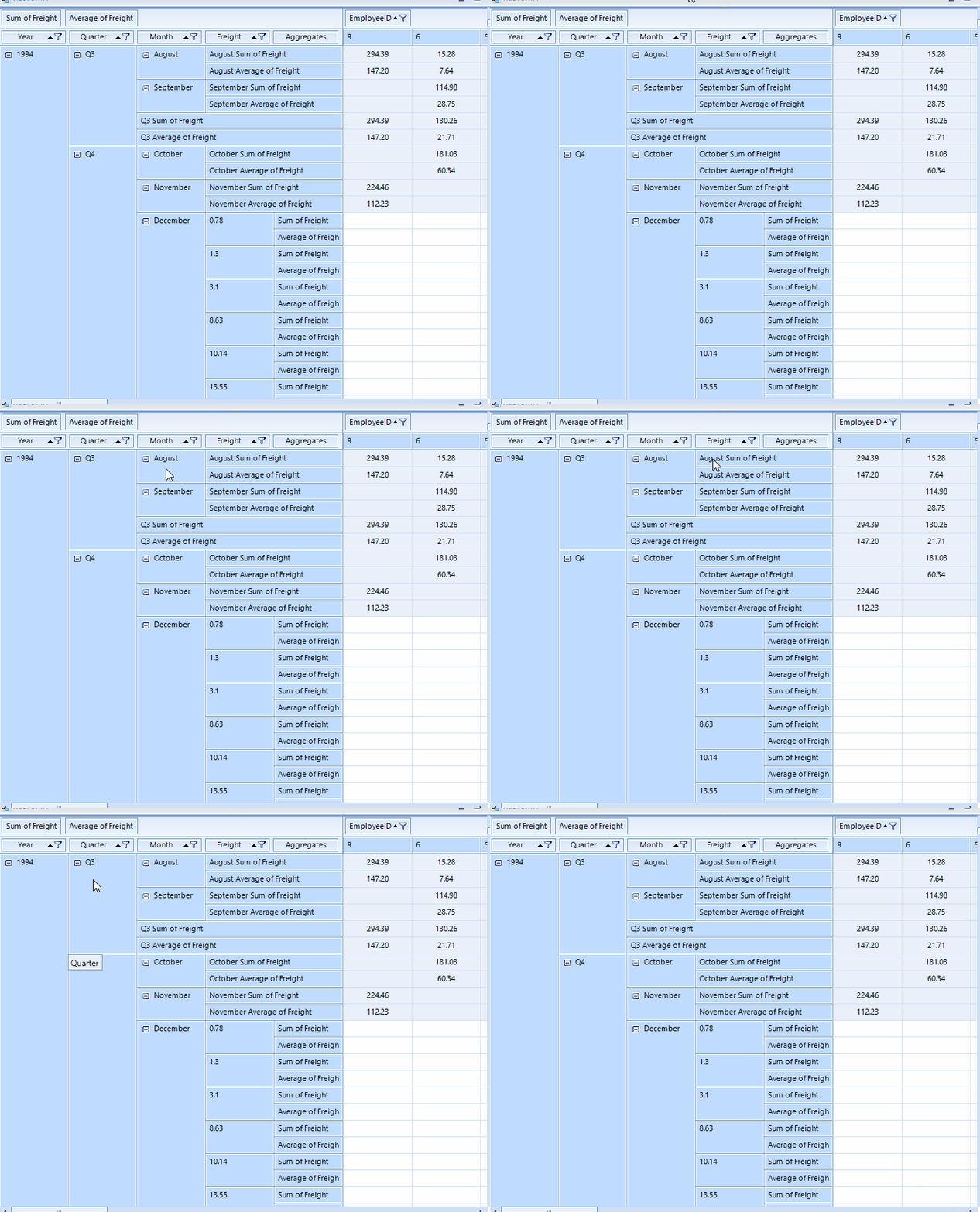
An example demonstrating how to check the current mouse-hovered PivotGroupElement, in which RowGroupDescription is located.
Solution
We can subscribe to the ScreenTipNeeded event of the RadPivotGrid control. In the event handler, we can get the currently hovered item. If it is of type PivotGroupElement, we can check if the Data.Axis property is Rows and uses the Data.Group.Level property to extract the corresponding RowGroupDescription from the RowGroupDescriptions collection of the RadPivotGrid.
Sample Implementation
C#
	private void Pivot_ScreenTipNeeded(object sender, Telerik.WinControls.ScreenTipNeededEventArgs e)
	{
		PivotGroupElement cellGroup = e.Item as PivotGroupElement;
		if (cellGroup != null)
		{
			RadOffice2007ScreenTipElement screenTipGroupCell = new RadOffice2007ScreenTipElement();
			screenTipGroupCell.CaptionLabel.Text = "";

			if (cellGroup.Data.Axis == PivotAxis.Rows & this.RadPivotGrid1.RowGroupDescriptions.Count - 1 >= cellGroup.Data.Group.Level)
			{
				var rowGroupDescriptor = this.RadPivotGrid1.RowGroupDescriptions[cellGroup.Data.Group.Level];
				screenTipGroupCell.MainTextLabel.Text = rowGroupDescriptor.DisplayName;
				screenTipGroupCell.FooterTextLabel.Text = "";
				cellGroup.ScreenTip = screenTipGroupCell;
			}
		}
	}