New to Telerik UI for WinForms? Start a free 30-day trial
How to Achieve Background Image in RadDiagram that Supports Pan Functionality
Updated on Aug 27, 2026
Environment
| Product Version | Product | Author |
|---|---|---|
| 2021.1.0119 | RadDiagram for WinForms | Desislava Yordanova |
Description
A common requirement is to have a background image for RadDiagram. The easiest way to achieve this is by setting the DiagramElement.BackgroundImage property.
However, in this case the image will be shown but the pan and zoom operation will not apply to the background.
Solution
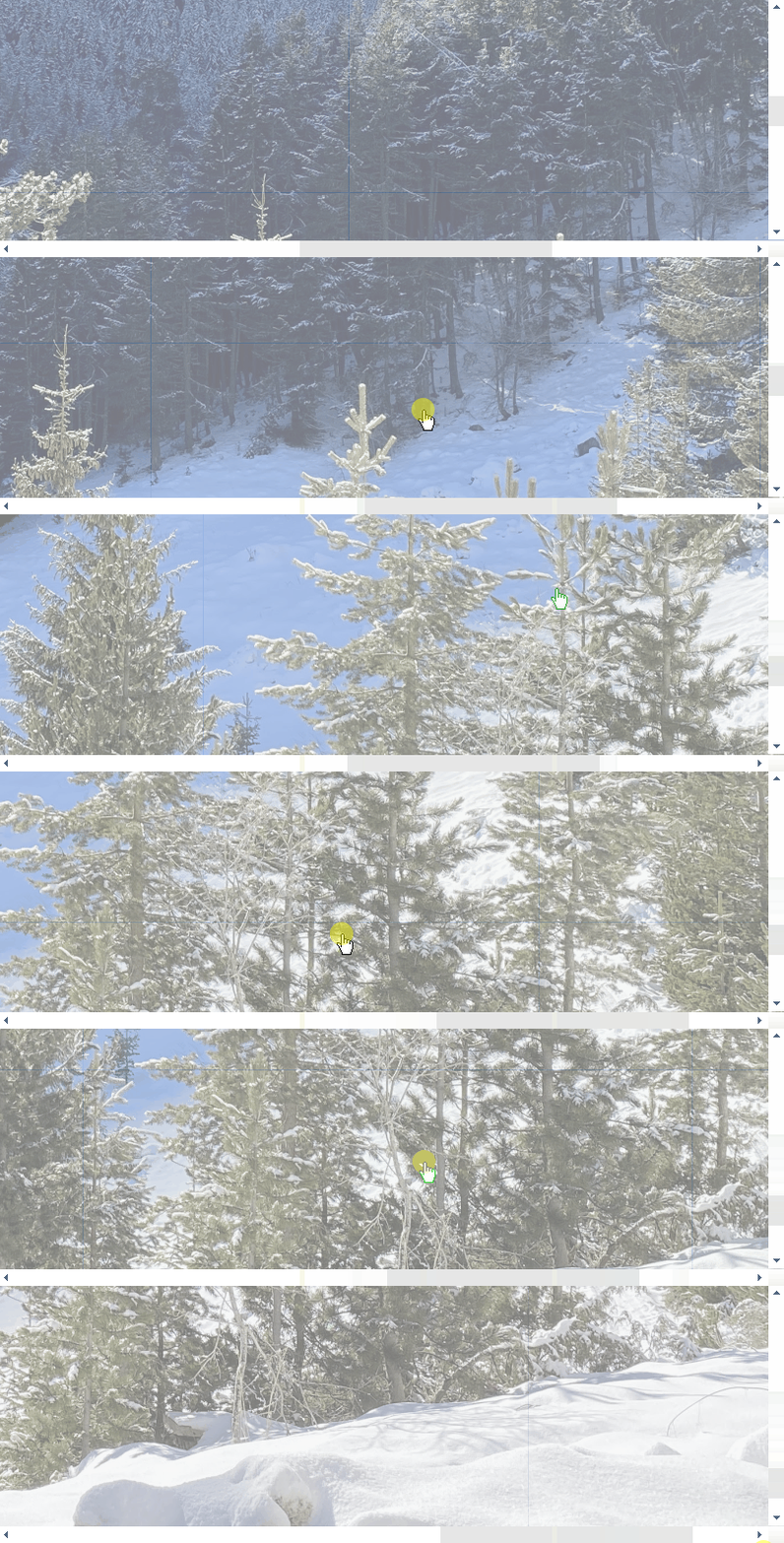
If you want to pan and zoom the custom background image, the possible solution is to use a big enough RadDiagramShape and apply the image to it. Thus, the pan and zoom operations will come out of the box. Please refer to the following code snippet which result is demonstrated in the attached gif file.
C#
public RadForm1()
{
    InitializeComponent();

    this.radDiagram1.DiagramElement.IsBackgroundSurfaceVisible = false;
    RadDiagramShape _Background = new RadDiagramShape()
    {
        Name = "Image"
    };
    _Background.IsConnectorsManipulationEnabled = false;
    _Background.IsRotationEnabled = false;
    _Background.IsResizingEnabled = false;
    _Background.IsDraggingEnabled = false;
    _Background.CaptureOnMouseDown = false;
    _Background.IsEnabled = false;
    _Background.IsFocusable = false;
    _Background.IsHitTestVisible = false;
    _Background.ShouldHandleMouseInput = false;
    _Background.Shape = new Telerik.WinControls.RoundRectShape(0);
    Image bg = Image.FromFile(@"..\..\IMG_4882.JPG");
    _Background.DiagramShapeElement.Image = bg;
    _Background.Width = bg.Width;
    _Background.Height = bg.Height;
    _Background.DiagramShapeElement.ImageOpacity = 0.5;


    _Background.ShouldHandleMouseInput = false;
    _Background.NotifyParentOnMouseInput = false;

    this.radDiagram1.AddShape(_Background);

    Telerik.Windows.Diagrams.Core.ToolService toolService =
        this.radDiagram1.ServiceLocator.GetService<Telerik.Windows.Diagrams.Core.IToolService>()
        as Telerik.Windows.Diagrams.Core.ToolService;

    if (toolService != null)
        toolService.ToolList[0] = new CustomPanningTool();
    this.radDiagram1.ActiveTool = Telerik.Windows.Diagrams.Core.MouseTool.PanTool;
}
public class CustomPanningTool : Telerik.Windows.Diagrams.Core.PanningTool
{
    public override bool MouseMove(Telerik.Windows.Diagrams.Core.PointerArgs e)
    {
        if (this.IsActive)
        {
            if (this.HitItem != null && this.HitItem.Name == "Image")
                this.HitItem = null;
        }

        return base.MouseMove(e);
    }
}