New to Telerik UI for WinForms? Start a free 30-day trial
Scheduler Ruler
Updated on Aug 27, 2026
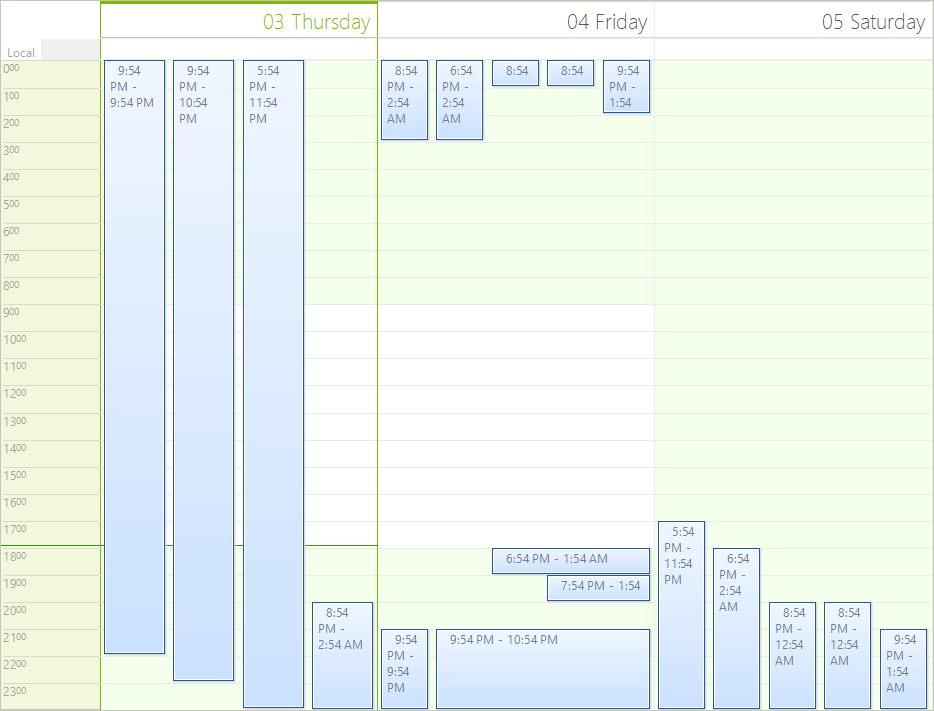
The ruler in RadScheduler is used to show the time intervals of the current view.
The ruler has various properties which can be used to modify its appearance. The examples below demonstrate the various behaviors of the ruler. The ruler can be accessed as follows:
C#
RulerPrimitive ruler = (this.scheduler.SchedulerElement.ViewElement as SchedulerDayViewElement).DataAreaElement.Ruler;Figure 1: RadScheduler Ruler
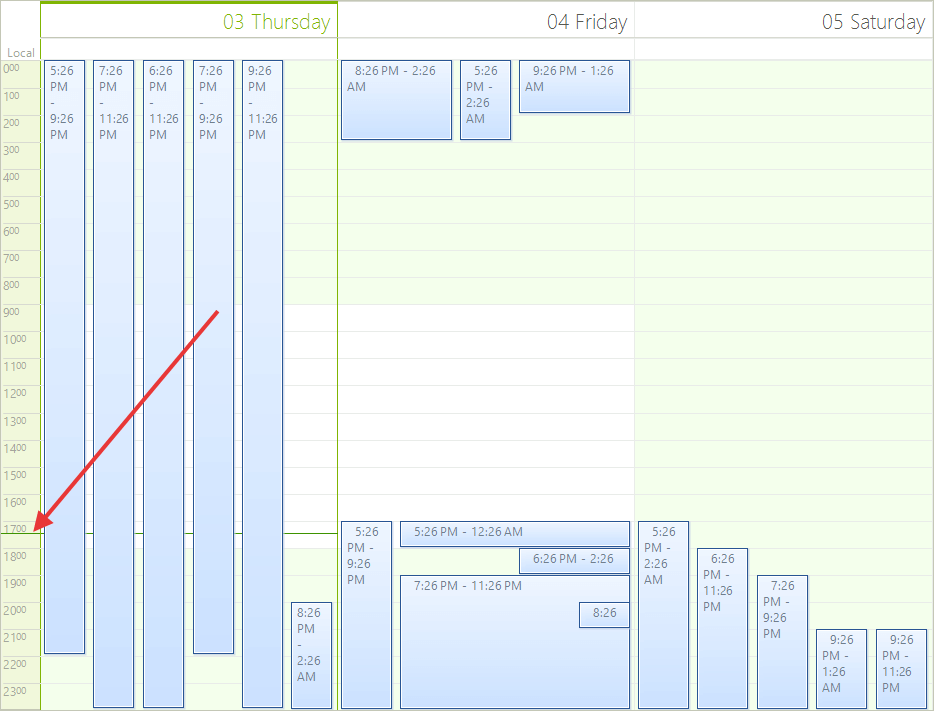
- TimePointerStyle - Sets the style of the pointer which shows the current time. Can be Arrow, Line or SimpleLine.
C#
ruler.TimePointerStyle = RulerCurrentTimePointer.Arrow;Figure 2: Time Pointer Style
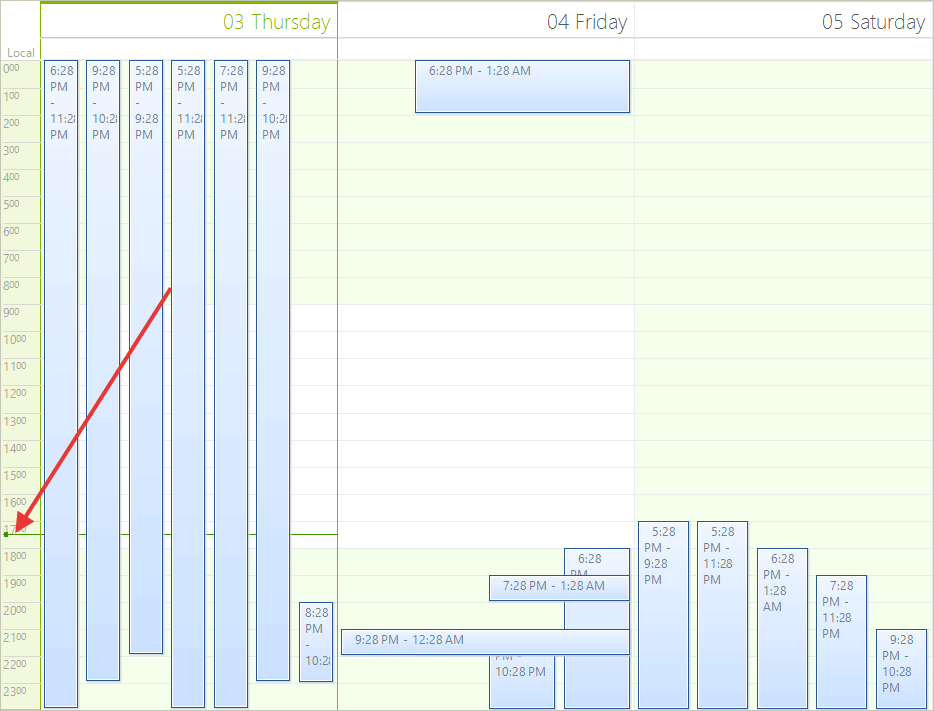
- Start and EndScale - Sets the time when the ruler starts and ends.
C#
ruler.StartScale = 2;
ruler.EndScale = 9;Figure 3: Start and End Scales
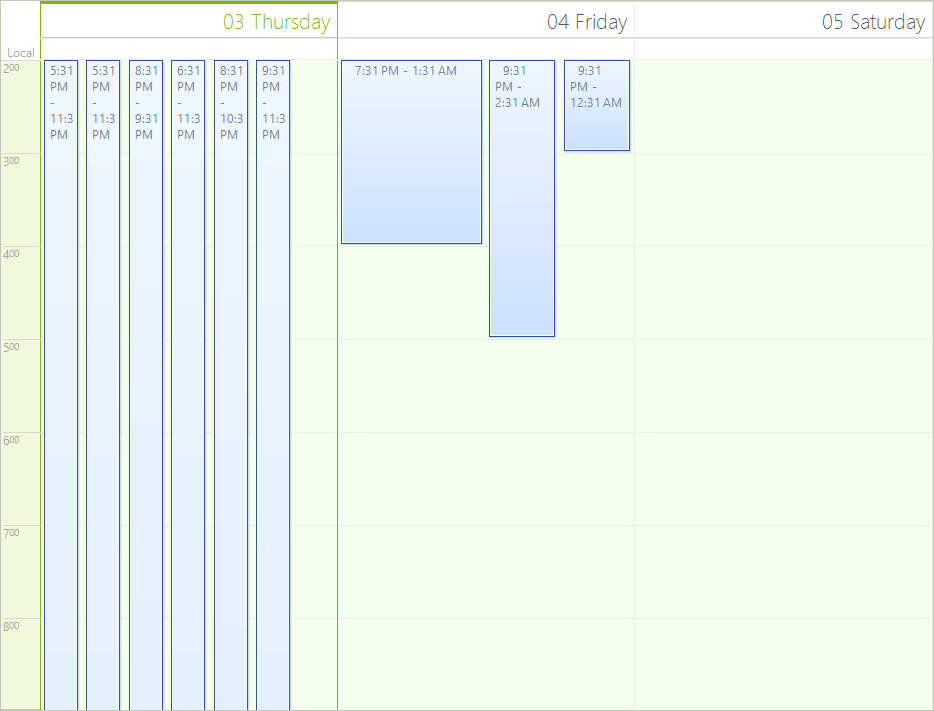
- RangeFactor - The range factor determines whether the units in the ruler will be devided in FiveMinutes, HalfHour, Hour, QuarterHour, SixMinutes or TenMinutes.
C#
ruler.RangeFactor = ScaleRange.FiveMinutes;Figure 4: Ruler Range
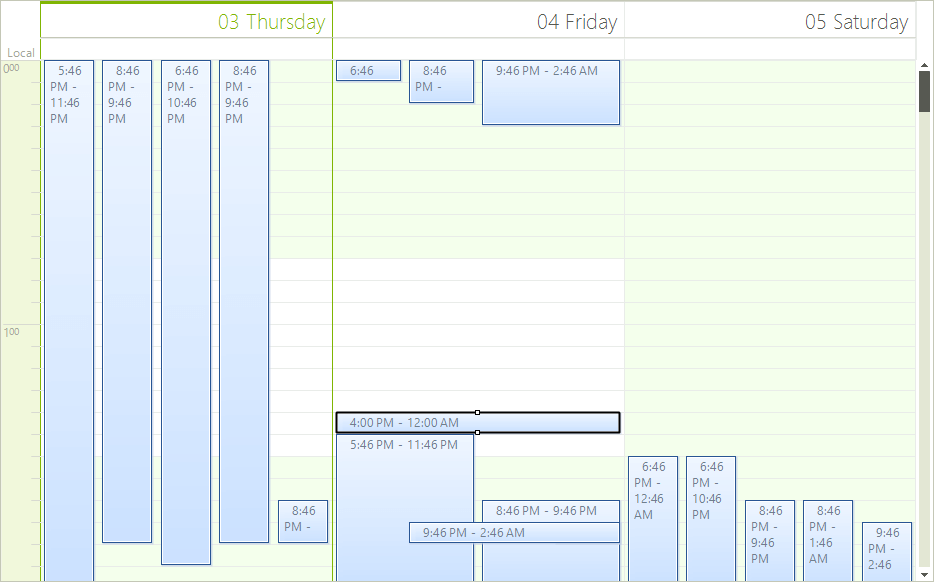
- CurrentTimePointerWidth and CurrentTimePointerColor - Sets the size and the color of the pointer which shows the current time.
C#
ruler.CurrentTimePointerWidth = 10;
ruler.CurrentTimePointerColor = Color.Red;Figure 5: Time Pointer Width
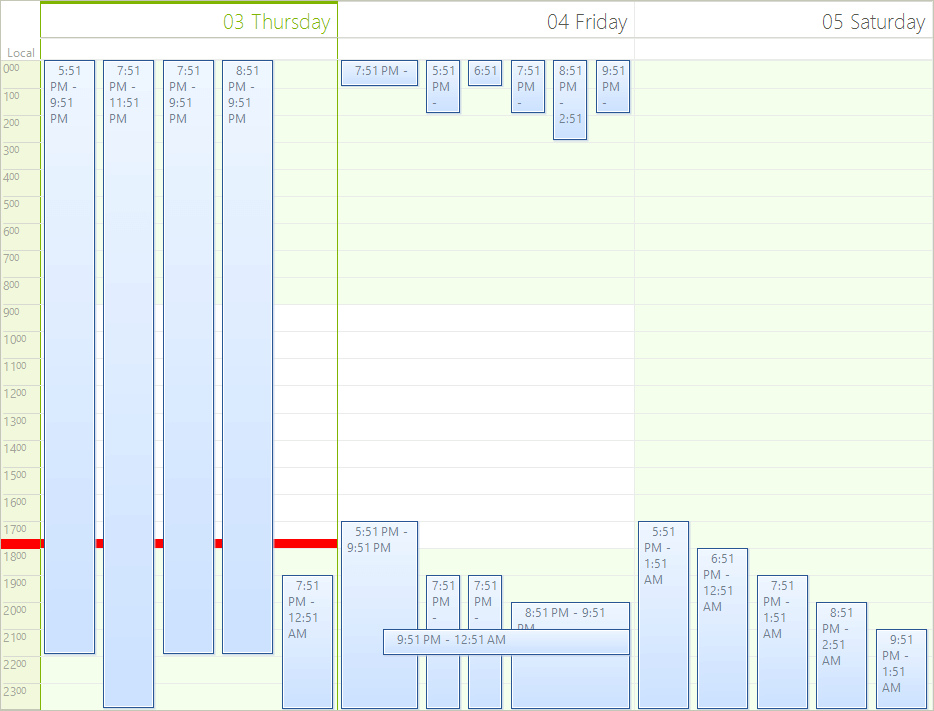
- RulerFormatStrings and the RulerTextFormatting event - They are used to format the text in the ruler. For example here is how to display the hours in a 12 hours format:
C#
ruler.FormatStrings = new RulerFormatStrings("hh", "mm", "hh", "mm");Figure 6: Ruler Format String
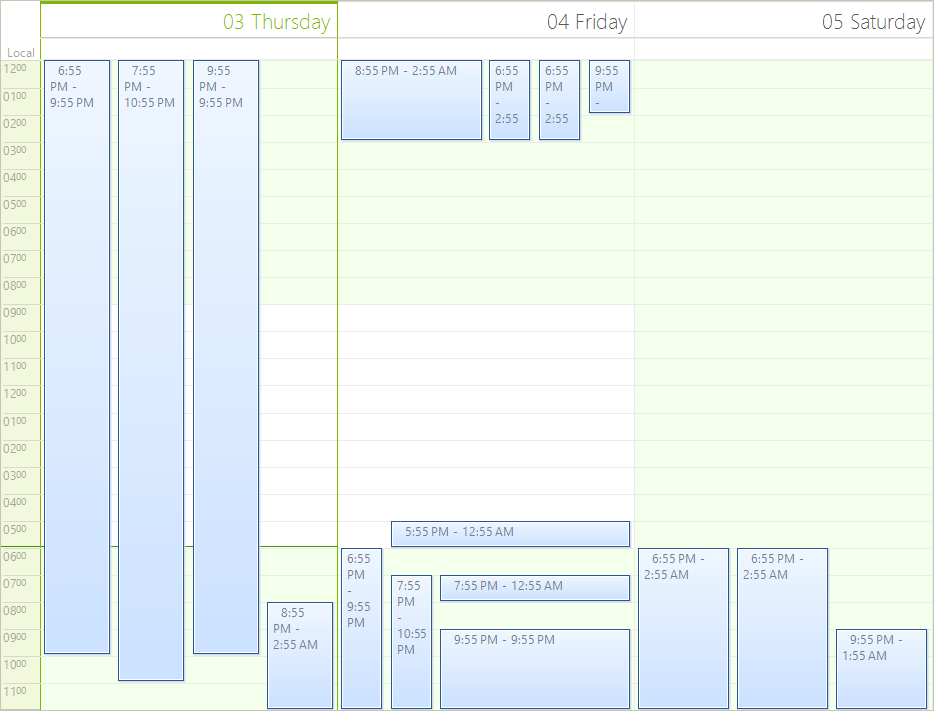
The RulerTextFormatting event can be used to manually format the text. You can prepend a "0" in front of the text if it contains only one digit:
C#
this.scheduler.RulerTextFormatting += Scheduler_RulerTextFormatting;C#
void Scheduler_RulerTextFormatting(object sender, RulerTextFormattingEventArgs e)
{
    if (e.Text.Length == 1)
    {
        e.Text = "0" + e.Text;
    }
}- RulerWidth - Sets the width of the ruler.
C#
ruler.RulerWidth = 100;Figure 7: Ruler Width