New to Telerik UI for WinForms? Start a free 30-day trial
Help bar
Updated on Aug 27, 2026
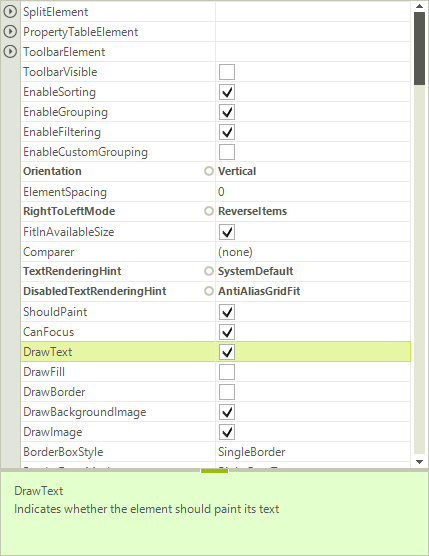
RadPropertyGrid offers a help bar which reads and displays the name and content of the property Description attribute. The help bar can be enabled by setting the HelpVisible property to true:
Figure 1: RadPropertyGrid Description Area
Enabling the Help Bar
C#
radPropertyGrid1.HelpVisible = true;By double clicking over the size grip above the help section, the help section is being collapsed or expanded. Additionally, by using the size grip, the end user can resize the help section.