New to Telerik UI for WinForms? Start a free 30-day trial
Right-to-left support
Updated on Aug 27, 2026
You can present the content of your RadPageView instance in a right-to-left direction by setting the RightToLeft property to Yes:
C#
this.radCommandBar1.RightToLeft = RightToLeft.Yes;
Please note that this feature reorders not only the system buttons, but it also changes the order of your custom items where necessary:
Figure 1: RadPageView in StripView mode with RightToLeft = No
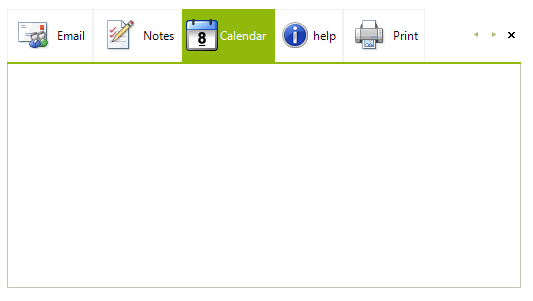
Figure 2: RadPageView in StripView mode with RightToLeft = Yes
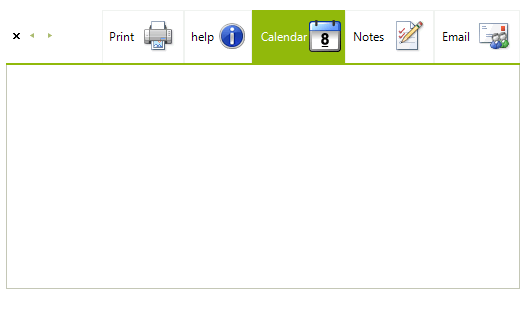
Figure 3: RadPageView in OutlookView mode with RightToLeft = No
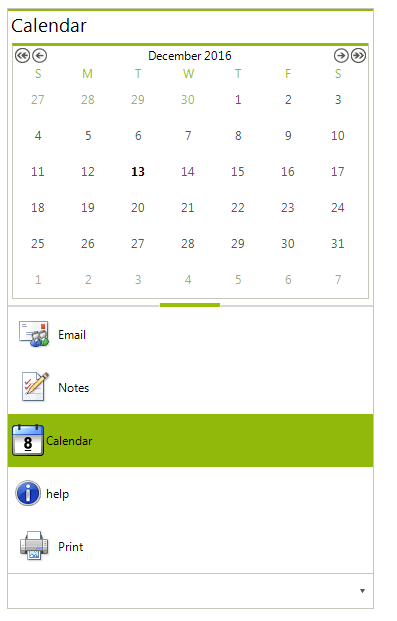
Figure 4: RadPageView in OutlookView mode with RightToLeft = Yes
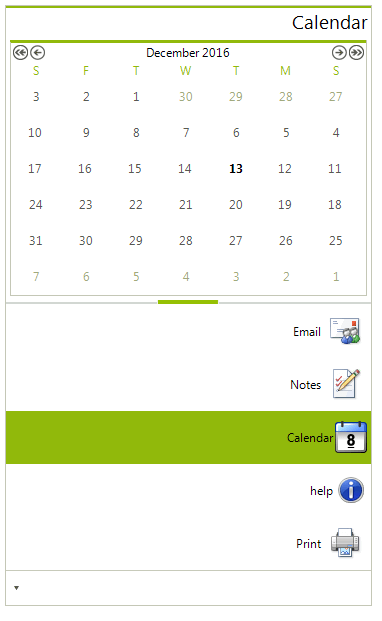
Figure 5: RadPageView in StackView mode with RightToLeft = No

Figure 6: RadPageView in StackView mode with RightToLeft = Yes