New to Telerik UI for WinForms? Start a free 30-day trial
Save and Load Layout
Updated on May 7, 2026
RadBulletGraph supports Save/Load layout functionality which gives you the opportunity to preserve gauge elements' settings and restore them later. The layout settings are written in xml file. You can save the layout at design or at run time.
Design Time
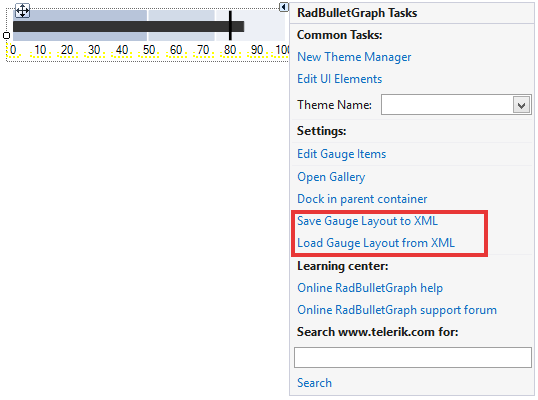
You can easily save/load the layout with the smart tag.
Figure 1: Smart Tag
Run Time
You can save/load the layout in code as well.
Save/Load Layout
C#
private void SaveLoadLayout()
{
    this.radBulletGraph1.SaveLayout(@"..\..\gauge-layout.xml");
    this.radBulletGraph1.LoadLayout(@"..\..\gauge-layout.xml");
}