New to Telerik UI for WinForms? Start a free 30-day trial
Title
Updated on May 7, 2026
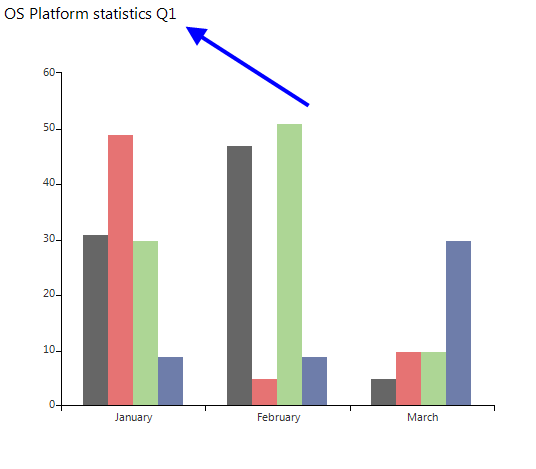
To show the title in RadChartView you need to set the ShowTitle property to true (by default is false) and also to set the desired title text in the Title property:
Showing Title
C#
this.radChartView1.Title = "OS Platform statistics Q1";
this.radChartView1.ShowTitle = true;Figure 1: Custom Title
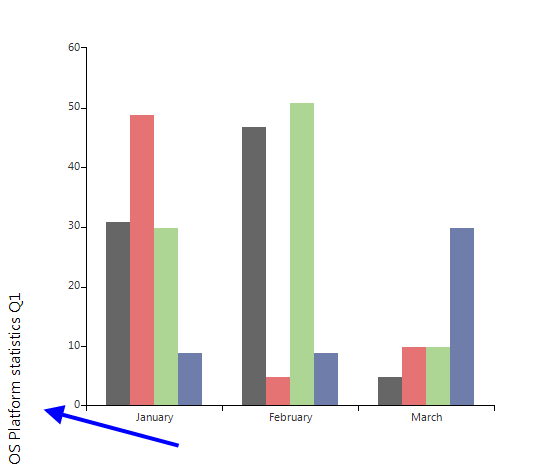
The title can be moved to all four sides of the chart using the TitleLocation property. Also, you can access the title element, which allows you to set various options:
C#
this.radChartView1.ChartElement.TitleElement.TextOrientation = Orientation.Vertical;
this.radChartView1.ChartElement.TitlePosition = TitlePosition.Left;
this.radChartView1.ChartElement.TitleElement.FlipText = true;Figure 2: Title Positon