New to Telerik UI for WinForms? Start a free 30-day trial
Data Binding RadChart to ObjectDataSource at Design-Time
Updated over 1 year ago
Use the Data Source Configuration Wizard to bind ObjectDataSource at design time:
-
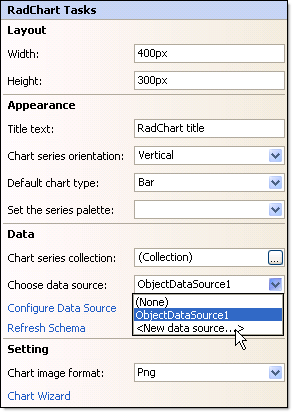
Click the RadChart Smart Tag Choose Data Source | < New Data Source >.
-
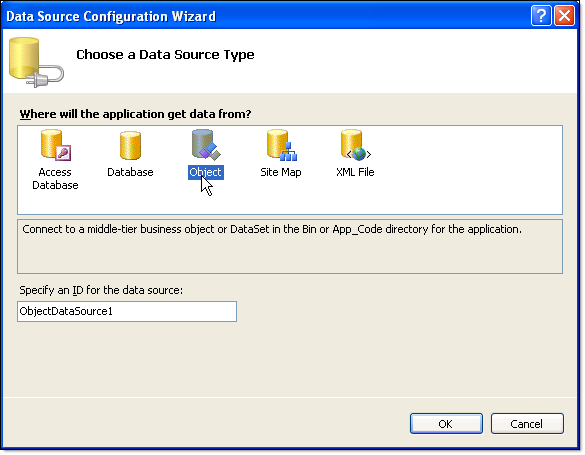
From the "Choose a data source type" page of the wizard select "Object" and click "OK".
-
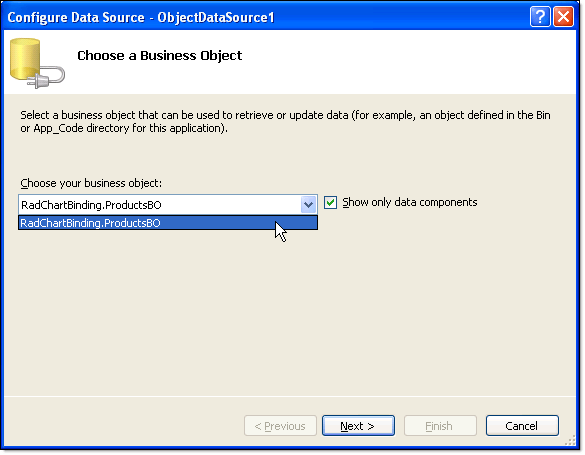
From the "Choose a Business Object" page of the wizard, select your business object from the drop down list. Click Next.
-
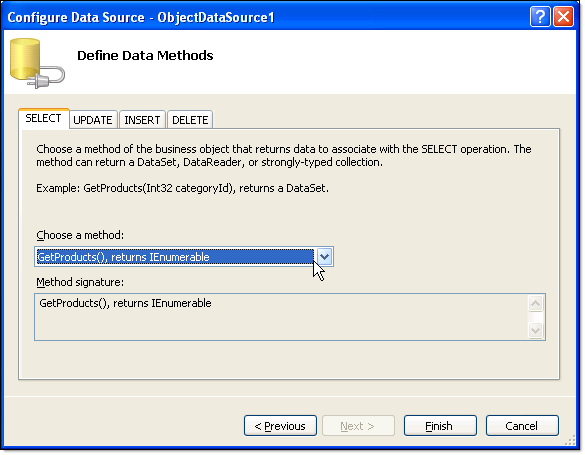
On the "Define data methods" page choose the select method from the drop down list. Click Finish. A new ObjectDataSource component will be visible on the page and the RadChart DataSource property will point to it.