New to Telerik UI for WinForms? Start a free 30-day trial
Binding to XML at Design-Time using an XMLDataSource
Updated over 1 year ago
To bind to XML at design-time using an XMLDataSource control:
-
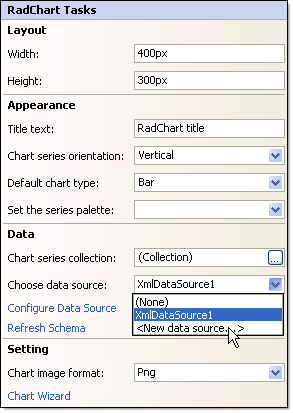
Click the RadChart Smart Tag Choose Data Source | < New Data Source >.
-
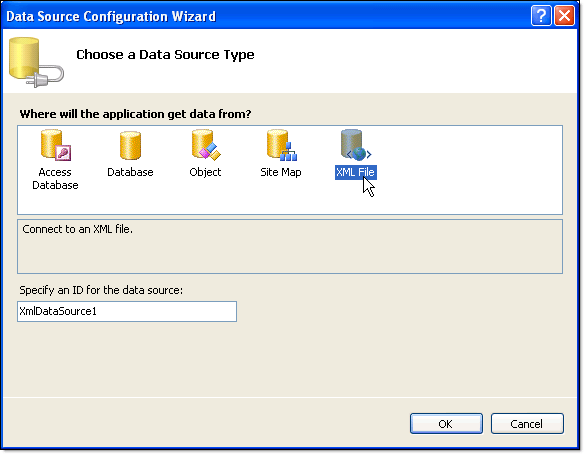
From the "Choose a data source type" page of the wizard select "XML File" and click "OK".
-
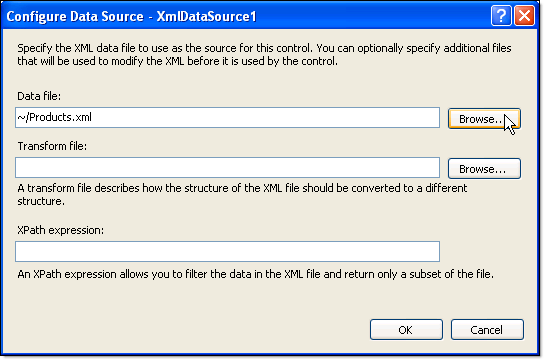
Using the Browse button locate and select the XML file. Click OK.