New to FORGE? Start a free 30-day trial
Introduction to Forge Desktop App
Updated on Oct 1, 2026
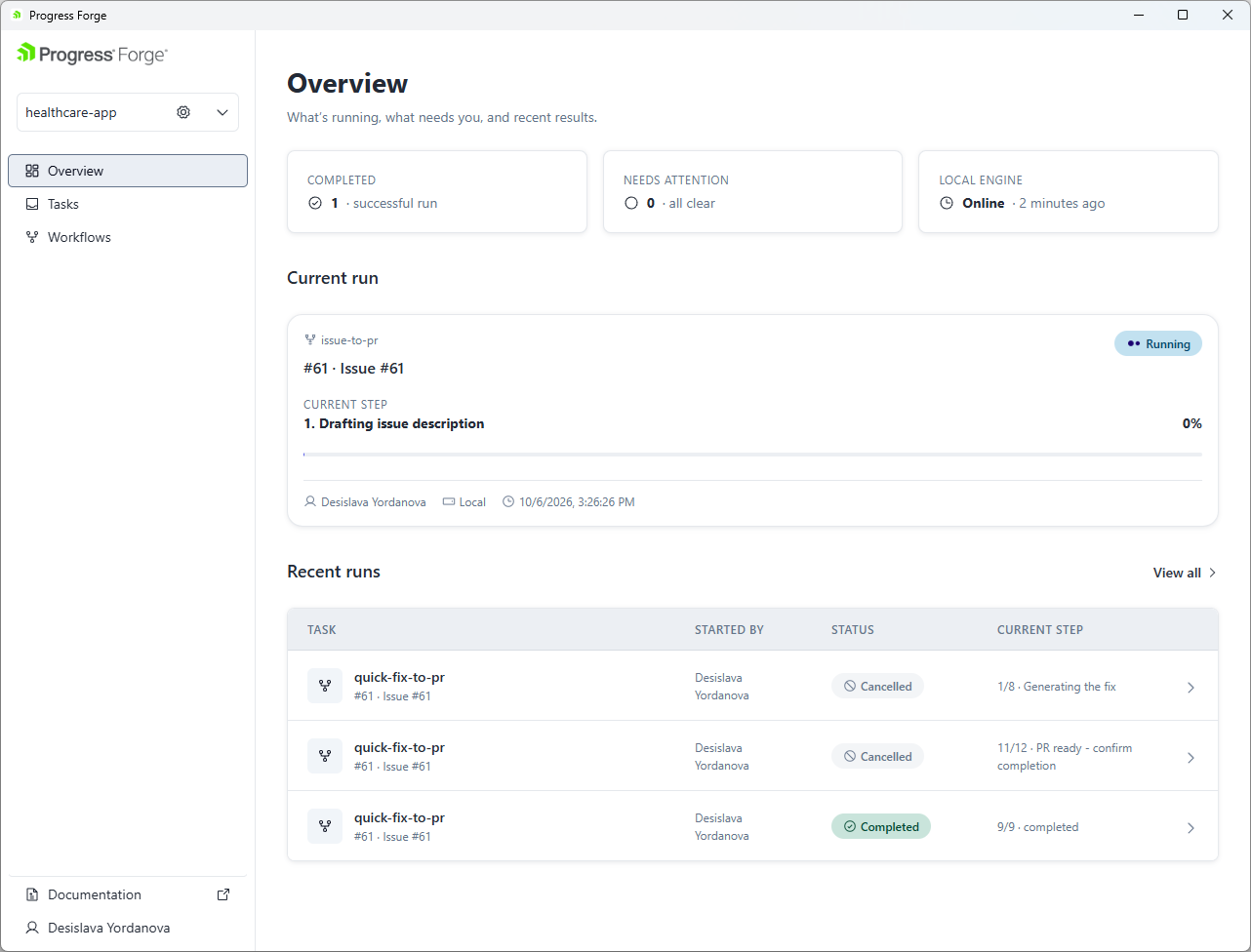
The Forge Desktop App is the primary graphical interface for managing Forge workflows. It provides a centralized and user-friendly experience for configuring projects, running workflows, monitoring execution, and reviewing generated artifacts, without requiring extensive command-line knowledge.
Designed for developers, team leads, engineering managers, and other stakeholders, the Forge Desktop App simplifies end-to-end workflow management while still complementing the Forge CLI for advanced scenarios.
Key Features
With the Forge Desktop App, you can:
- Configure projects, repositories, integrations, AI agents, and workflow settings.
- Start Forge workflows from issues or work items.
- Run workflows locally or through Cloud Agents.
- Monitor workflow progress and status in real time.
- Approve, retry, resume, or cancel workflows when intervention is required.
- Review workflow outputs, artifacts, and execution history.
- Compare results across previous workflow runs.
- Manage workflow execution through a single, centralized interface.
- Improve visibility, collaboration, and accessibility for both technical and non-technical users.