Welcome to Progress Forge
Progress Forge is an agentic software development life cycle (SDLC) harness that orchestrates AI coding agents, project context, tools, workflow rules, and human oversight. It provides a structured, repeatable framework for guiding work, reviewing results, and maintaining traceability across software development, documentation, security, planning, and support workflows, while allowing teams to customize processes to their needs.
 New to FORGE?Start Free Trial
Getting Started with Progress Forge
You can get started with Forge by choosing your onboarding experience:
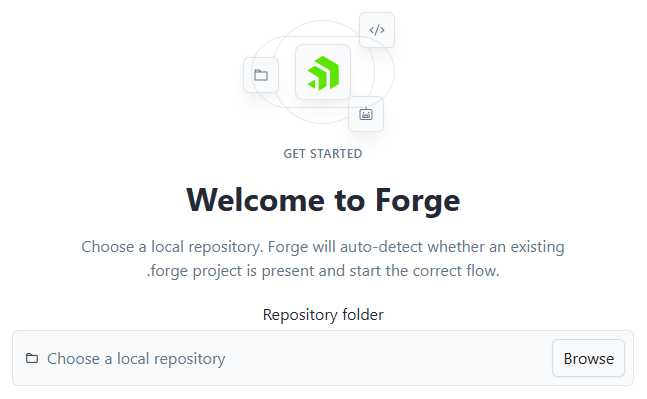
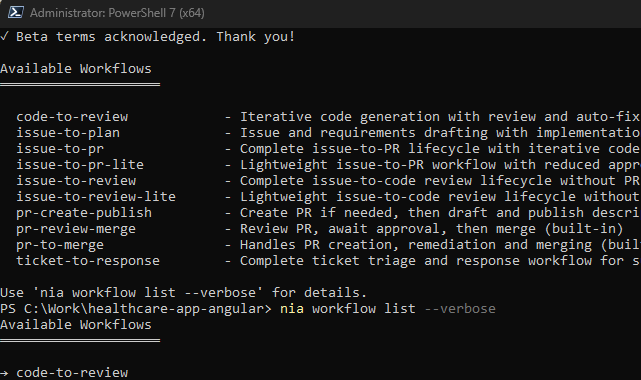
The Forge Desktop App remains the recommended starting point for most new users because it guides you through setup and exposes workflow progress and decisions in one place. The CLI provides the same core Forge concepts through explicit commands and is a practical alternative when terminal automation or fine-grained control matters.
How Forge Works
Forge connects a request to an agent through a sequence of controlled stages:
- Discovers project context. Forge finds the applicable project, application, toolchain, agent, and workflow configuration. It can also use work-item context such as an issue, pull request, ticket, or selected service.
- Builds the command surface. Utility capabilities are combined with workflow targets loaded from the workflow registry. Built-in and project-defined workflow definitions can therefore shape the operations available to a team.
- Composes the work request. Forge combines the selected operation with role instructions, task prompts, project metadata, relevant files, directory context, and configured model or agent choices.
- Invokes the selected agent. The agent performs the AI-assisted part of the work. Forge can stream agent activity, manage sessions, and keep execution responsive while the work is in progress.
- Checks the result. The execution can include prerequisite checks, output validation, tests, build steps, file checks, retries, and other automated operations. A workflow can move forward, retry, pause, or take a failure path based on those results.
- Keeps people in control. Approval gates allow a person to review an issue draft, plan, code review, support investigation, or delivery decision before the next stage continues.
- Records the outcome. Forge preserves generated artifacts, trace information, workflow state transitions, and relevant execution metadata so the work can be inspected, resumed, or audited later.
This approach turns an isolated agent interaction into a repeatable engineering process. The agent contributes analysis and execution, while Forge supplies the surrounding structure and controls.