Introduction to Forge CLI
Forge provides a command-line interface (CLI) for project configuration and AI-assisted development. It also manages stateful workflows and execution results.
The CLI is useful for developers who want precise control from a terminal, teams that want repeatable commands in scripts or CI/CD, and advanced users who need access to configuration, workflow, tracing, and recovery capabilities. The Forge Desktop App provides a graphical interface for many of the same workflow and project-management tasks. For guided, prompt-based project setup, see Interactive Configuration.
How Forge CLI works
Forge builds its command tree when the CLI starts. The command surface combines:
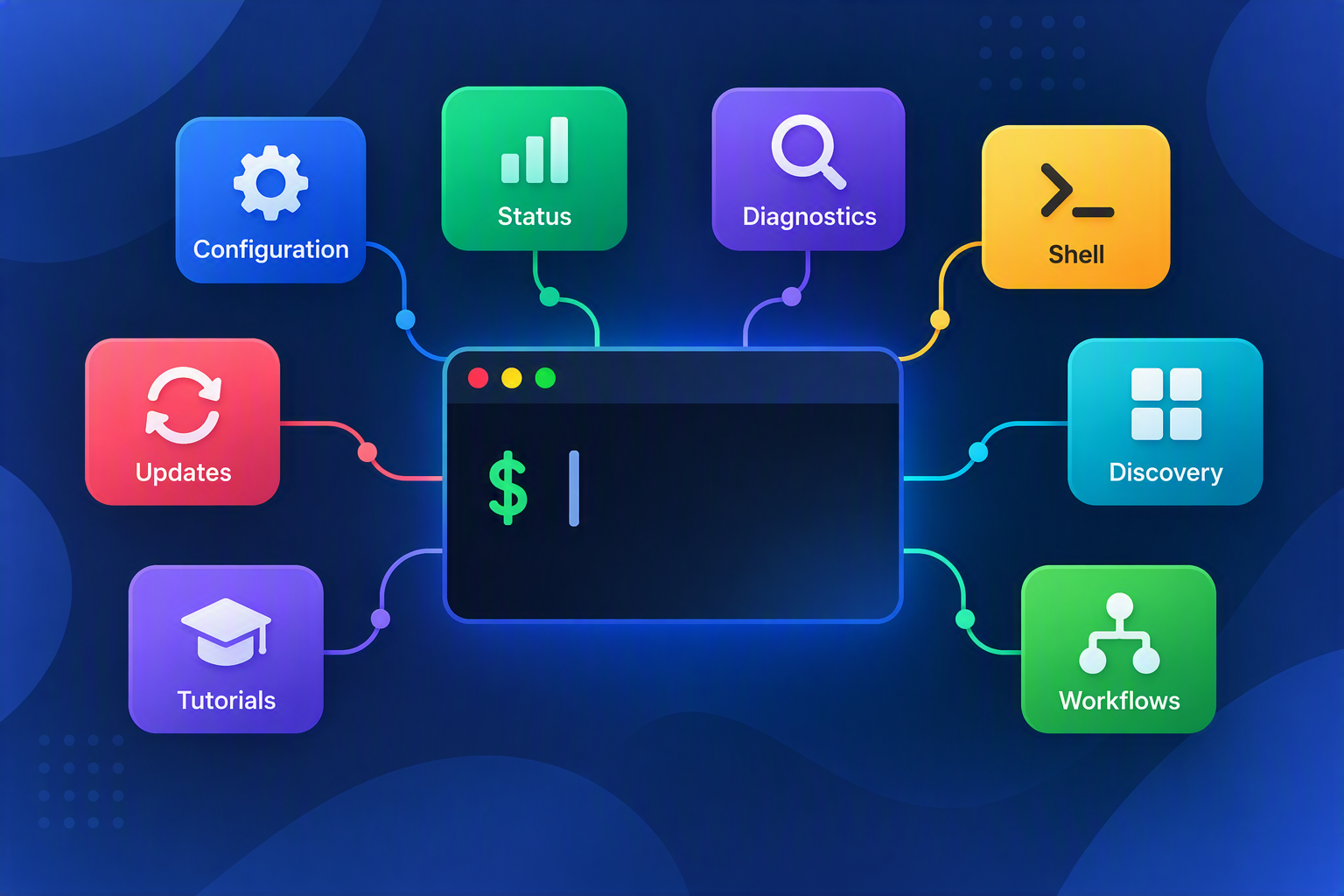
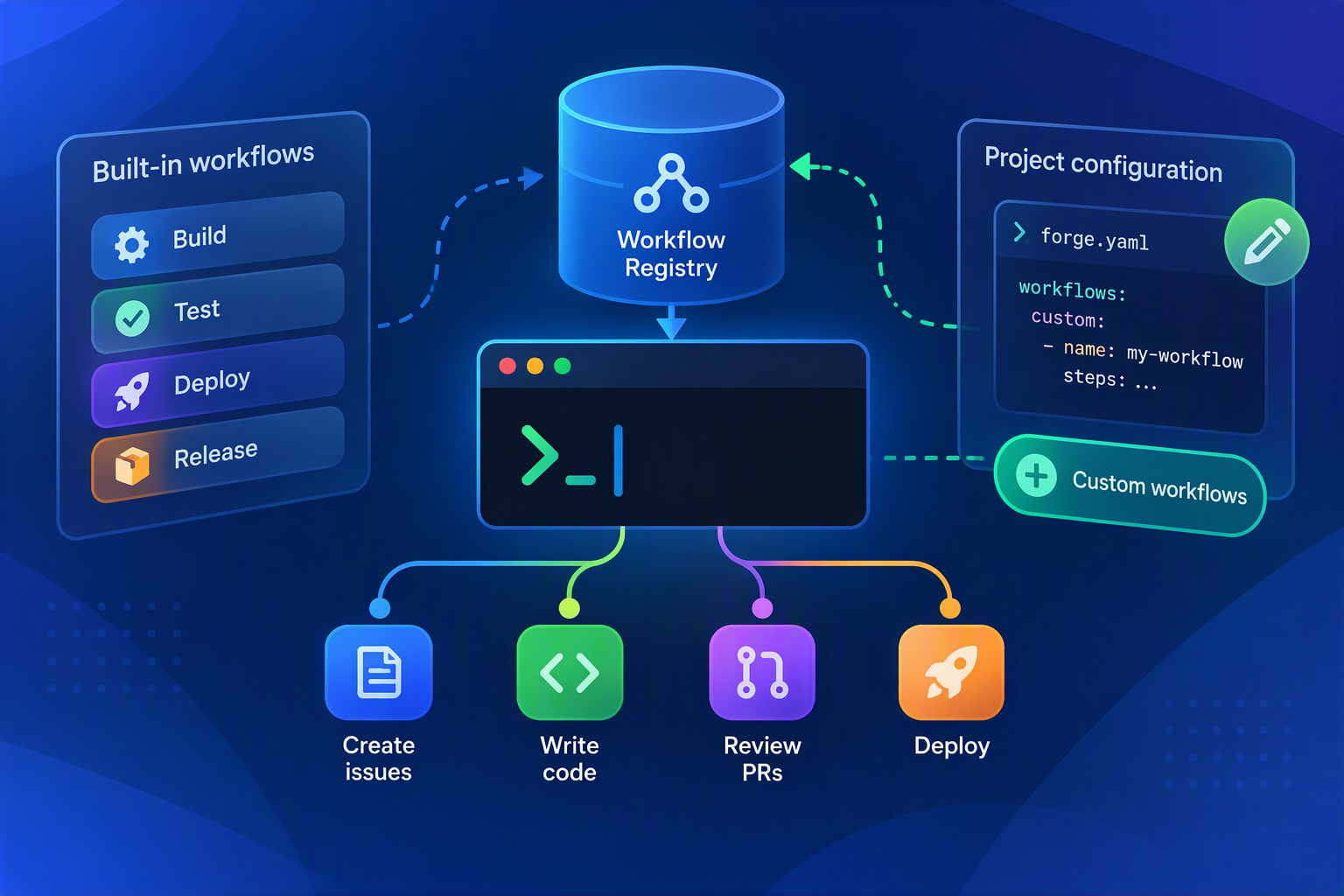
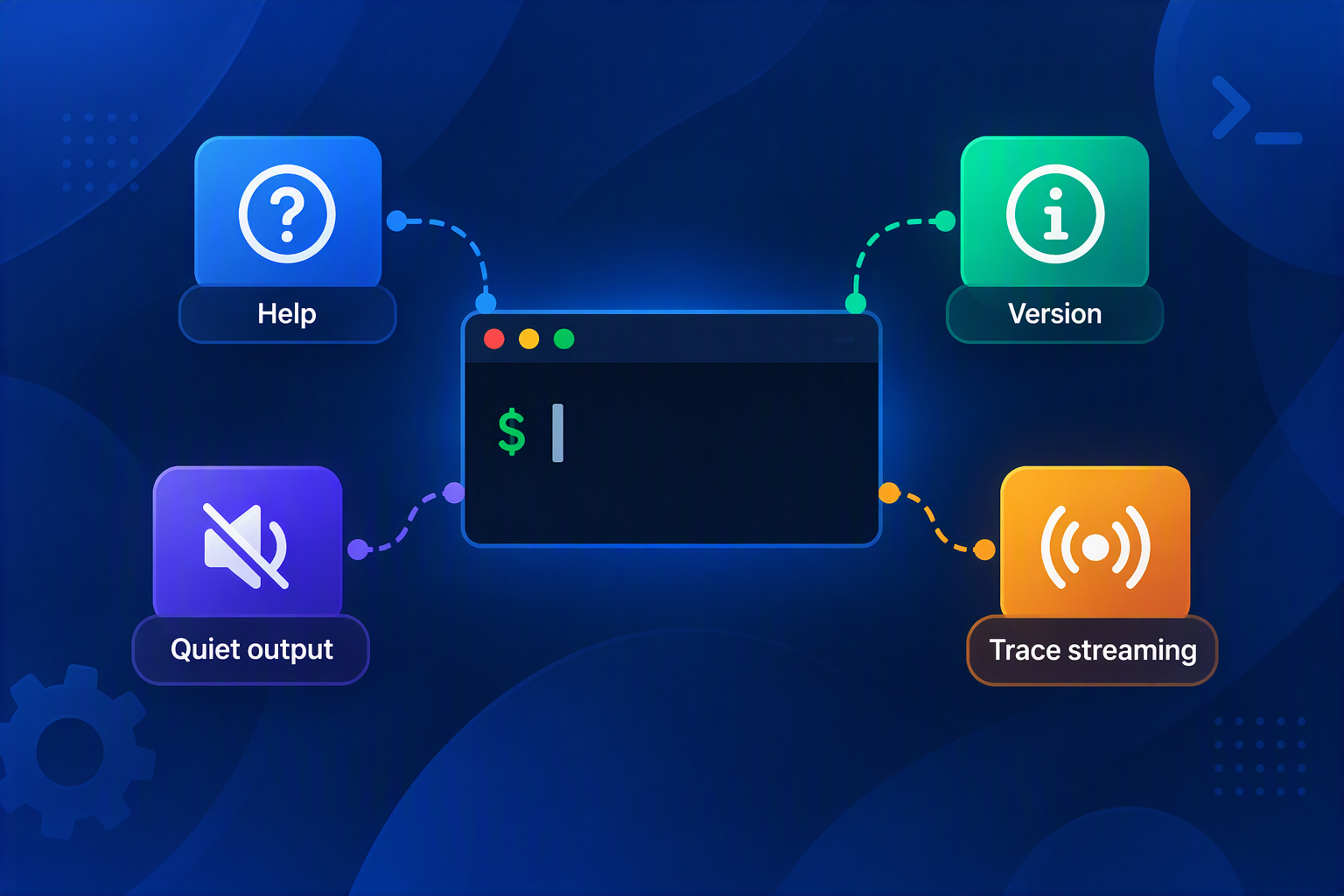
When the workflow registry loads successfully, the CLI exposes the complete command surface. If workflow configuration cannot load, Forge keeps utility commands available so you can diagnose the problem and run frg config lock or other recovery commands.