New to Telerik UI for WinUI? Start a free 30-day trial
Available WinUI Product Files
Updated over 1 year ago
Telerik UI for WinUI provides a set of product files for its trial and commercial users to download.
The available product files include the following items:
- A standalone Telerik UI for WinUI installation
- Telerik UI for WinUI documentation files
- Previous Telerik UI for WinUI versions
- Document processing NuGet packages
Downloading the Product Files
To download any of the product files:
-
Log into your Telerik account.
-
Navigate to the Telerik UI for WinUI Downloads page and select the desired files.
Telerik WinUI Download Page
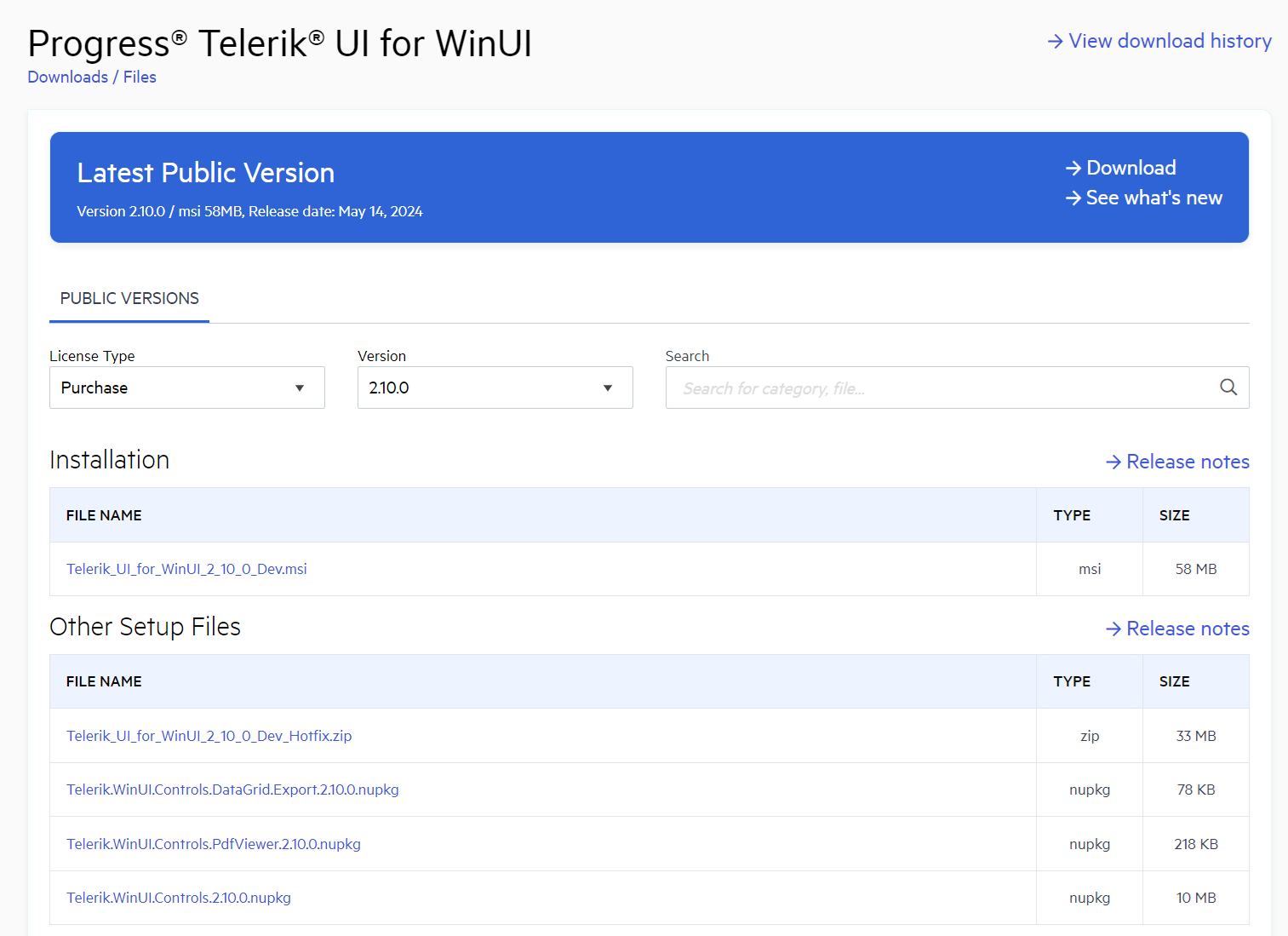
List of Options and Product Files
[version] is replaced with the version the file corresponds to.
| File Name | Description | Required License |
|---|---|---|
Telerik_UI_for_WinUI_[version].msi | The MSI file for installing the Telerik UI for WinUI suite. For more information, refer to the guide on first steps with the MSI file installation. | Commercial or Trial |
Telerik_UI_for_WinUI_[version]_Dlls.zip | The ZIP file for the advanced installation of the Telerik UI for WinUI suite. For more information, refer to the guide on first steps with the ZIP file installation. | Commercial or Trial |
Telerik.WinUI.Controls.[version].nupkg | The package for installing the Telerik UI for WinUI suite from the Telerik NuGet feed. For more information, refer to the guide on first steps with NuGet. | Commercial or Trial |
Telerik.UI.for.WinUI.[version].pdf and Telerik.Document.Processing.[version].pdf | The files contain the offline documentation for Telerik UI for WinUI and DocumentProcessing products. | Commercial or Trial |
Telerik_UI_for_WinUI_[version]_Demos.zip | The file contains the source code of the WinUI sample demo application. | Commercial or Trial |
Telerik_UI_for_WinUI_[version]_Source.zip | The file contains the source code of the Telerik UI for WinUI product. | Commercial only |
| Document Processing NuGet package files | Contain the NuGet package files (.nupkg) for the DocumentProcessing products. | Commercial or Trial |
A Versions dropdown is displayed on the product download page and provides options for selecting a previous version to download.
If the desired version is not displayed, contact the Progress sales team to request access to the version you need.