New to Telerik UI for WinUI? Start a free 30-day trial
Zooming
Updated on Mar 26, 2026
The zooming functionality of the PdfViewer allows you to zoom in and out the document to take a close-up view or to see more of the page at a reduced size.
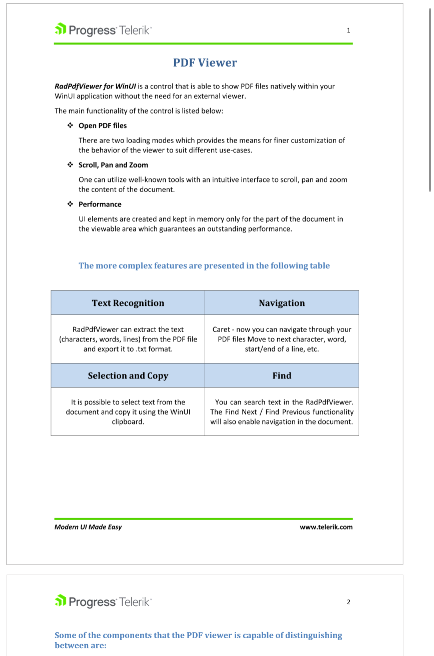
The control can be zoomed by using the buttons in the toolbar component, or through the ScaleFactor property of the PdfViewer. The ScaleFactor works with relative units where 1 is the default zoom level. Increasing the value will zoom in and decreasing it will zoom out.
Zoom out
C#
this.pdfViewer.ScaleFactor = 0.5;A document zoomed out to 50%