WinUI Gauge Overview
Updated over 1 year ago
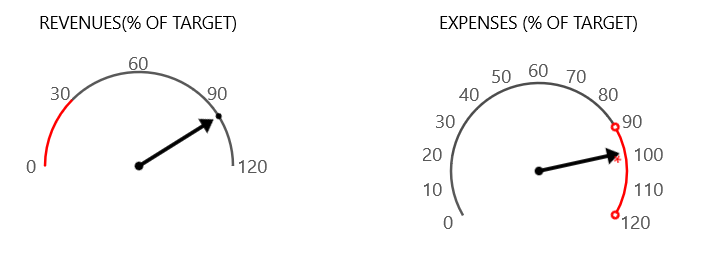
If you are building business dashboards or you just need graphical indicators, you will find the controls from the RadGauge suite indispensable. With the rich assortment of circular, linear and numeric gauge types and the powerful customization capabilities, you are free to build the exact dynamic data visualization tool that you need.
 Start Free Trial
Key Features
- Radial Gauge: Radial Gauge is a circular scale with numbers and ticks. It can display multiple scales and ranges.
- Linear Gauge: Linear Gauge is a linear scale, which can display multiple scales and ranges.
- Indicators: RadGauge for WinUI offers a large set of indicators suitable for many scenarios.
- Rich Customization Capabilities: The gauges are extremely customizable with a variety of built-in behaviors
starting from scales, indicators, labels, ticks etc.
- Animations: All gauges support animation out of the box.
Get started with the control with its Getting Started help article that shows how to use it in a basic scenario.