New to Telerik UI for WPF? Start a free 30-day trial
Color Mode
Updated on Sep 15, 2025
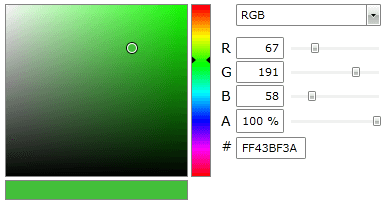
The RadColorEditor control allows supports the most popular color models. You can choose which one to use by setting the ColorMode property.
The ColorMode property is an enumeration of type ColorMode and it exposed the following members:
Example 1: Set the color model to RGB
XAML
<telerik:RadColorEditor x:Name="colorEditor" SelectedColor="Red" ColorMode="RGB"/>-
RGB: Sets the color model to RGB(Red, Green and Blue)
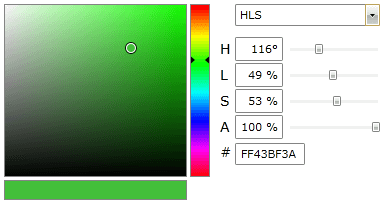
Example 2: Set the color model to HLS
XAML<telerik:RadColorEditor x:Name="colorEditor" SelectedColor="Green" ColorMode="HLS"/> -
HLS: Sets the color model to HLS (Hue, Luminance and Saturation)
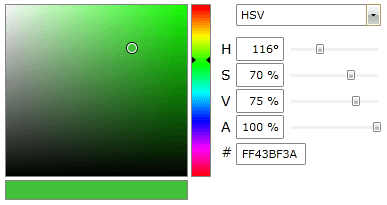
Example 3: Set the color model to HSV
XAML<telerik:RadColorEditor x:Name="colorEditor" SelectedColor="Green" ColorMode="HSV"/> -
HSV: Sets the color model to HSV (Hue, Saturation and Value)
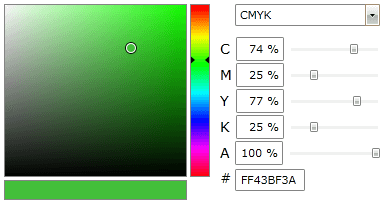
Example 4: Set the color model to CMYK
XAML<telerik:RadColorEditor x:Name="colorEditor" SelectedColor="Green" ColorMode="CMYK"/> -
CMYK: Sets the color model to CMYK (Cyan, Magenta, Yellow and Key/Black)