Animate the page expanding in RadPageView with ExplorerBar view
| Product Version | Product | Author | Last modified |
|---|---|---|---|
| 2015.1.225 | RadPageView for WinForms | Dimitar Karamfilov | March 19, 2015 |
Problem
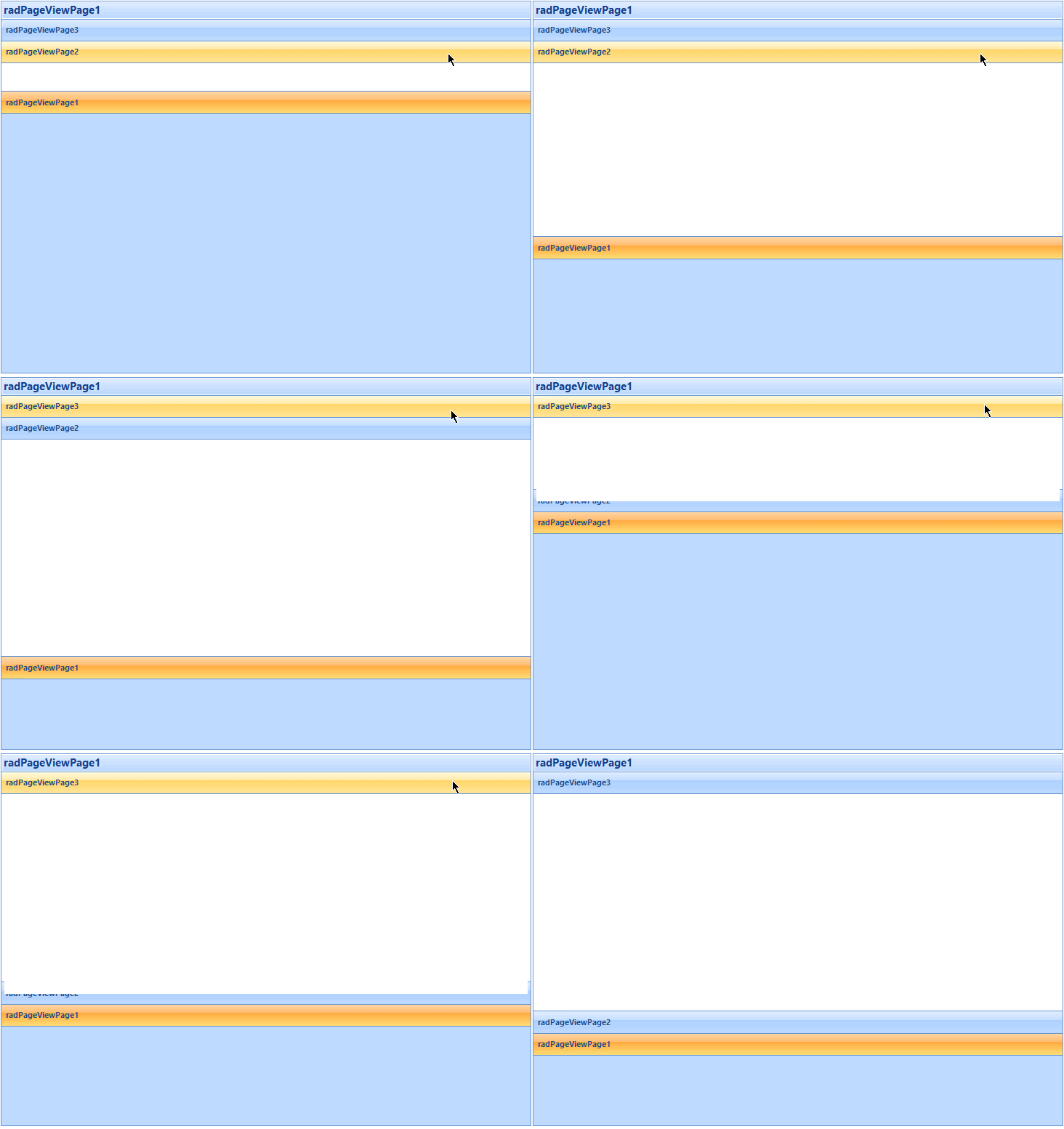
This article demonstrates how you can change the current page when a page is hovered and how you can animate the page expanding.
Solution
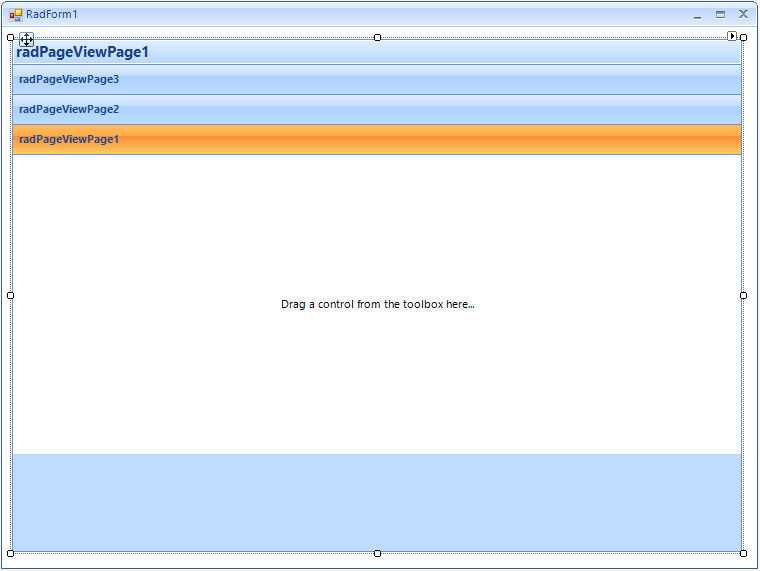
Firstly, you should create a new project and add a RadPageView to the form. Additionally, set the view mode to ExplorerBar and add some pages. The form should look like this:
The animation effect will be achieved by using a timer. On each timer tick the current page size should be increased until the page is fully expanded. This process can be started when a page is expanded – in the PageExpanded event handler.
The expand on mouse hover functionality can be achieved by using the MouseHover event of the explorer bar items (the pages header). When a page header is hovered all pages should be collapsed and the current page expanded by using the timer.
In addition, the Bounds property changing should be suspended. This can be done in the header items’ RadPropertyChanging event handler.
The described approach can be implemented as follows:
System.Windows.Forms.Timer timer;
RadPageViewPage currentPage;

public RadForm1()
{
    InitializeComponent();

    RadPageViewExplorerBarElement explorerBarElement = radPageView1.ViewElement as RadPageViewExplorerBarElement;

    foreach (RadPageViewExplorerBarItem item in explorerBarElement.Items)
    {
        item.MouseHover += item_MouseHover;
        item.AssociatedContentAreaElement.RadPropertyChanging += AssociatedContentAreaElement_RadPropertyChanging;
    }

    timer = new System.Windows.Forms.Timer();
    timer.Interval = 30;
    timer.Tick += timer_Tick;
    radPageView1.PageExpanded += radPageView1_PageExpanded;
}

void timer_Tick(object sender, EventArgs e)
{
    currentPage.PageLength += 20;
    if (currentPage.PageLength >= 300)
    {
        timer.Stop();
    }
}

void radPageView1_PageExpanded(object sender, RadPageViewEventArgs e)
{
    timer.Stop();
    currentPage = e.Page;
    currentPage.PageLength = 0;
    timer.Start();
}

void AssociatedContentAreaElement_RadPropertyChanging(object sender, RadPropertyChangingEventArgs args)
{
    if (args.Property.Name == "Bounds")
    {
        //suspend layout when animating
        args.Cancel = timer.Enabled;
    }
}

void item_MouseHover(object sender, EventArgs e)
{
    RadPageViewExplorerBarItem item = (RadPageViewExplorerBarItem)sender;

    RadPageViewExplorerBarElement explorerBarElement = radPageView1.ViewElement as RadPageViewExplorerBarElement;
    foreach (RadPageViewExplorerBarItem i in explorerBarElement.Items)
    {
        i.IsExpanded = false;
    }

    item.IsExpanded = true;
}
You can download a VB and C# project from the following link.