Populating with data
RadVirtualGrid is a control that allows you to display and edit tabular data from any kind of data source and large number of records. By default, no data is displayed in the grid. You can control whether the no data message will be shown by using the ShowNoDataText property:
| ShowNoDataText = true | ShowNoDataText = false |
|---|---|
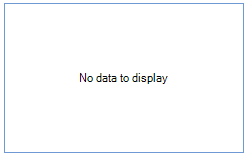 |  |
In order to fill the grid with data, you should follow the steps below:
1. Handle the CellValueNeeded event. You should specify the Value argument in the VirtualGridCellValueNeededEventArgs.
2. You will also need to set the RowCount and ColumnCount properties so that the grid will know how many rows/columns it needs to display.
The code snippet below demonstrates how to select data from the Northwind.Customers table stored in a mdb file. While reading the returned result, we fill a List of custom objects which is needed to track the number of records and sync the RadVirtualGrid. RowCount property.
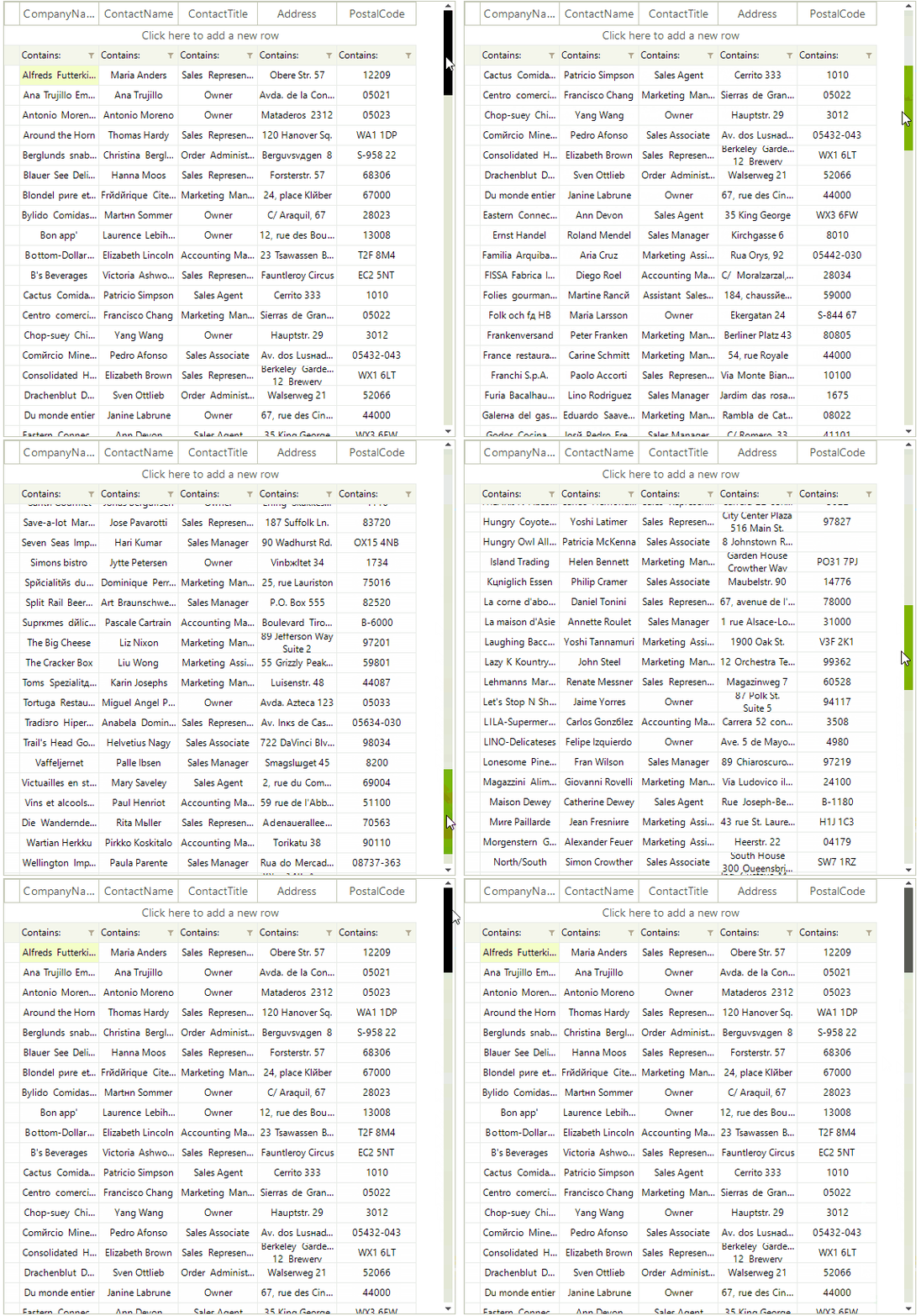
Populate with data
private string[] columnNames = new string[] { "CompanyName", "ContactName", "ContactTitle", "Address", "PostalCode" };
string connectionString = @"Provider=Microsoft.Jet.OLEDB.4.0;Data Source=" +
                          @"..\..\DataSources\Nwind.mdb;Persist Security Info=True";
List<Customer> data = new List<Customer>();

private void VirtualGridPopulatingWithData_Load(object sender, EventArgs e)
{
    this.radVirtualGrid1.CellValueNeeded += radVirtualGrid1_CellValueNeeded;
    this.radVirtualGrid1.ColumnCount = columnNames.Length;
    SelectData();
}

private void radVirtualGrid1_CellValueNeeded(object sender, VirtualGridCellValueNeededEventArgs e)
{
    if (e.ColumnIndex < 0)
        return;
    if (e.RowIndex == RadVirtualGrid.HeaderRowIndex)
    {
        e.Value = columnNames[e.ColumnIndex];
    }

    if (e.RowIndex < 0)
    {
        e.FieldName = columnNames[e.ColumnIndex];
    }

    if (e.RowIndex >= 0 && e.RowIndex < data.Count)
    {
        e.Value = data[e.RowIndex][e.ColumnIndex];
    }
}

private void SelectData()
{
    string selectCommand = "SELECT CustomerID, CompanyName, ContactName, ContactTitle, Address, PostalCode FROM Customers";
    using (System.Data.OleDb.OleDbCommand command = new System.Data.OleDb.OleDbCommand(selectCommand))
    {
        command.Connection = new System.Data.OleDb.OleDbConnection(connectionString);
        command.Connection.Open();
        IDataReader reader = command.ExecuteReader();
        data.Clear();

        while (reader.Read())
        {
            Customer customer = new Customer(
                Convert.ToString(reader[0]),
                Convert.ToString(reader[1]),
                Convert.ToString(reader[2]),
                Convert.ToString(reader[3]),
                Convert.ToString(reader[4]),
                Convert.ToString(reader[5]));
            data.Add(customer);
        }

        command.Connection.Close();
    }

    this.radVirtualGrid1.RowCount = data.Count;
}
Customer class
public class Customer
{
    public string CustomerId { get; set; }

    public string CompanyName { get; set; }

    public string ContactName { get; set; }

    public string ContactTitle { get; set; }

    public string Address { get; set; }

    public string PostalCode { get; set; }

    public Customer(string customerId, string companyName, string contactName,
        string contactTitle, string address, string postalCode)
    {
        this.CustomerId = customerId;
        this.CompanyName = companyName;
        this.ContactName = contactName;
        this.ContactTitle = contactTitle;
        this.Address = address;
        this.PostalCode = postalCode;
    }

    public string this[int i]
    {
        get
        {
            switch (i)
            {
                case 0:
                    return CompanyName;
                case 1:
                    return ContactName;
                case 2:
                    return ContactTitle;
                case 3:
                    return Address;
                case 4:
                    return PostalCode;
                default:
                    return String.Empty;
            }
        }
    }
}