New to Telerik UI for WinForms? Start a free 30-day trial
Getting Started
Updated on May 7, 2026
This tutorial will walk you through how you can customize the Overlay Screen Form. The RadOverlayManager static class expose two events which can be used to get the default Form of the Overlay Screen. In the following example we will subscribe to the FormShown event. In the event handler arguments holds an instance of the Form.
Note that both events are created on a separate System.Threading.Threads and it is required to use BeginInvoke/Invoke when accessing it in order to prevent cross-thread exceptions. Also, these events are static and you need to explicitly unsubscribe from them in order to prevent memory leaks. Each object that is subscribed to one of these events cannot be garbage collected.
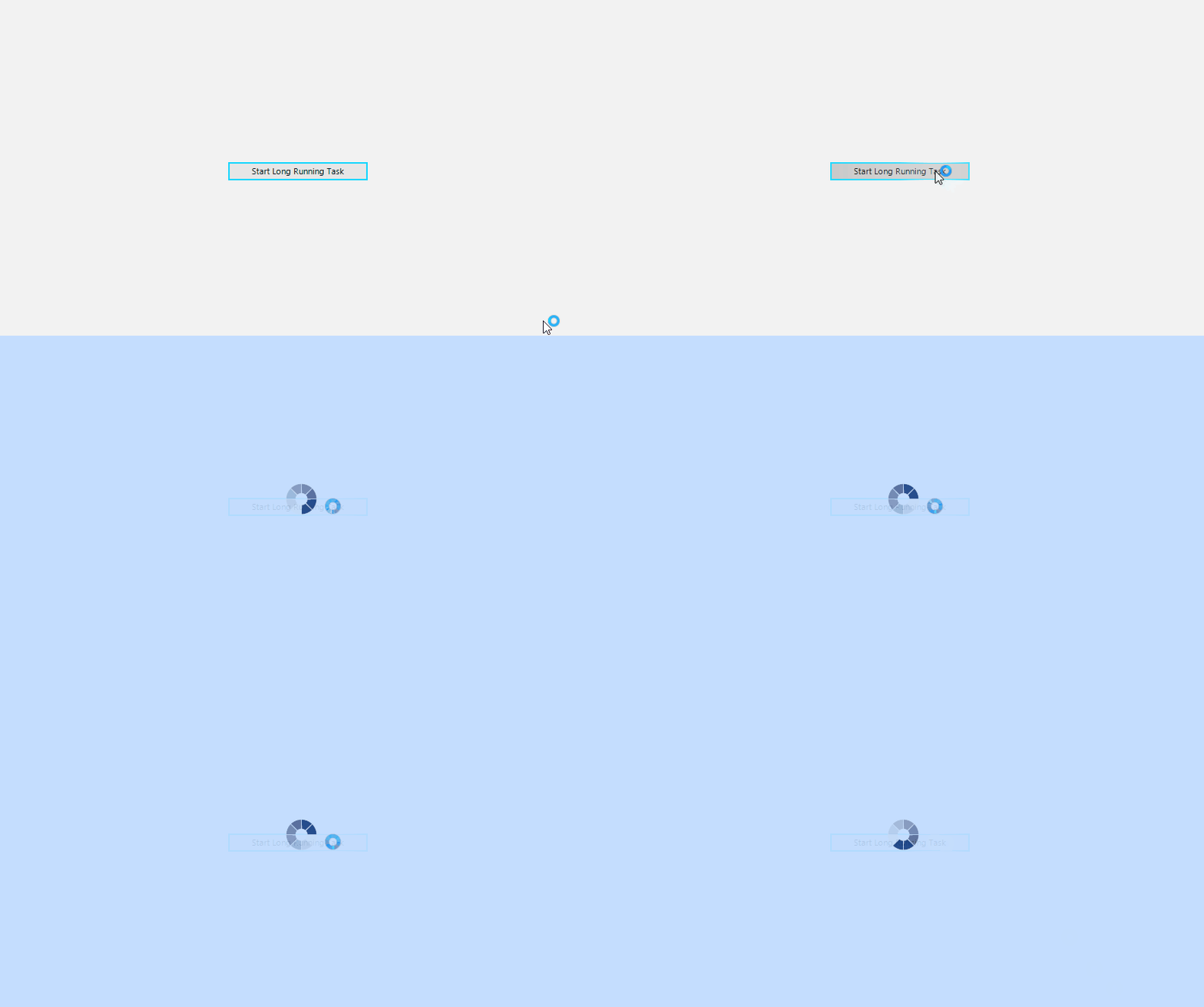
Show Overlay
C#
private void ShowOverlay()
{
    RadOverlayManager.FormShown -= RadOverlayManager_FormShown;
    RadOverlayManager.FormShown += RadOverlayManager_FormShown;
    RadOverlayManager.Show(this.radGridView1);
}

private void RadOverlayManager_FormShown(SplashFormEventArgs e)
{
    Dispatcher.CurrentDispatcher.BeginInvoke((Action)(() => {
        (e.Form as RadOverlayForm).Opacity = 0.90;
        (e.Form as RadOverlayForm).WaitingBar.WaitingSpeed = 25;
        (e.Form as RadOverlayForm).WaitingBar.WaitingStyle = Telerik.WinControls.Enumerations.WaitingBarStyles.SegmentedRing;
    }));
}C#
private void ShowOverlay()
{
	RadOverlayManager.FormShown -= RadOverlayManager_FormShown;
    RadOverlayManager.FormShown += RadOverlayManager_FormShown;
    RadOverlayManager.Show(this.radGridView1);
}

private void RadOverlayManager_FormShown(SplashFormEventArgs e)
{
    Dispatcher.CurrentDispatcher.BeginInvoke((Action)(()=> {
        (e.Form as RadOverlayForm).Opacity = 0.90;
		(e.Form as RadOverlayForm).WaitingBar.WaitingSpeed = 25;
        (e.Form as RadOverlayForm).WaitingBar.WaitingStyle = Telerik.WinControls.Enumerations.WaitingBarStyles.SegmentedRing;
    }));
}